
Freemium

For designers and marketers who need fast AI edits on product or social stills—not a full Photoshop suite and not a single-purpose remover. Clipdrop bundles background removal, cleanup, upscaling, relighting, text removal, replace background, uncrop, and text-to-image in one browser workflow. Prefer Cleanup.pictures for object removal alone, remove.bg for cutout-first, or VanceAI/Magnific when upscale quality is the main decision.
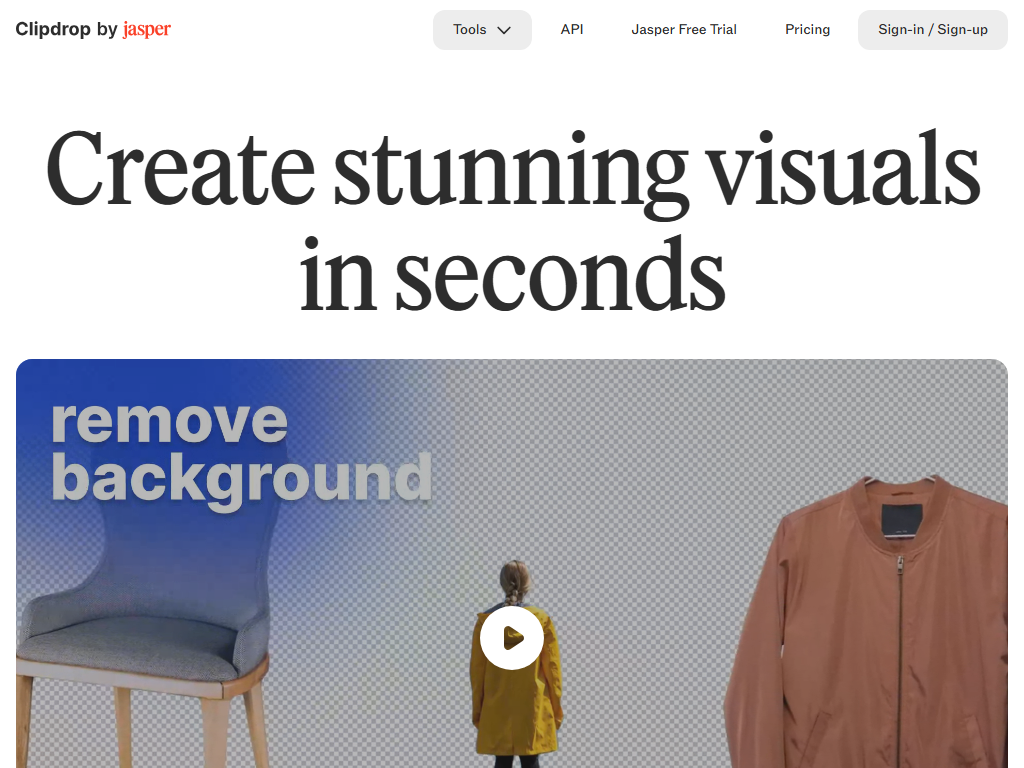
You need several AI image fixes in one place—cut out a product, clean clutter, upscale, or relight—before dropping the file into a listing, deck, or social post.
Upload → pick the tool → download → place in Figma, Canva, or your storefront. Stay on Free while daily caps cover drafts; move to Pro for high-res and heavier daily volume. Keep Clipdrop as the edit pass, not the brand or UI source of truth.