

Bravo Studio
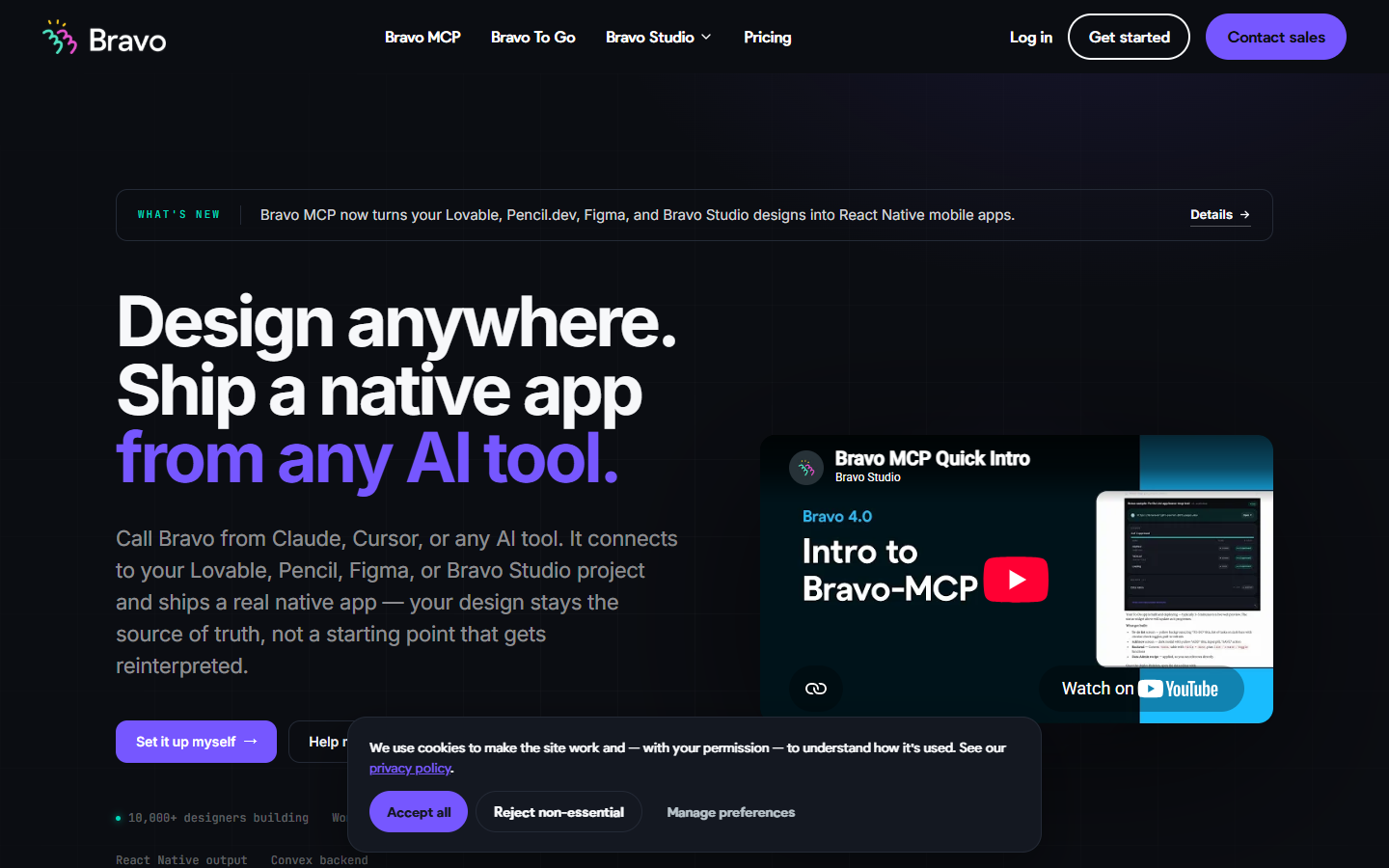
For product designers, founders, and small teams who want Figma, Lovable, Pencil, or Studio work to become a real native app—not a developer guess at the layout. Bravo keeps design as source of truth, syncs changes, and ships React Native builds you preview before store release. MCP adds code you can own in Claude or Cursor; classic Studio publishes signed bundles without source export. Free allows about 15 screens per app; Solo unlocks store builds and MCP.
Use it when
You already design in Figma or an AI design tool and need a working iOS and Android app on real phones—with backend hooks—without rebuilding every screen from scratch in code.
What it does well
- Design-native flow: Figma, Lovable, Pencil.dev, or Bravo Studio stays the source of truth with realtime sync on paid plans
- Bravo MCP (beta) inside Claude, Cursor, ChatGPT, and other MCP clients outputs React Native with Convex backend support
- Connect Convex, REST, or GraphQL; bind data, conditional UI, charts, native maps, and remote actions
- Integrations on Solo: Stripe, OAuth 2.0, Firebase login, deep links, and push via OneSignal
- Preview on iOS and Android, then request signed store builds (AAB/IPA) for publication
- Bravo To Go offers concierge delivery if you want experts to turn a design into a shipped app faster
Skip it when
- Classic Bravo Studio does not export source code—it ships native build bundles; choose Bravo MCP or To Go when you need owned React Native code
- Free Starter is prototype-only: unlimited projects but about 15 screens per app and community support—plan on Solo for unlimited store builds and full integrations
- Capacity snapshot: Solo adds about 30 screens per app, unlimited app sharing, unlimited publication builds, and Bravo MCP included; app add-ons cover analytics, IAP, and custom branding
- You need a marketing website or Webflow-style landing page—Bravo targets native mobile apps
- Bravo MCP is beta and relies on your existing AI client subscription for the build conversation
Fits your workflow
Design in Figma or import from Lovable/Pencil → connect data in Bravo Studio or drive the build through Bravo MCP → preview on your phone → upgrade to Solo when you need Stripe, auth, and store builds → publish to iOS and Android or use To Go for concierge delivery.
Similar tools
See more