
Skip to content

For designers, PMs, and indie makers who need a clickable website or app shell—not another static frame. Bolt turns chat prompts into runnable prototypes (with optional Figma or GitHub import), then hosts demos with databases and sharing built into the flow. Prefer Whimsical/Figma/Uizard for visuals without running code, or Relume when you’re scoping a marketing site for Webflow.
Design-to-Code
$Freemium
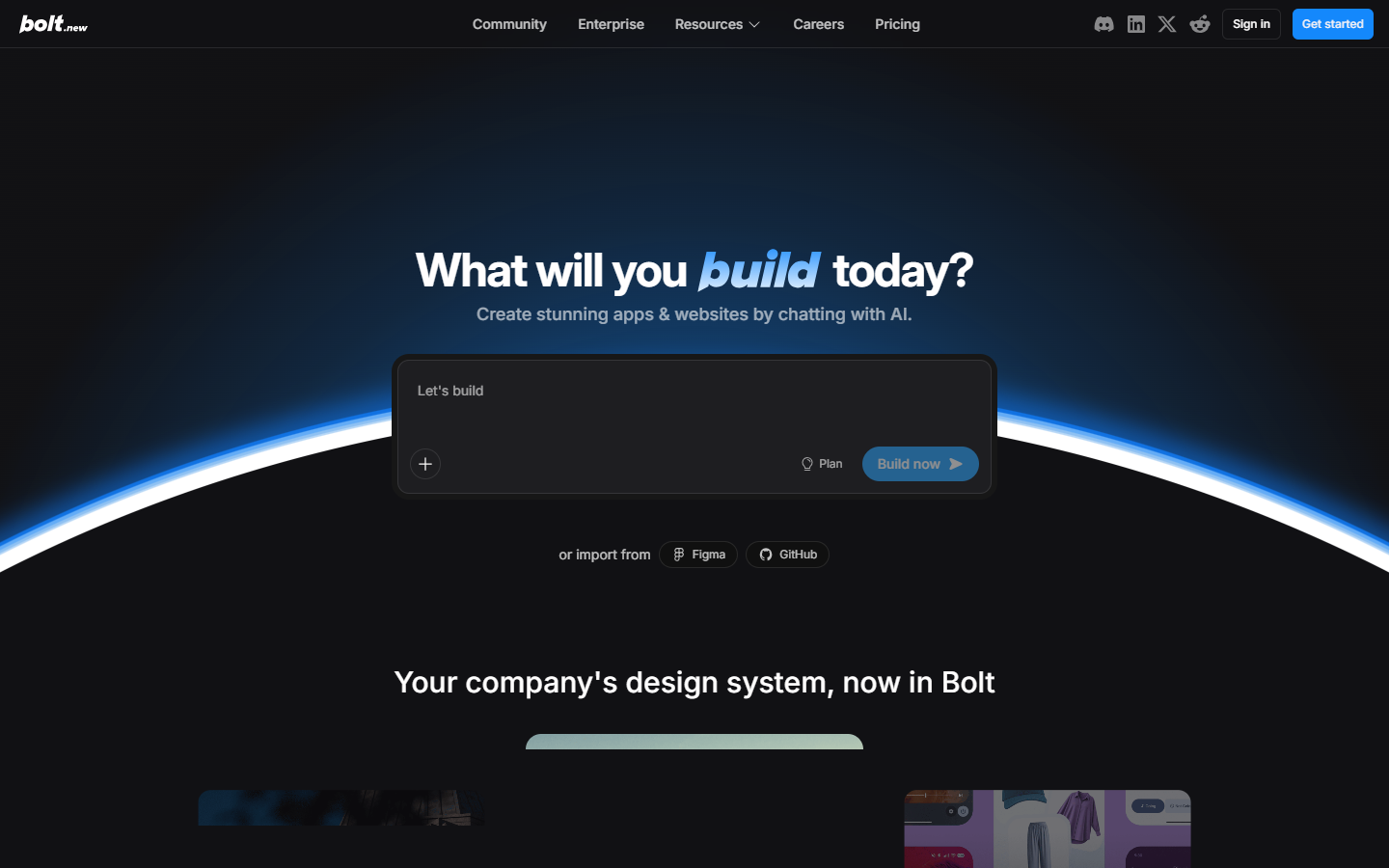
Bolt homepage

Use it when

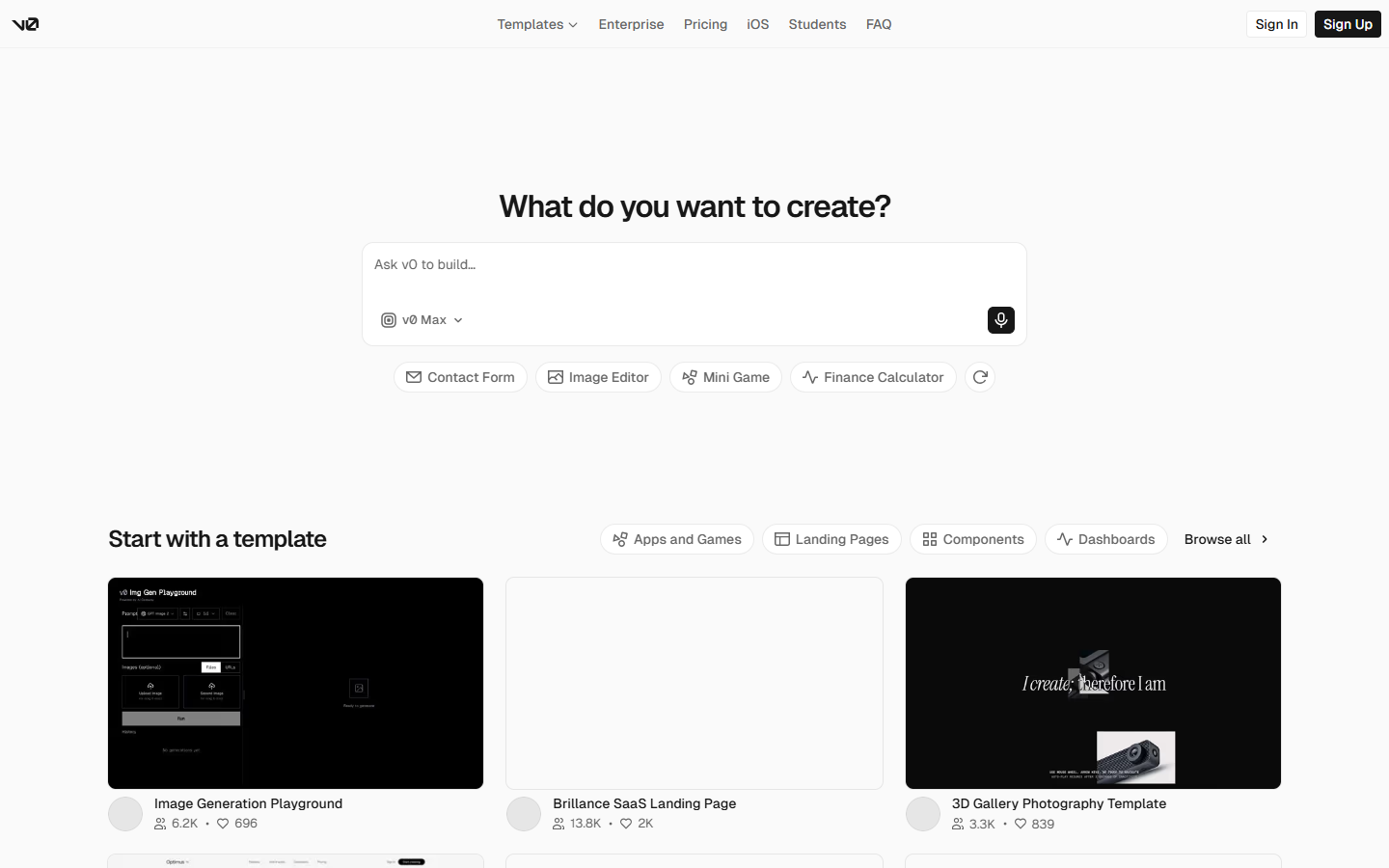
You want a prompt-to-running prototype for stakeholders—websites or apps you can click—especially when you’re comparing code-side builders next to v0 and don’t need both.

What it does well

  • Chat to generate websites, apps, and prototypes with live preview in the browser
  • Import starting points from Figma or GitHub when you already have design or code
  • Host demos with databases, auth/user management, and SEO/hosting options in Bolt Cloud (plan-dependent)
  • Pro adds higher token allotments, no daily token cap, custom domains, private sharing, and removal of Bolt branding
  • Teams adds org billing, admin controls, and design-system knowledge hooks for multi-seat work

Skip it when

  • You only need flows or hi-fi screens without running code—use Whimsical, Figma AI, or Uizard/Visily instead
  • You’re scoping a marketing site for Webflow—Relume fits that IA → component path better
  • Free will throttle you: about 300K tokens/day and 1M tokens/month, plus Bolt branding on published sites
  • You’ll burn tokens debugging large projects (each message re-syncs more of the file tree)—budget Pro/Teams or keep spikes small

Fits your workflow

Primary loop is in Bolt: prompt (or Figma/GitHub import) → runnable preview → share/host. Designers often align structure visually first, spike the interactive shell in Bolt, then hand code to eng. Treat it as a neighbor to v0—pick one code-side default for your stack preference, not both as must-haves.
Similar tools

See more