
Freemium

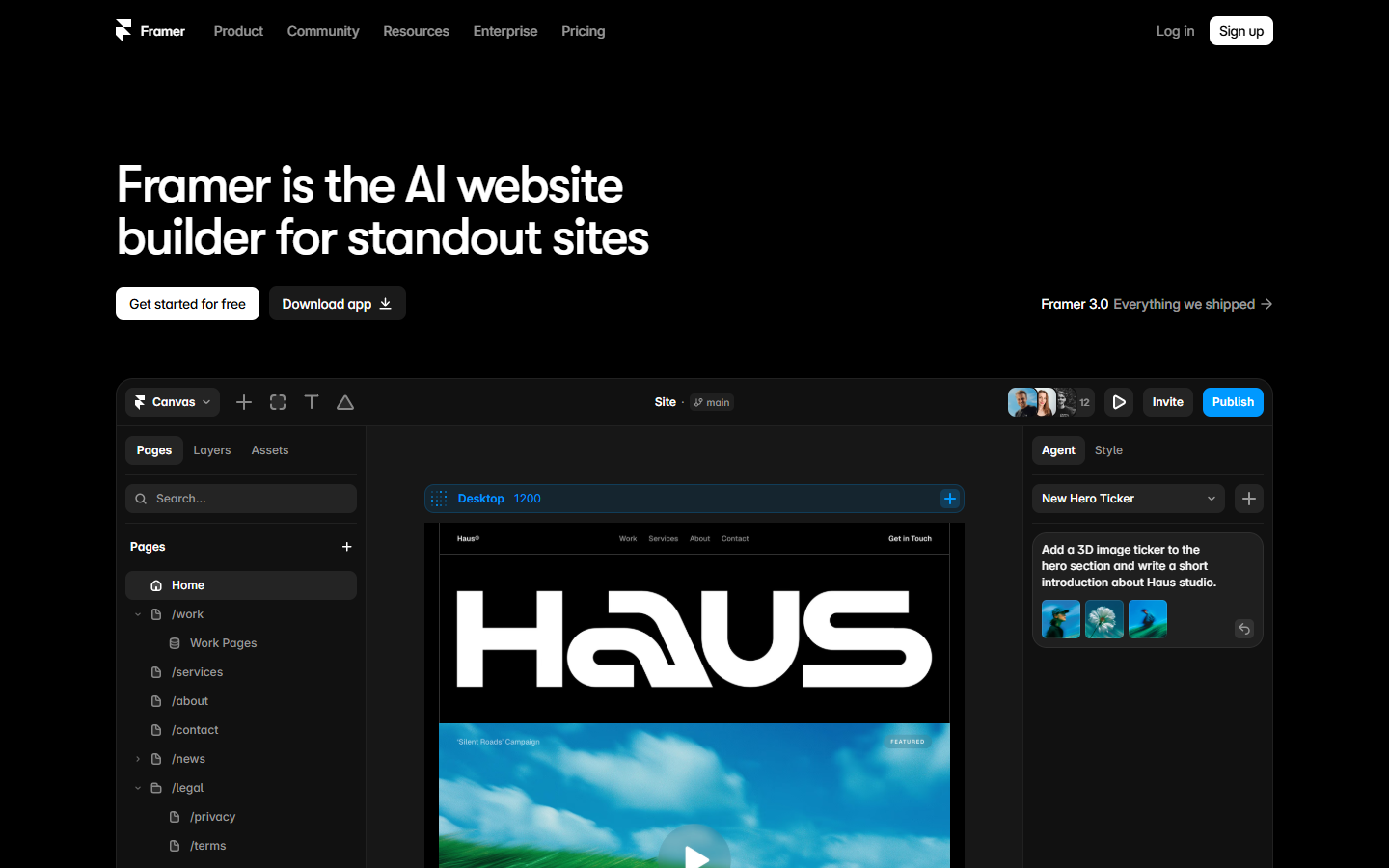
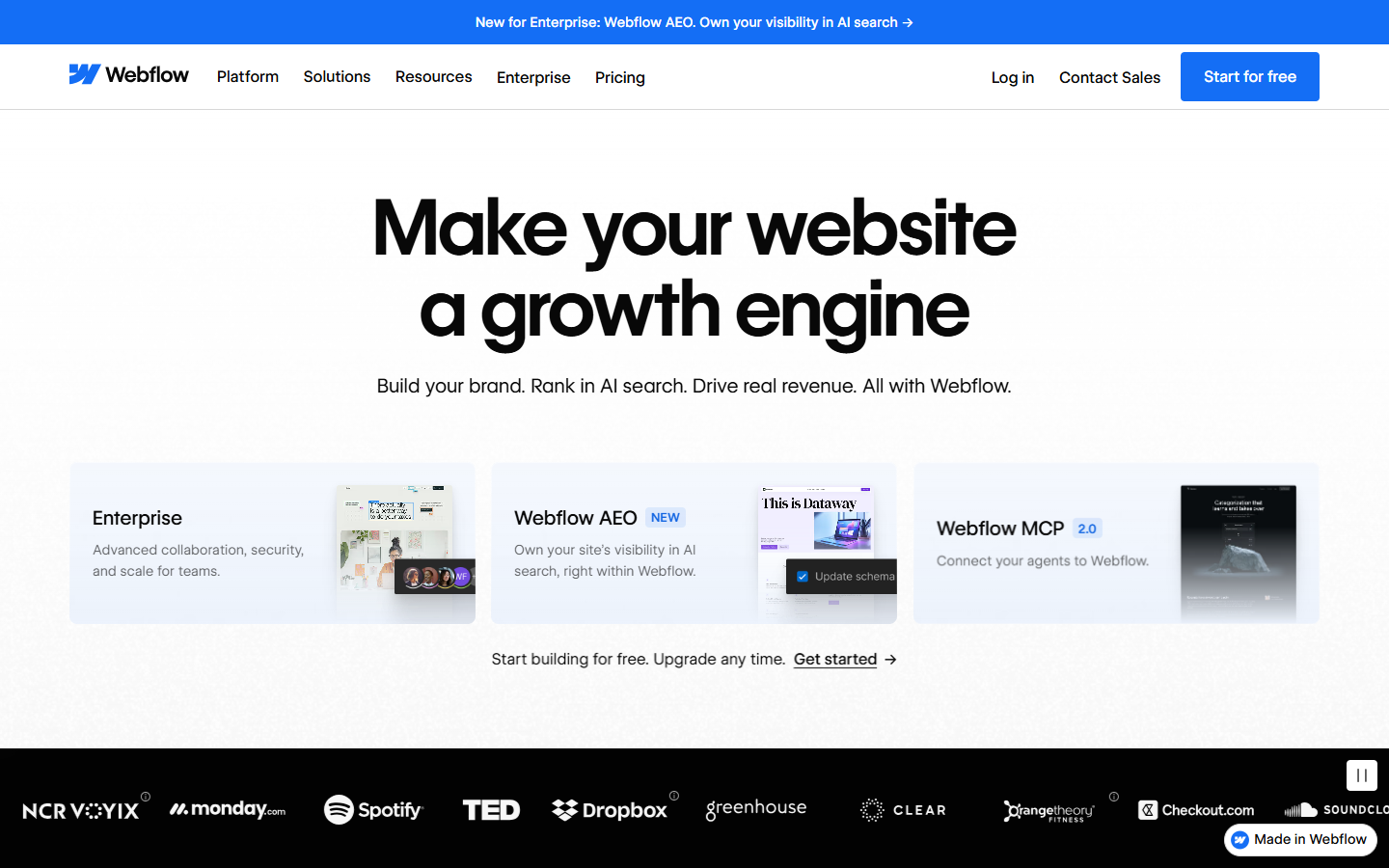
For designers and builders who want live HTML or React apps from real design context—not a blank prompt-only sandbox and not a hosted marketing CMS. Anima’s Playground and Figma plugin generate working UI from Figma files, cloned sites, screenshots, or prompts, then let you iterate visually and export or publish. Prefer Locofy for Lightning-style Figma conversion, or Framer/Webflow when the deliverable is a visual hosted site.
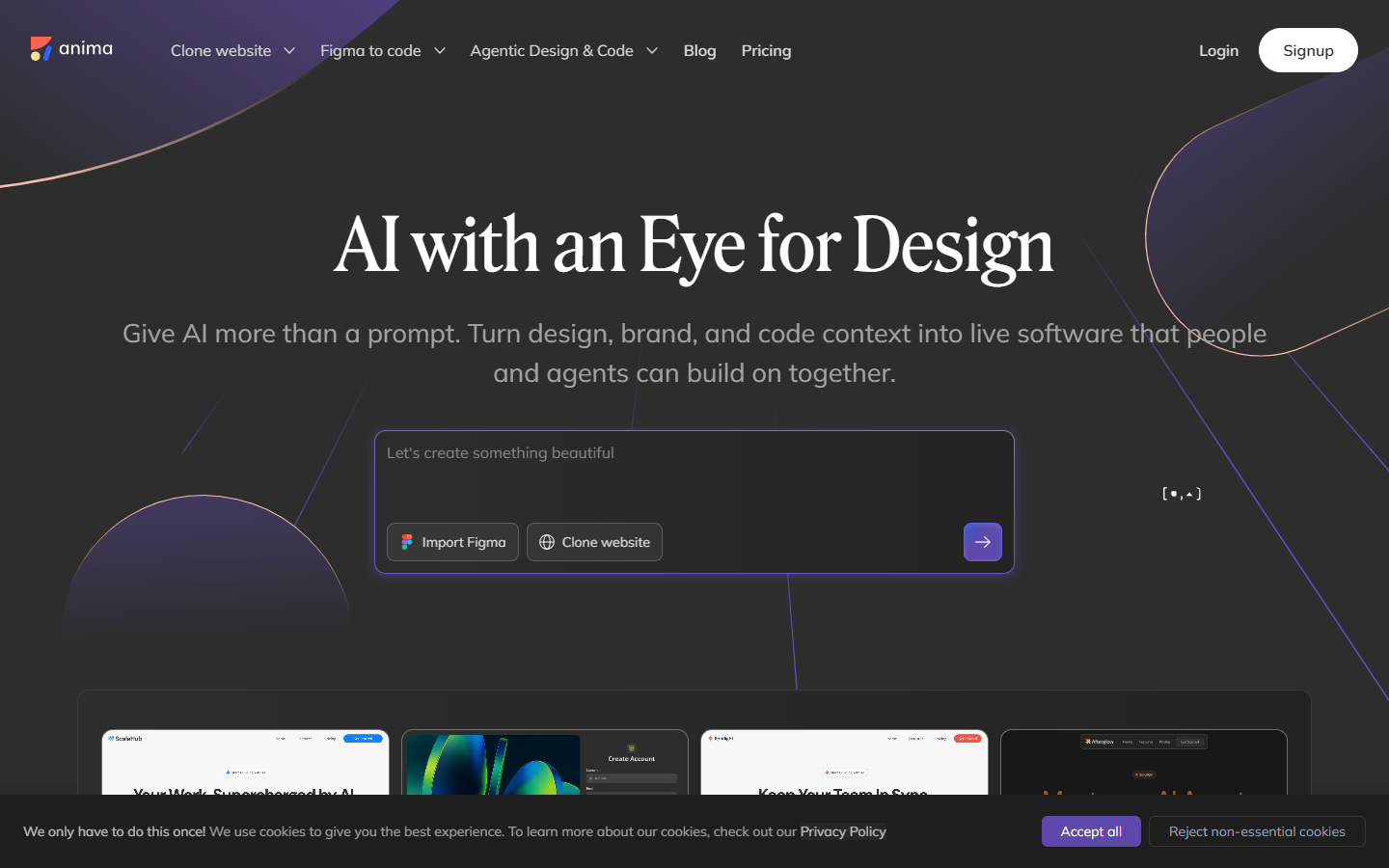
You need a working HTML/React prototype or handoff from Figma, a live URL, a mockup, or a short prompt—and you’ll keep refining in Playground before developers take the code.
Start from Figma, a URL, or a prompt → generate in plugin/Playground → refine visually → export code or publish. Use Starter/Pro for personal or small-team Figma⇄code loops; Business when seats, roles, and SSO matter. Treat output as a strong prototype/handoff base—finish product logic in your repo. Pair with agents via MCP when your stack already uses coding assistants.