

Skip to content

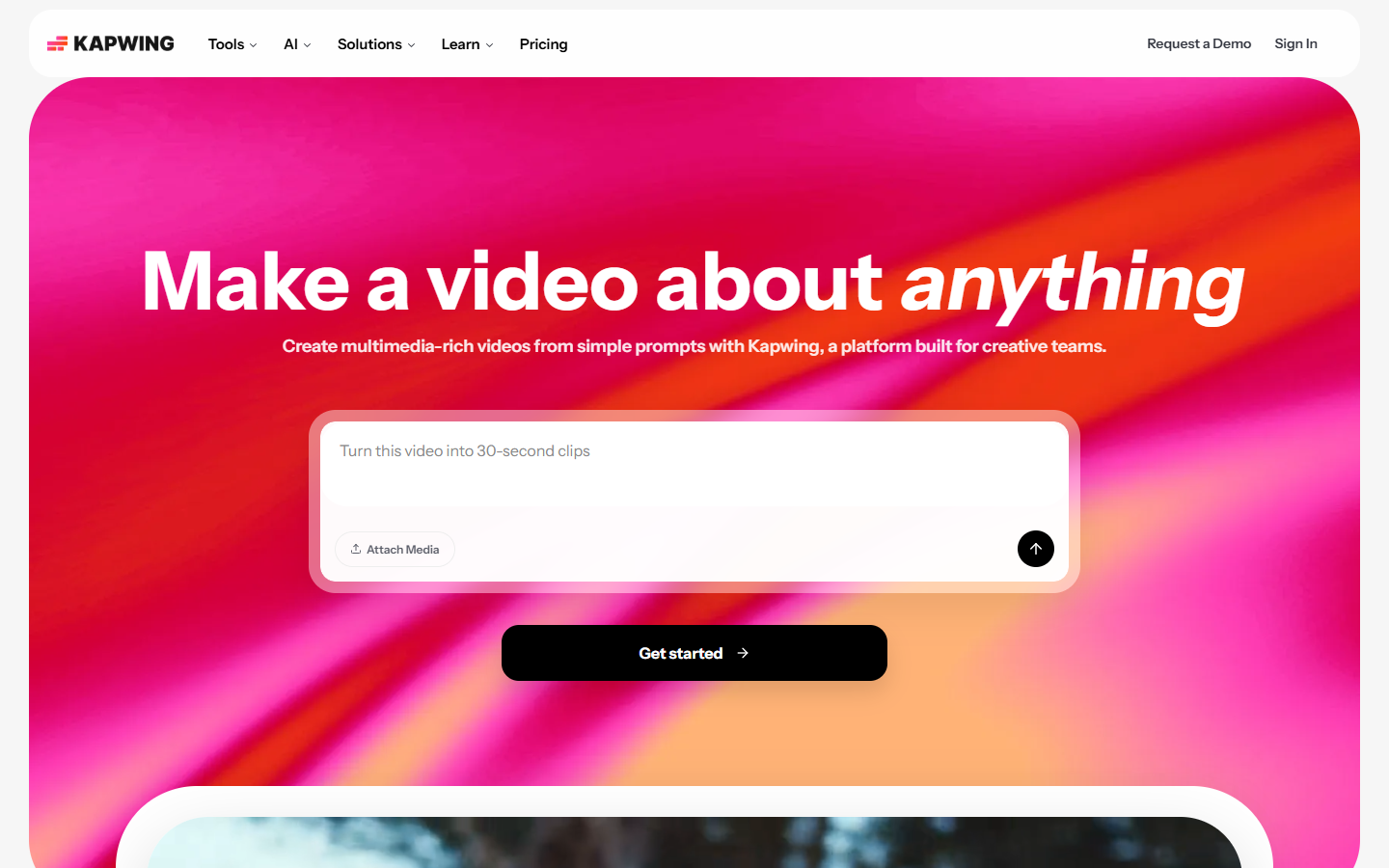
For marketers and creators who need a browser editor for short social and product videos—not a desktop NLE and not a pure generative model lab. VEED focuses on cut/trim, auto subtitles, translation, AI voice, and Gen-AI studio tools, with advanced AI metered in monthly credits. Prefer Kapwing for adjacent browser suites, CapCut for mobile-first editing, or Runway/Kling when generation—not editing—is the job.
Video & Motion Design
$Freemium
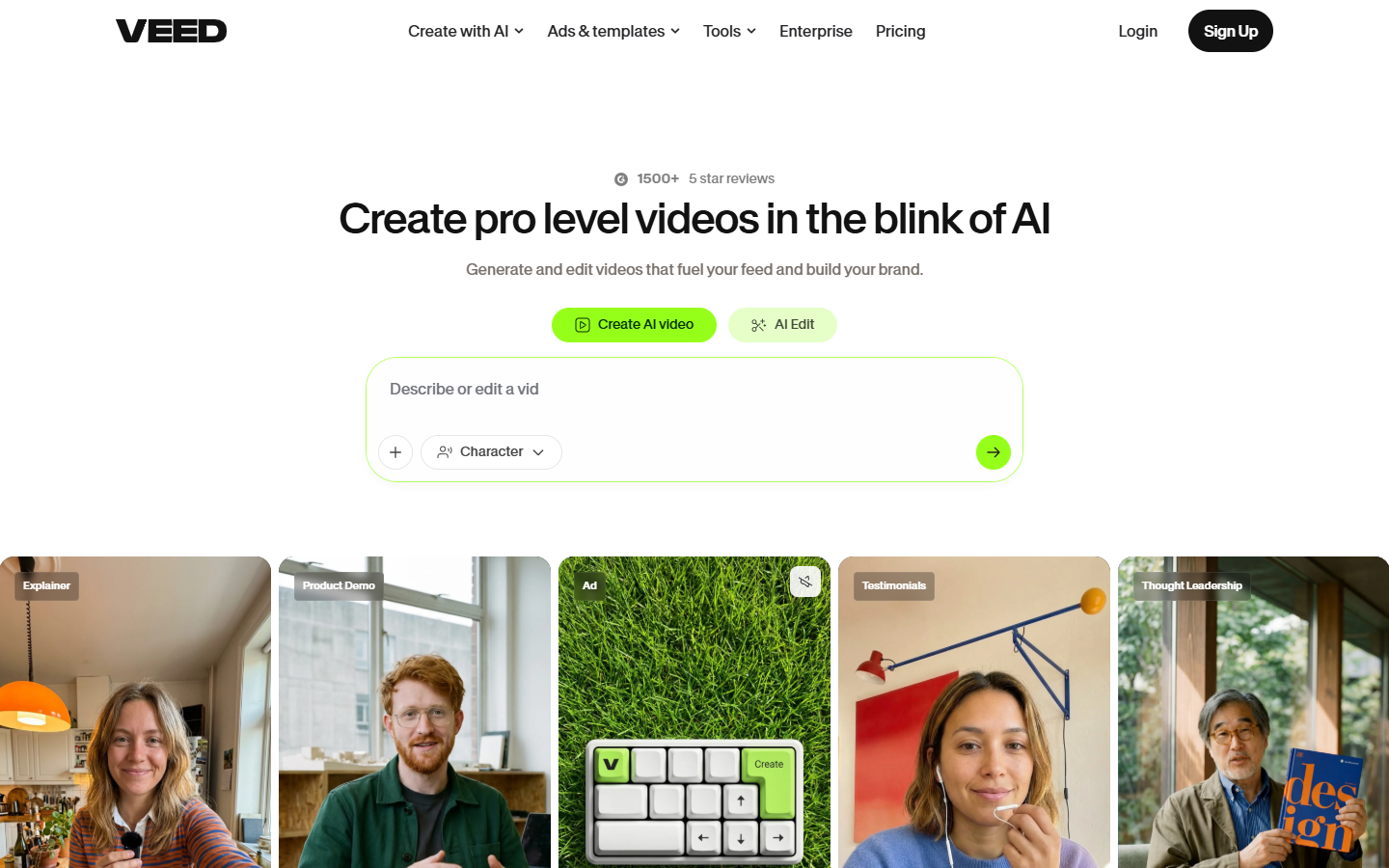
VEED homepage

Use it when

You need to caption, clean, and export short videos for social or marketing in the browser—with optional AI voice/generation when credits allow.

What it does well

  • Browser editing built around social workflows: subtitles, cleanup, catalogs, and team-friendly exports
  • Free plan to evaluate the editor (exports are watermarked—fine for drafts, not brand masters)
  • Creator: ~500 AI credits/mo, no watermark, unlimited auto subtitles, Gen-AI studio access
  • Pro: ~2,500 AI credits/mo plus multiple brand kits, 50+ language translation, larger AI-voice allowance
  • Studio: ~15,000 AI credits/mo for high AI-voice/generation volume and custom templates

Skip it when

  • You need watermark-free delivery—upgrade to Creator or above
  • Monthly AI credits will not cover your avatar/dub/gen volume—budget Pro/Studio or top-ups
  • You need grade-heavy or compositing work—use Premiere, After Effects, or DaVinci
  • Mobile-first editing is your habit—CapCut may fit better
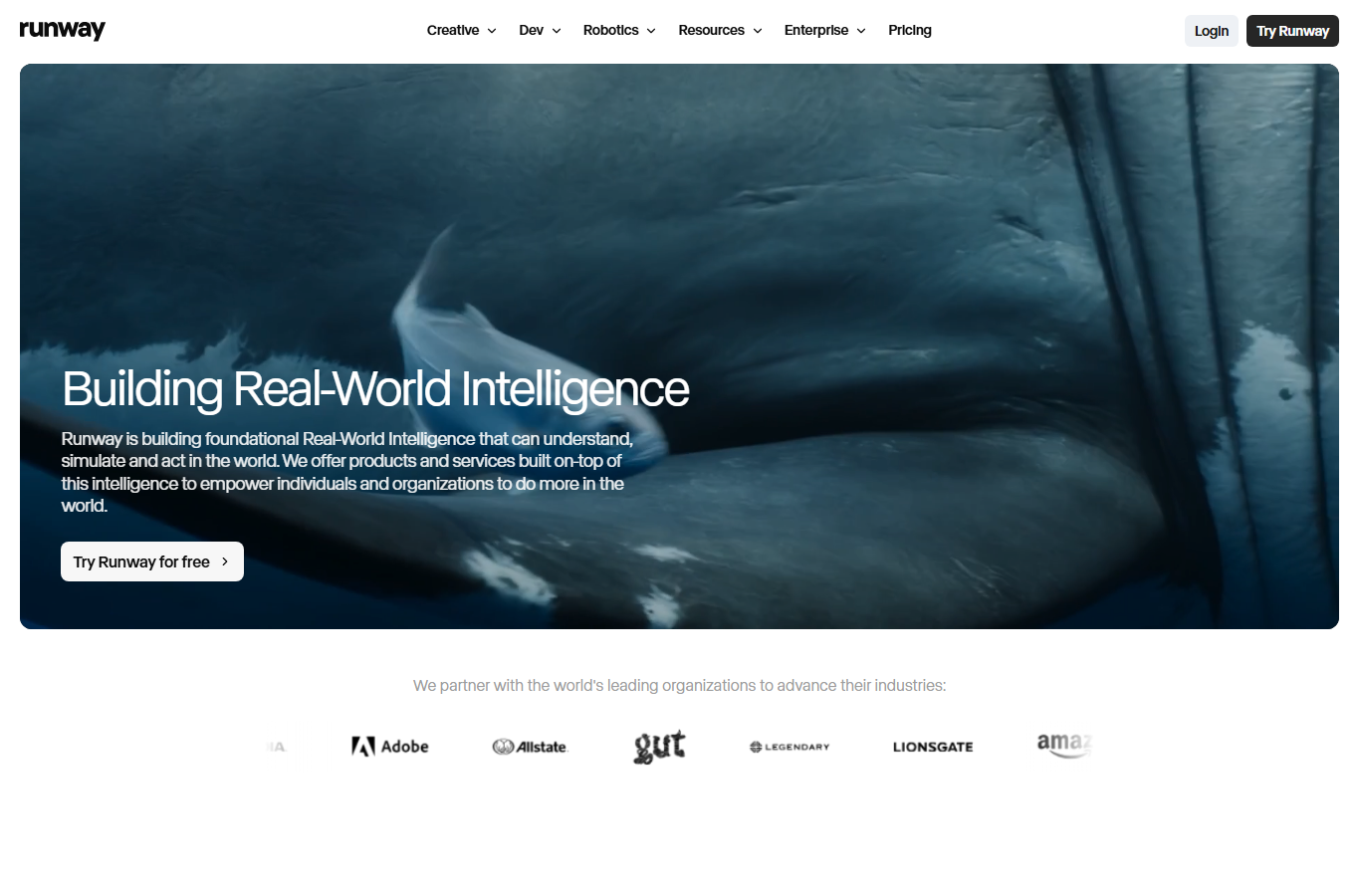
  • You only need AI clip generation without an editor—Runway, Kling, or Pika may be enough

Fits your workflow

Upload → edit/subtitle in VEED → spend AI credits only on generative/voice steps → export. Stay on Free for watermarked drafts; move to Creator when clean social delivery matters. Finish complex grade in a desktop NLE if needed.
Similar tools

See more