


Vectorizer.AI
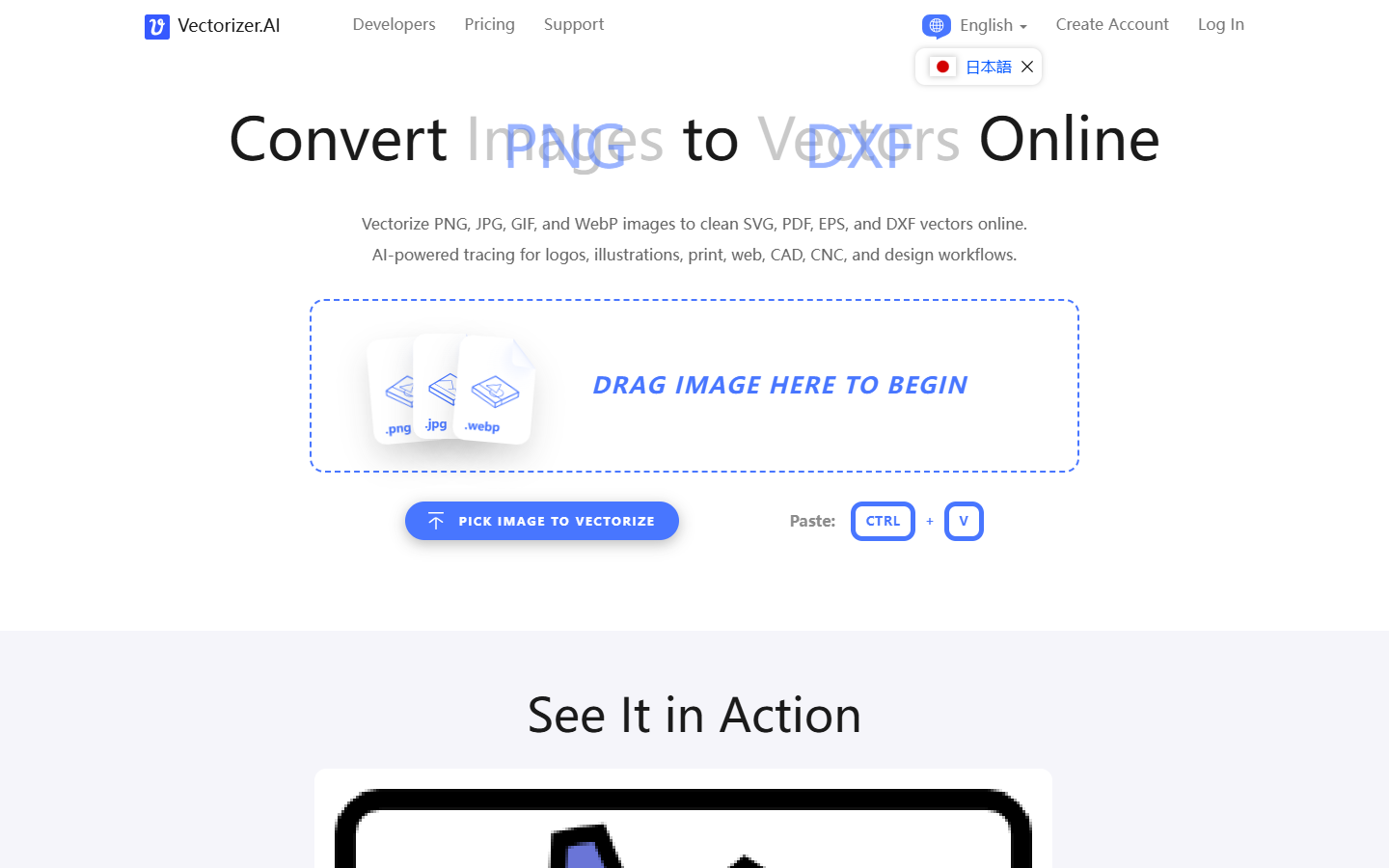
For brand and UI designers who need scalable vectors from existing rasters—logos, icons, simple graphics—not a generative illustration tool and not a full vector editor. Vectorizer.AI uploads PNG, JPG, GIF, or WebP, runs an AI trace, and lets you inspect an interactive preview before you commit to an export. Prefer Illustrator Image Trace if you already live in Adobe, or Recraft when you need AI-drawn vectors from a prompt instead of a trace.
Use it when
You have a raster logo, icon, or flat graphic and need clean SVG (or PDF/EPS/DXF) for web, print, or cut paths—and you are willing to pay once the preview looks right.
What it does well
- AI vectorization from common raster formats with an interactive preview before purchase
- Exports to SVG, PDF, EPS, DXF, plus cleaned PNG, with controls for shapes and grouping
- Web App plan: unlimited manual conversions for designers working file-by-file
- API plans: credit-metered automation for pipelines (test/integrate without a production download quota)
- Fast browser workflow when you do not want to open Illustrator only for Image Trace
Skip it when
- You need free production downloads of your own files—preview is not a free download allowance
- You need to draw or deeply edit paths—use Illustrator, Affinity, or VectorPea after export
- You want AI illustration from a text prompt—use Recraft or similar, not a tracer
- You already get good enough results from Illustrator Image Trace inside your Adobe seat
- Complex photos or noisy scans need heavy cleanup—expect to refine paths or preprocess first
Fits your workflow
Upload the raster → check the free preview → pay for Web App or API download → open SVG in Illustrator, Figma, or VectorPea for path cleanup → ship to brand, web, or CNC. Keep the vector file as the editable source after the first good export.
Similar tools
See more