


VectorPea
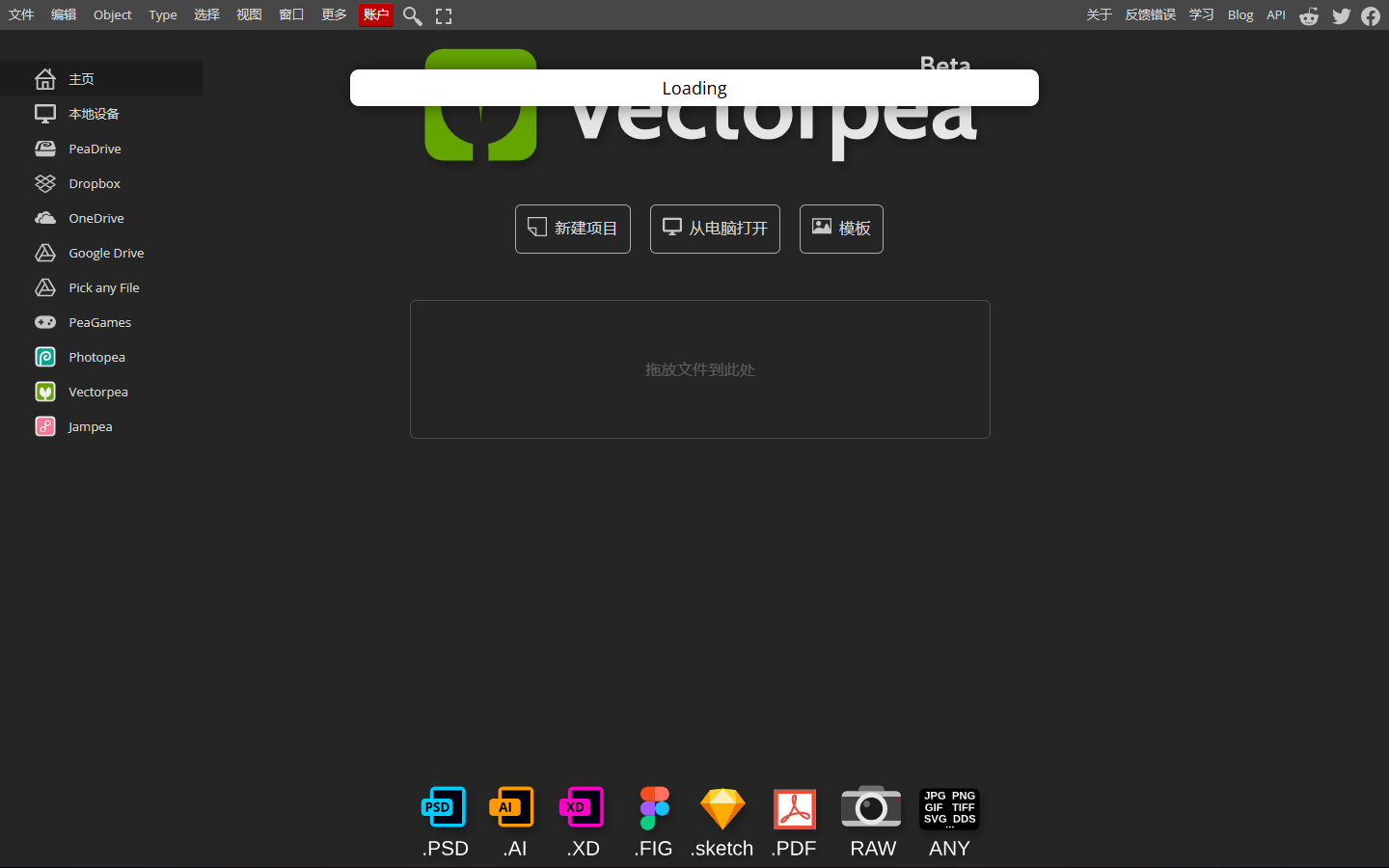
For illustrators and brand/UI designers who need a no-install vector workspace—not an AI image generator and not a Figma product-UI system. VectorPea is a browser editor in the Photopea family for scalable artwork, with practical support for SVG, Illustrator AI, and PDF via path, shape, type, and layer tools. Prefer Inkscape for offline open-source work, or Illustrator/Affinity for a full desktop production suite.
Use it when
You need to open or clean up SVG, AI, or PDF vector files in a browser—especially when you don’t have Illustrator installed or only need a quick edit.
What it does well
- Browser-based vector editing with no install and a Photopea-familiar UI
- Practical read/write paths for SVG, Adobe Illustrator AI, and PDF workflows
- Core vector tools: paths, shapes, type, and layers for illustration and icon-style work
- Free tier keeps all editor features available (ads + about 0.5 GB PeaDrive)
- Premium adds ad-free use, about 5 GB PeaDrive, monthly AI credits, and longer undo history via prepaid periods
Skip it when
- You need a mature desktop suite for complex brand illustration systems—Illustrator or Affinity still go deeper
- You want AI text-to-image or generative art as the main job—VectorPea is a conventional vector editor
- You prefer a fully open-source offline app—use Inkscape
- Ads on Free block your focus and you won’t buy a Premium time block
- Your job is multiplayer product UI in Figma, not illustration vectors
Fits your workflow
Open vectorpea.com → New or drop SVG/AI/PDF → edit paths and type → export. Stay Free for occasional edits; use Premium periods when you want ad-free work and more cloud storage. Pair with Photopea when the same file needs raster/photo work alongside vectors.
Similar tools