
Freemium

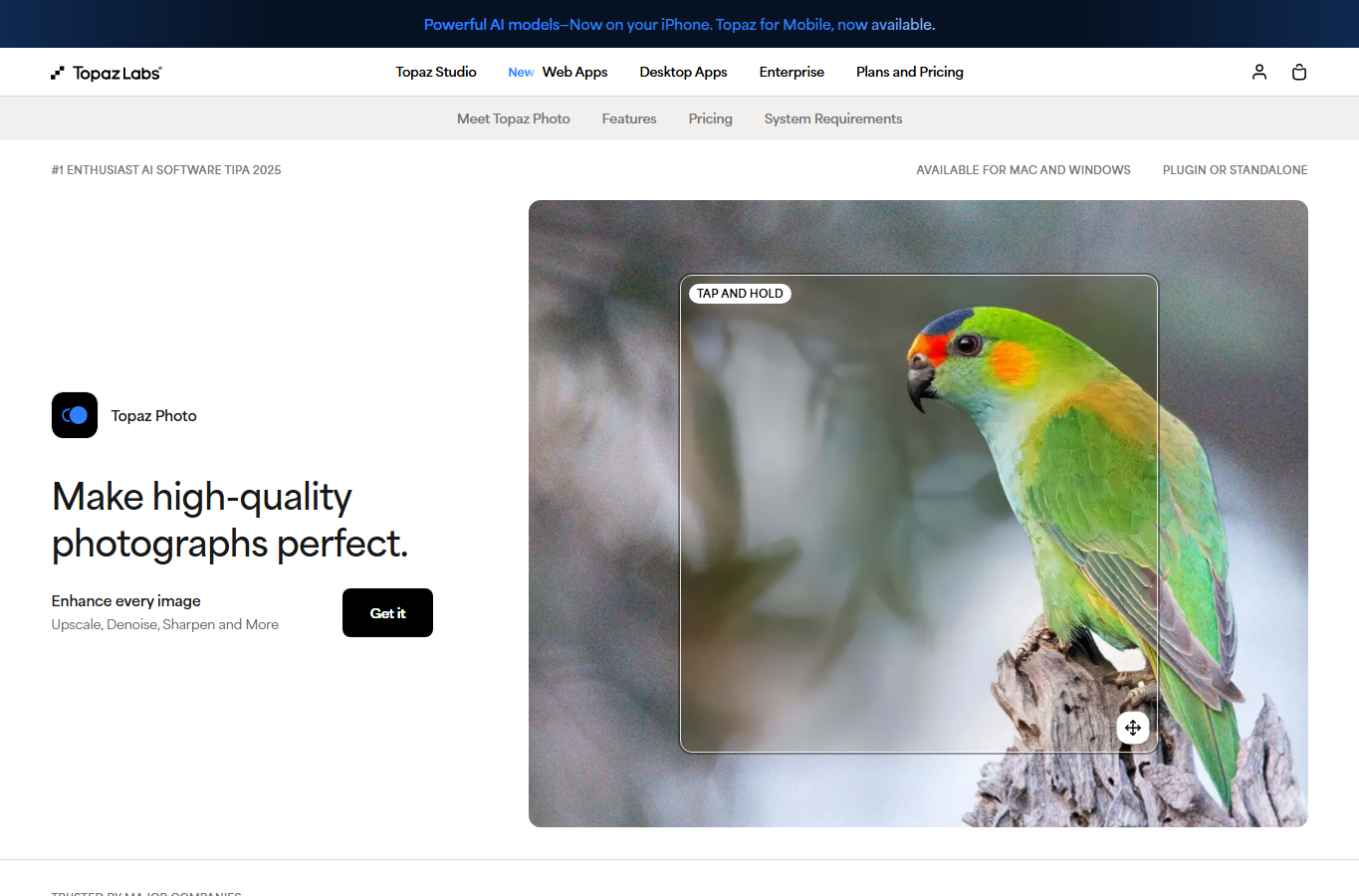
For designers, illustrators, and creators who need to enlarge low-res references, exports, or archive images without a paid cloud upscaler. Upscayl Desktop runs locally on Windows, macOS, and Linux as free open-source software—batch and double upscale, multiple models, no account required. Prefer Topaz when print-critical enhancement is the job, or a cloud suite when your machine can’t run local GPU upscaling comfortably.

You need a no-cost, local way to enlarge blurry or low-resolution images for moodboards, mockups, or delivery prep—especially when you prefer offline processing and don't want another upscaler subscription.
Install Upscayl Desktop, pick a model, upscale single images or a batch, then drop results into Figma or Photoshop for layout and final color. Keep sensitive client files on Desktop when offline privacy matters. Move to Cloud only when you need shared access, speed, or higher megapixel caps. Compare Topaz when the brief demands paid, production-grade enhancement controls.