

Bigjpg
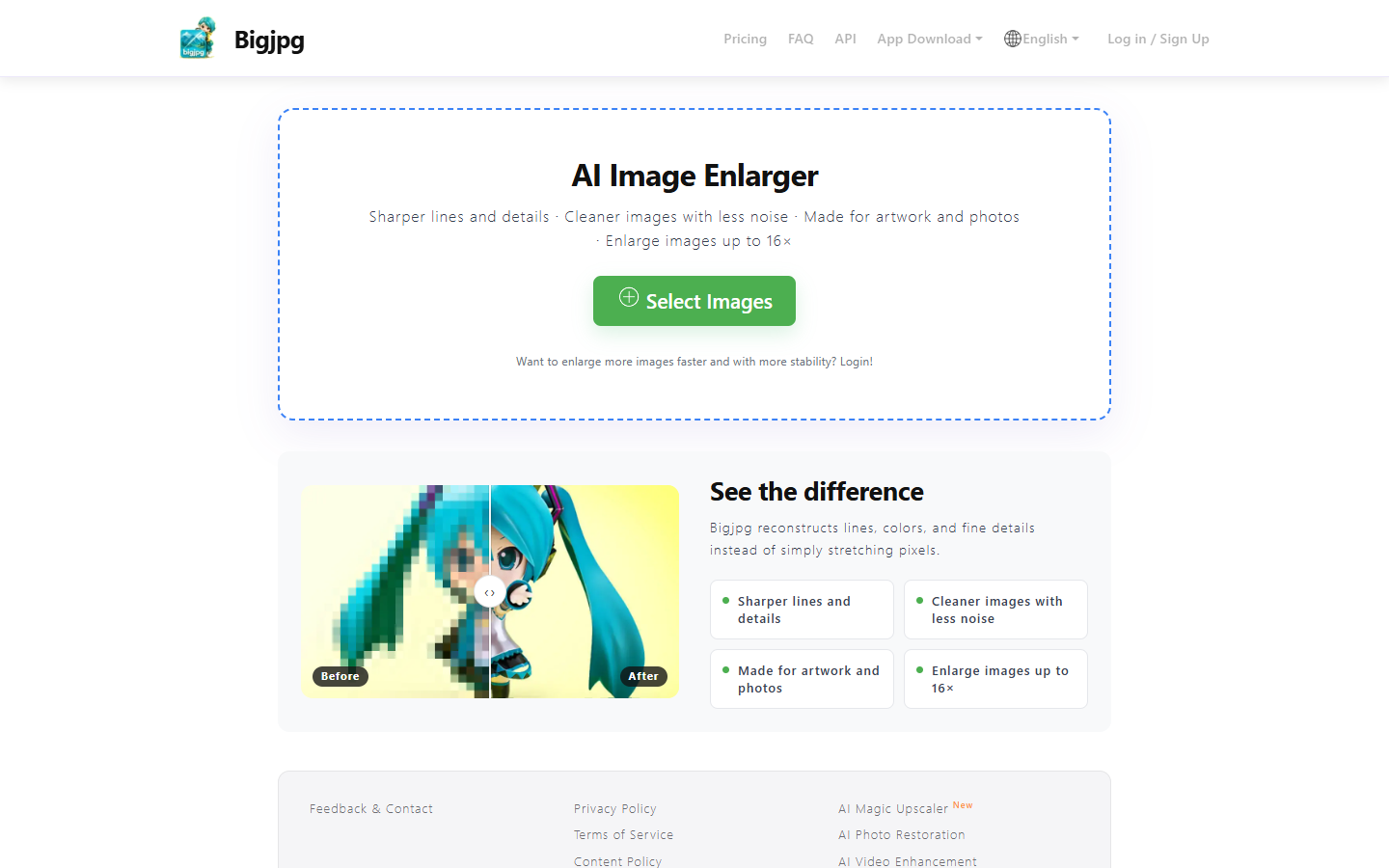
For illustrators, anime/game artists, and designers who need sharper enlargements of line art and flat color—not cutouts or portrait beauty. Bigjpg uses deep CNN super-resolution to rebuild lines and detail instead of stretching pixels, with artwork and photo modes on a simple web uploader. Free caps about 20 images/month, 5MB, and 4× on shared servers; prepaid packs unlock 16×, 50MB uploads, priority speed, and batch/parallel. Skip local desktop pro suites or ecommerce photo suites.
Use it when
You need to enlarge illustrations, comics, or photos for print, merch, or portfolio crops—especially when clean lines and flat colors matter more than photographic texture recovery.
What it does well
- Deep CNN super-resolution that reconstructs lines, colors, and fine detail rather than simple pixel stretch
- Modes aimed at artwork and photos; marketing highlights sharper lines and less noise after enlarge
- Paid tiers raise the max ratio to about 16× with high-performance, top-priority servers
- Offline enlarging on free and paid; parallel and batch modes unlock on paid plans for multi-file jobs
- Simple web upload workflow with Stripe/WeChat (and similar) checkout for prepaid duration packs
Skip it when
- Free capacity snapshot: about 20 pictures/month, 5MB max upload, 4× max ratio, slow shared servers—no parallel or batch
- Paid packs (pricing modal): Basic ~2 months / 500 pictures/mo; Standard ~6 months / 1000/mo (Hot Sales); Premium ~12 months / 2000/mo—all add 50MB uploads, 16×, priority servers, parallel + batch
- Not a background remover, enhancer suite, or portrait retoucher—job is enlarge/upscale only
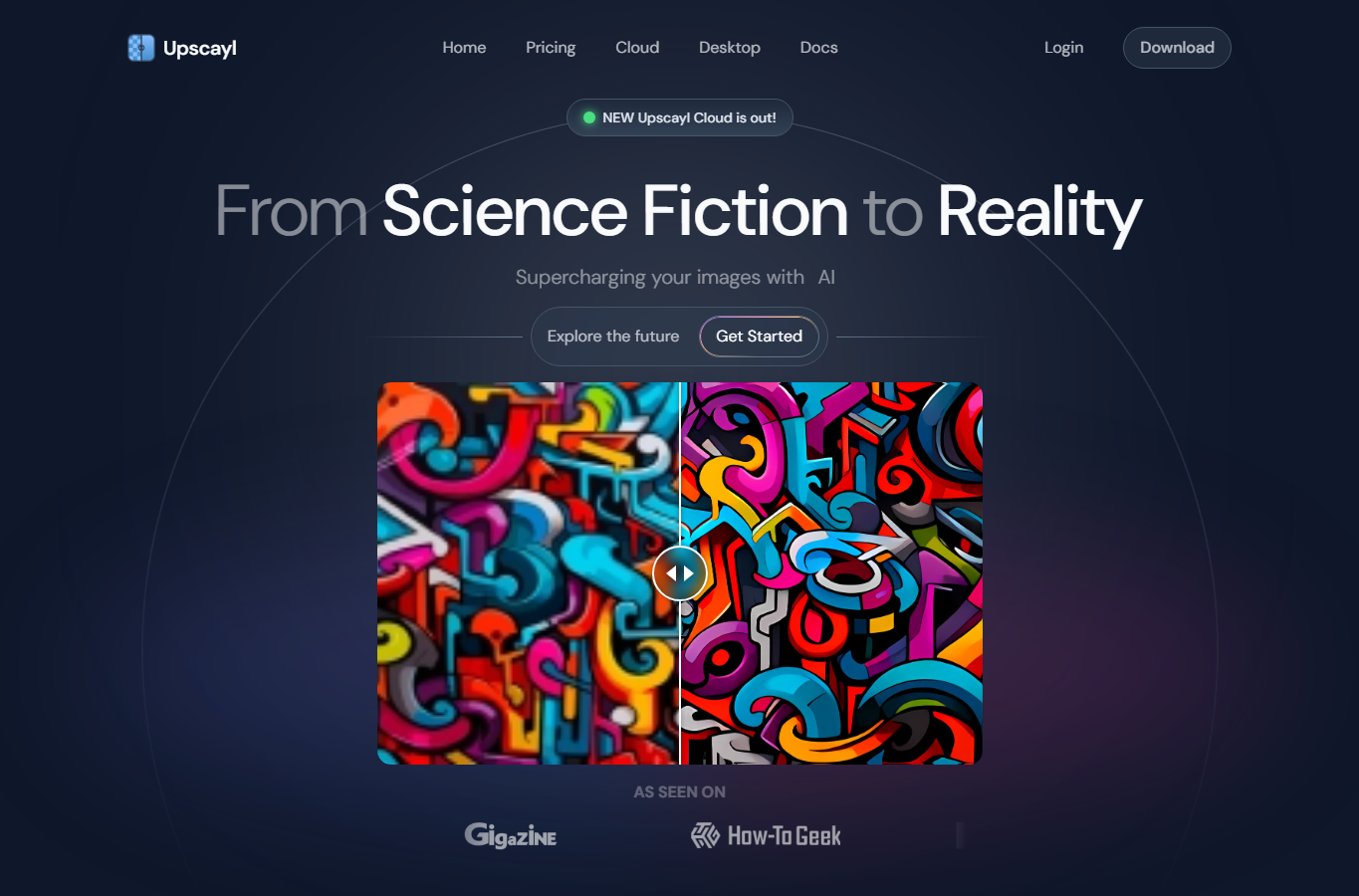
- You need fully local offline desktop control (Upscayl/Topaz) or ecommerce multi-tool editing (PicWish/Cutout)
Fits your workflow
Upload on bigjpg.com → pick artwork/photo and scale → wait in queue (faster on paid) → download. Stay on Free for light tests; buy a duration pack when you need 16×, larger files, or batch/parallel runs.
Similar tools
See more