

Let's Enhance
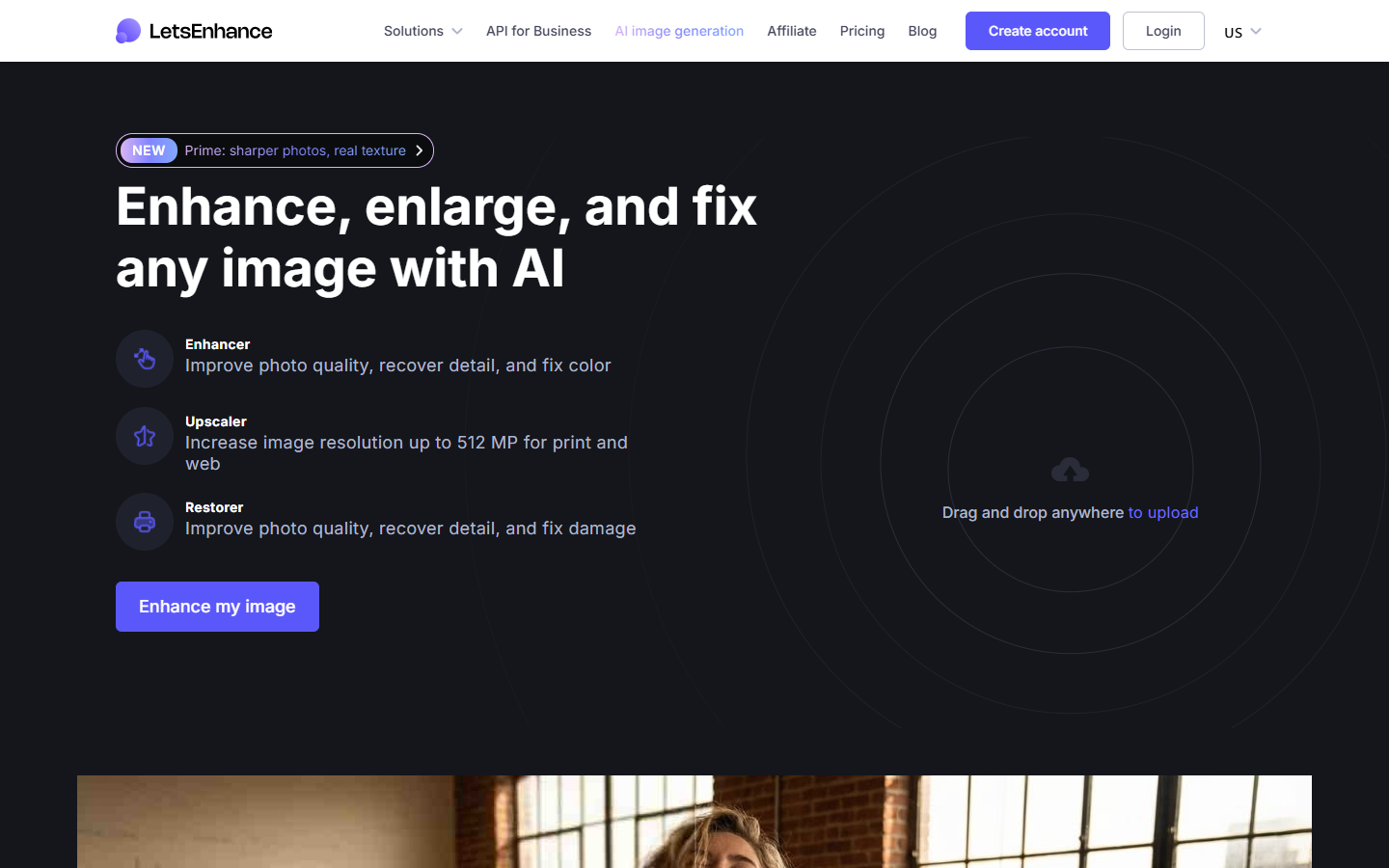
For photographers, ecommerce designers, and creators who need sharper, larger assets without a reshoot. Let’s Enhance runs enhance, upscale, and restore flows in the browser—Prime for portraits/products, Gentle when small text matters—plus batch cleanup for catalogs and AI-generated art. Prefer Upscayl for free local/offline upscaling, or Topaz when you want a desktop photography suite.
Use it when
You need to enlarge soft product shots, rescue compressed photos, or polish AI art for web or print—without rebuilding the asset from scratch.
What it does well
- Enhance, upscale, and restore in one web app with modes like Prime, Gentle, and Old Photo
- Print- and catalog-oriented upscaling with high megapixel ceilings on paid plans
- Batch-friendly cleanup for ecommerce and AI-art finishing (background remove, AI art on paid)
- Clear credit ladder: Free trial → Starter/Pro/Max with rollover caps on personal plans
- Business subscriptions and one-time credit bundles when volume or occasional use differs
Skip it when
- You want free offline/open-source upscaling on your machine—that's Upscayl
- You need Topaz-style desktop photo workflows as your primary editing suite
- Free's 10 credits, watermark, and ~8 MP output ceiling block production delivery
- You expect creative reimagining upscales (Magnific-style) more than detail recovery
- Enterprise/API catalog automation is the job—check Business/API paths, not only personal Max
Fits your workflow
Upload → pick enhance/upscale/restore and a mode → download full-res (paid, no watermark). Use Starter for light monthly credit volume; Pro/Max for higher MP ceilings and more rollover. Buy PAYG bundles for bursts; Business packs when credits must not depend on personal rollover. Hand finished files into Figma, web, or print pipelines.
Similar tools
See more