


Topaz Photo AI
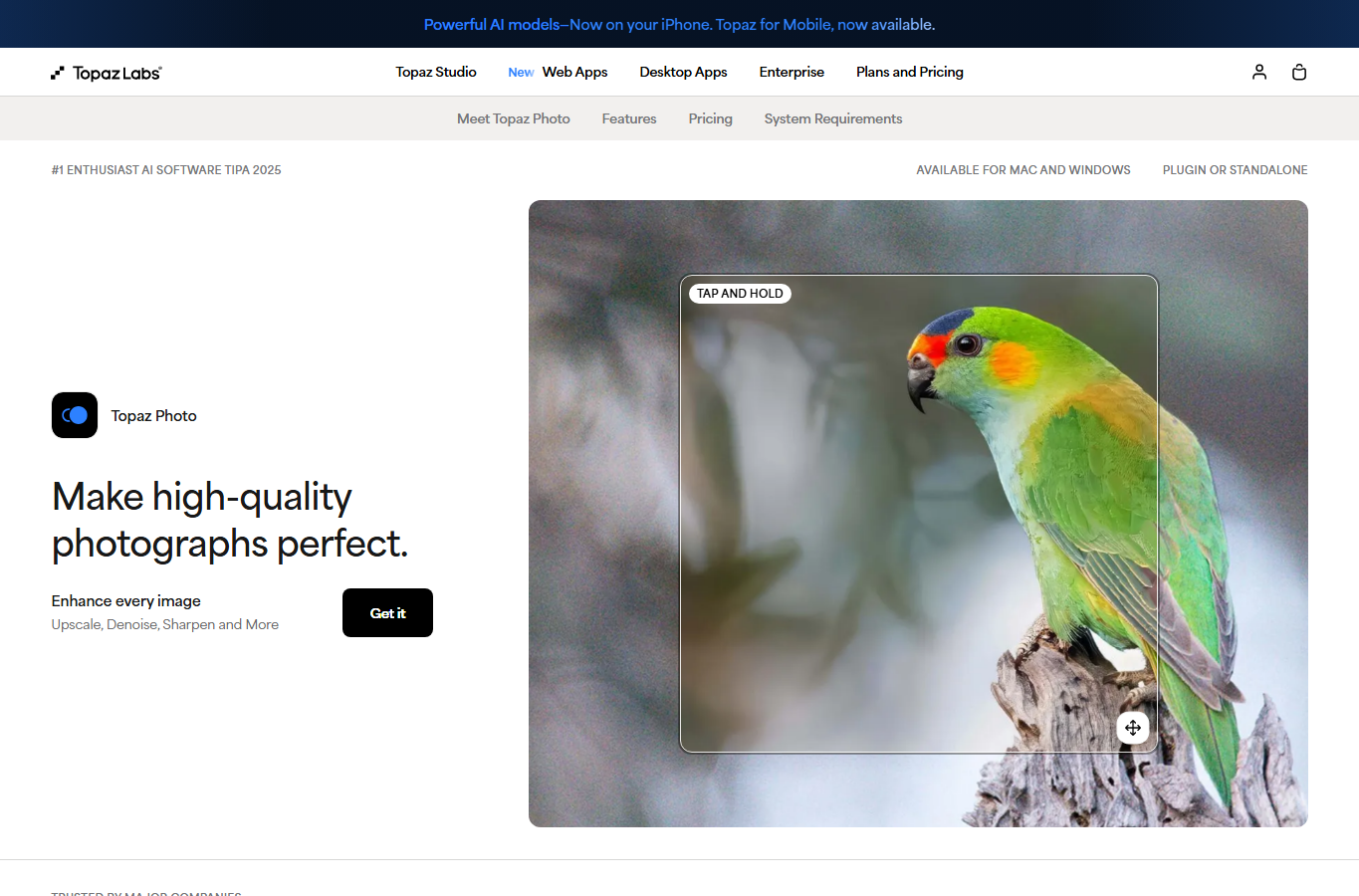
For photo-oriented designers, retouchers, and art directors who need quality-critical sharpening, denoising, and upscaling before layout or print—not casual social crops. Topaz Labs ships focused apps (Photo for enhancement, Gigapixel for upscaling) plus Topaz Studio as an all-apps bundle. Prefer Upscayl for occasional free local enlargements, or Photoshop/Firefly when full retouch and compositing are the real need.
Use it when
Hero photos, client photography, or print-adjacent layouts need professional AI sharpen, denoise, and/or upscale before you place them in Figma or Photoshop.
What it does well
- Topaz Photo: enhancement models for sharpen, denoise, restore, face enhance, and related photo finishing
- Topaz Gigapixel: dedicated image upscaling with unlimited local and cloud image rendering on Personal plans
- Topaz Studio: all-apps bundle (Photo, Gigapixel, Video, and more) when you need the full finishing suite
- Buy single apps or Studio—Studio includes Photo and Gigapixel so you don't purchase them separately
- Subscription model aimed at quality-critical stills, with commercial terms tied to organization revenue thresholds
Skip it when
- You only need occasional free local enlargements—Upscayl Desktop is the lighter start
- You're generating concept art or text-in-image creatives—that's Midjourney or Ideogram territory
- A full Creative Cloud retouch/compositing workflow is the real need—use Photoshop/Firefly, with Topaz only as a pre-pass if required
- Your org exceeds Topaz's Personal commercial revenue limit—check Pro or Enterprise options before shipping
Fits your workflow
Run stills through Topaz Photo and/or Gigapixel, export the enhanced files, then finish layout in Figma or Photoshop. Choose Gigapixel alone for upscale-only jobs; Photo when sharpen/denoise matter too; Studio when you want Photo + Gigapixel (+ video and other apps) under one plan. Keep Upscayl for quick offline tests before committing to a Topaz subscription.

Similar tools
See more