
Freemium

For designers and front-end teams who need a logo, icon, or loader to move on the web, not a video editor. SVGator lets you import an SVG or draw one, then animate it on a timeline with paths, morphs, and strokes. The free plan includes all animator types and unlimited static SVG, with no watermark on those stills. Animated SVG, Lottie, and mobile exports start on Starter. Skip it if you only need a still illustration, or a full video edit.
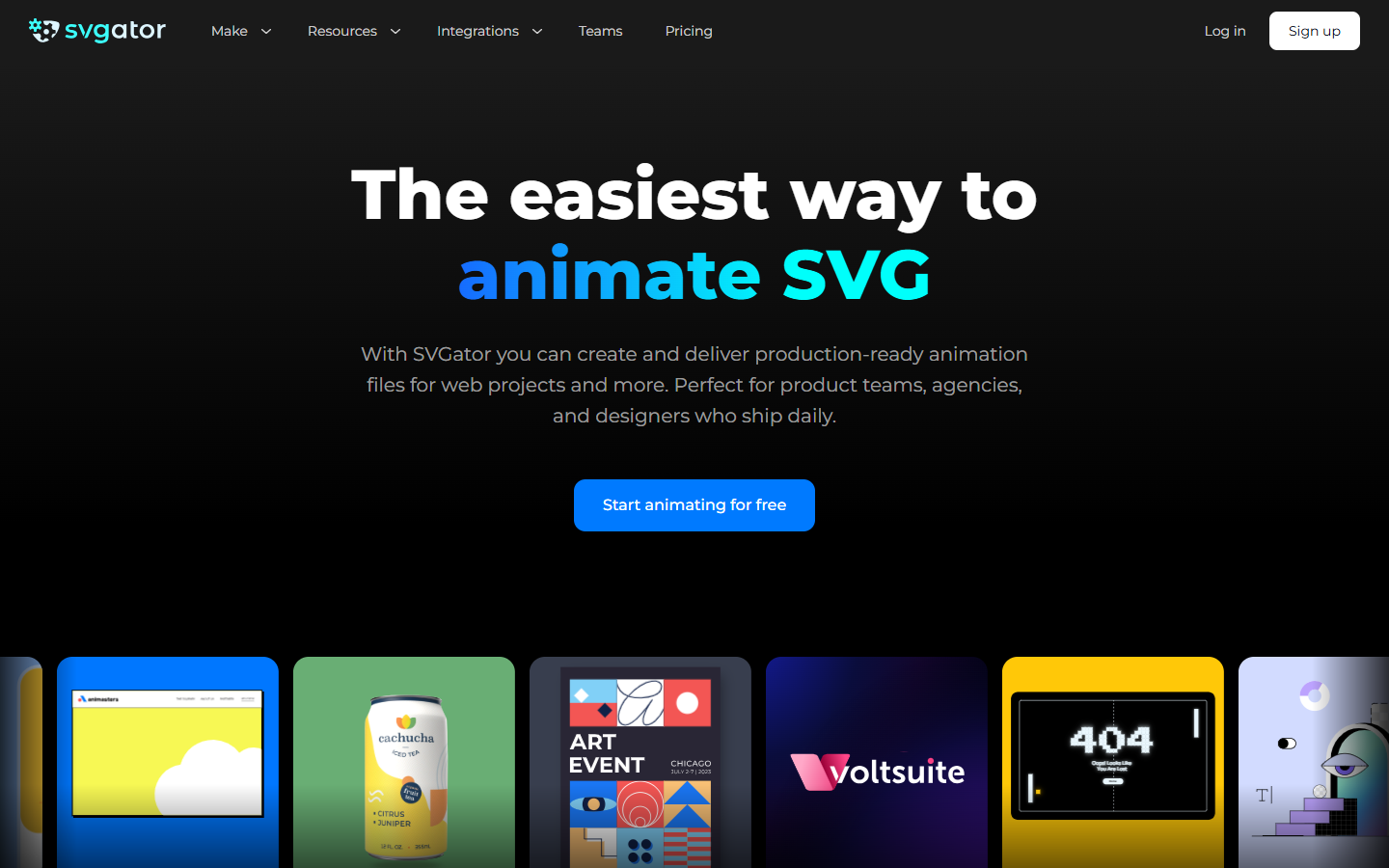
You have a vector logo, icon, or UI graphic and need it to move in the browser, in Lottie, or in a mobile app, with keyframes you can still edit.
Free includes all animator types and unlimited static SVG. Starter adds animated SVG, Lottie, React Native, Flutter, and the Player API. Pro adds GIF and video, public share links, comments, and render storage. Team adds a shared workspace and invite-to-edit. There is a Figma plugin and a WordPress plugin. This is not a UI source file.