
Freemium

For designers who need a ready illustration they can recolor and trim, not a prompt-to-image. Storyset lets you change colors, hide layers, and add simple motion, then download SVG or PNG. Animations can also export as HTML, GIF, or MP4. Free commercial use requires a Storyset credit. A Flaticon Premium subscription drops that credit for files you download while it is active. Skip it if you need original art from a prompt.
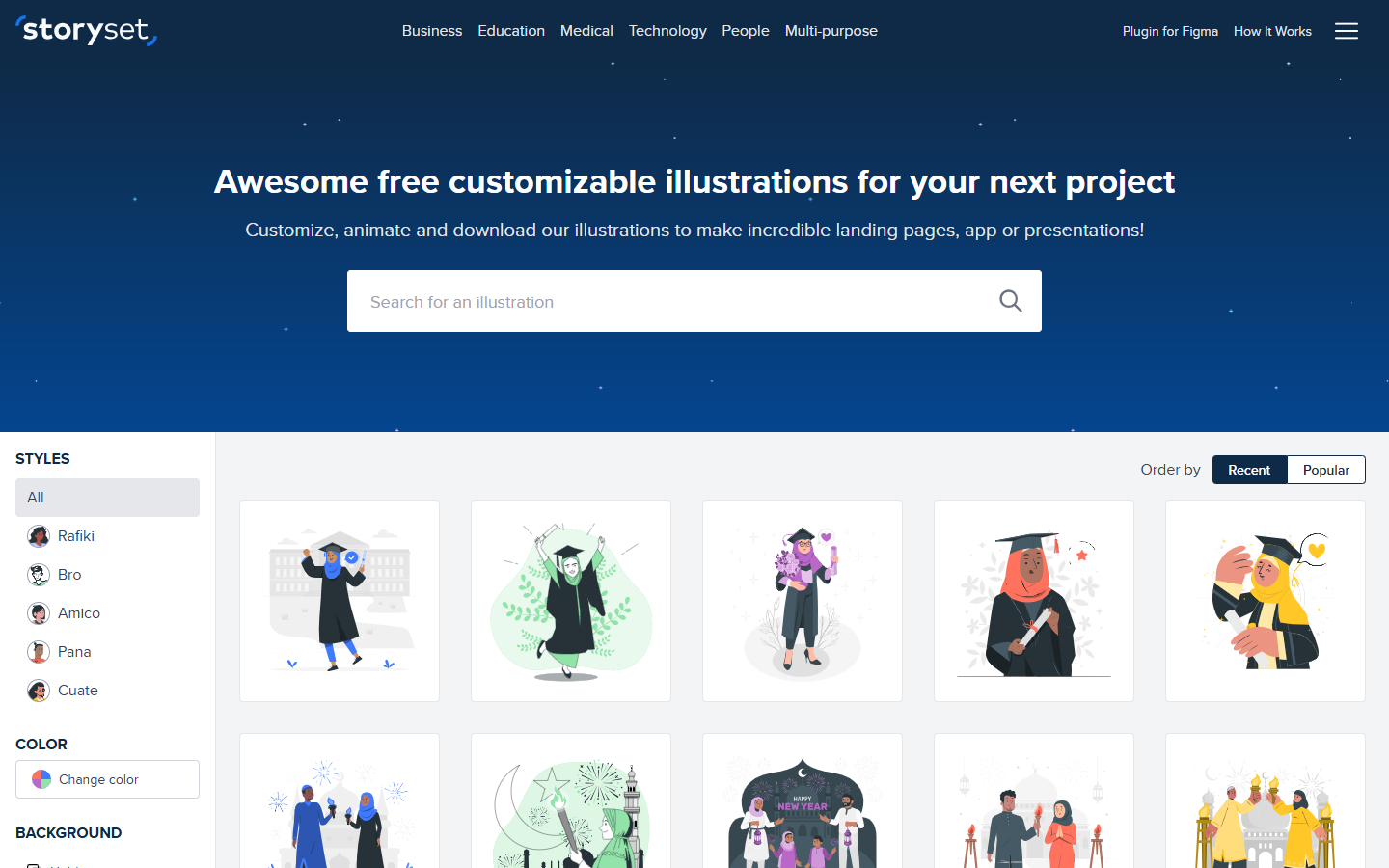
You want a finished illustration for a screen, deck, or page, and you would rather recolor and hide parts of an existing scene than draw or prompt a new one.
Edit color, layers, and motion in the browser, then drop SVG or PNG into your layout, or embed the HTML animation. Credit Storyset on free downloads. Open the SVG in Illustrator or Figma if you need to keep drawing. This is not a UI source file.