
Freemium

For illustrators and designers who want real vectors in the browser, not a flattened AI image. Rayzia starts from templates, brushes, and styles, and shapes stay editable after a live effect. Your own Claude or GPT key draws on the open file, one undo at a time. Free includes the tools, with 5 SVG or 1x PNG exports a day; selling the work needs a credit line, and logos are excluded. Unlimited export and logos start on Pro.
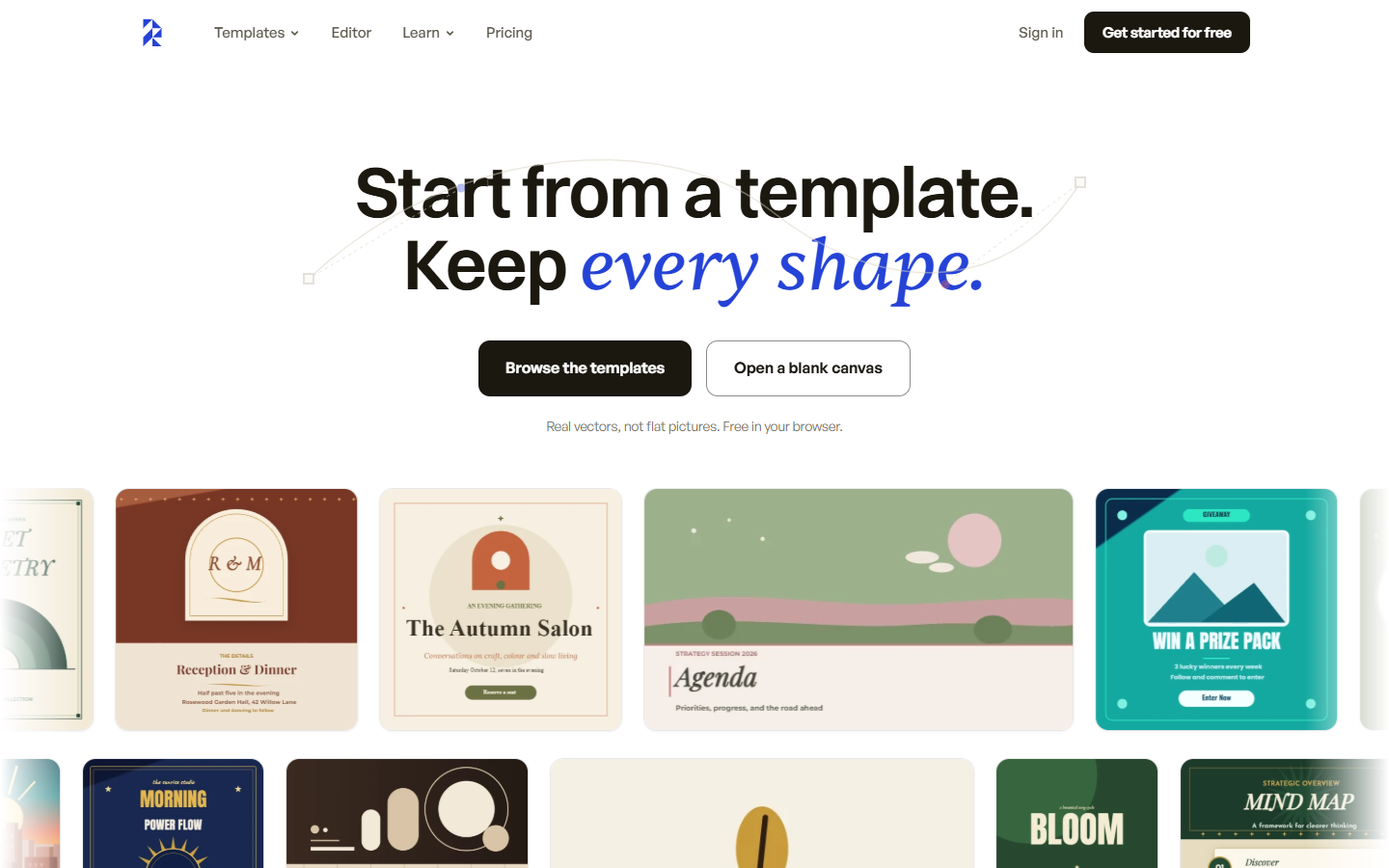
You want to build or restyle an illustration, poster, sticker, or pattern as editable SVG in the browser, and you already have a Claude or GPT key if you want the AI to draw on the file.
Free includes every drawing tool, template, brush, filter, and style, plus AI on your key, offline files, 3 cloud files, and watermarked share links. Pro adds unlimited export, PDF and 2x–4x PNG, unlimited cloud files, and 30 days of version history. Unlimited export is still subject to fair use. Open the SVG in Illustrator or Figma. This is not a UI source file.