

Skip to content

For motion and social creators who want fast, playful AI clips—not a full NLE and not a storyboard filmmaking suite. Pika turns prompts and images into short videos and layers creative edit tools (Pikascenes, additions, swaps, twists, effects, frames) on a monthly video-credit meter. Prefer Runway for broader model/production depth, LTX Studio for narrative storyboards, or CapCut when timeline editing is the job.
Video & Motion Design
$Freemium
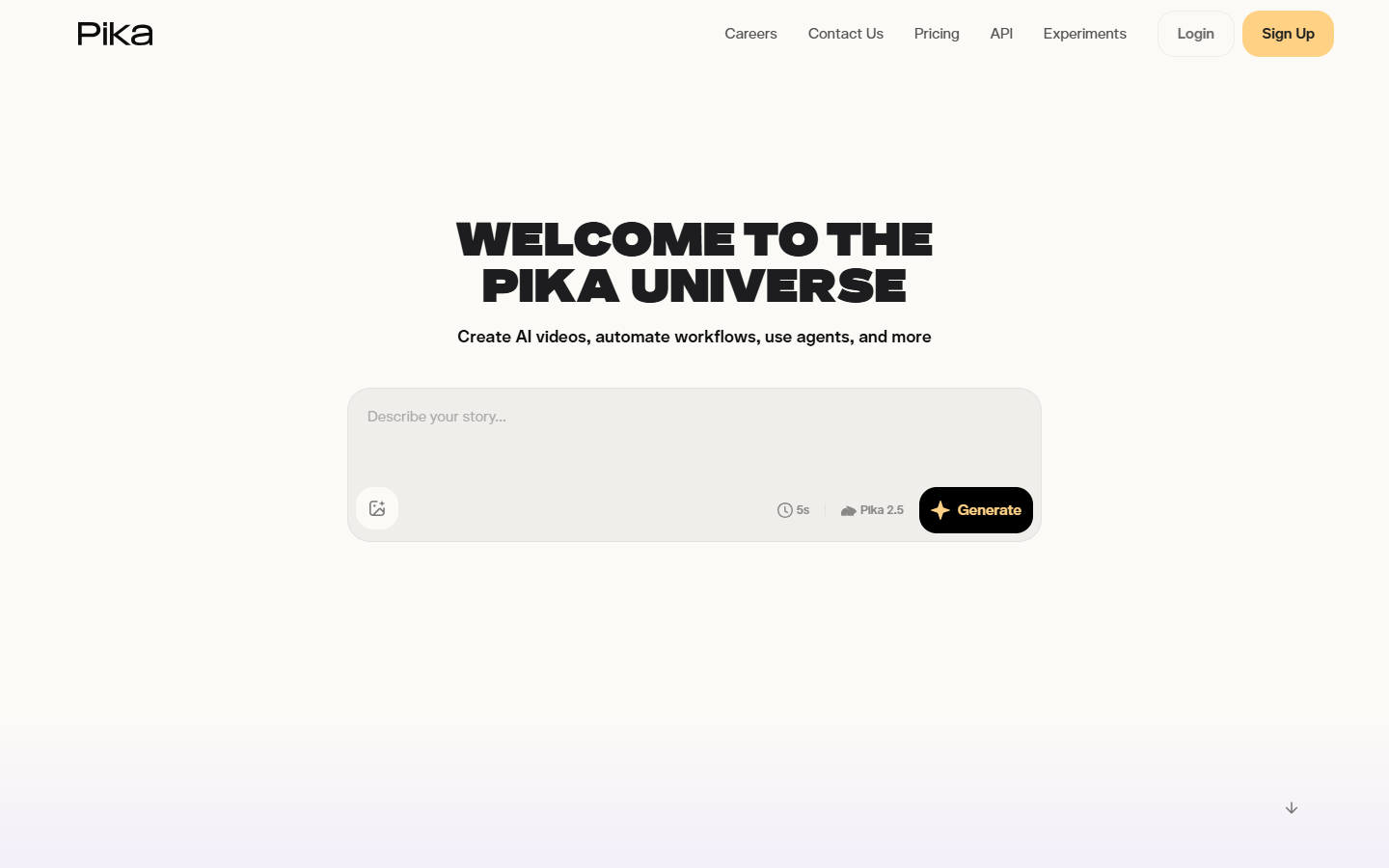
Pika homepage

Use it when

You need short, expressive AI video experiments for social or concepting—and you like Pika’s effect-style edits (scenes, swaps, twists) more than a heavy production console.

What it does well

  • Text/image-to-video plus distinctive edit tools (Pikascenes, Pikadditions, Pikaswaps, Pikatwists, Pikaffects, Pikaframes)
  • Free: ~80 video credits/mo to taste the workflow (Pika 2.5 at 480p)
  • Standard: ~700 credits/mo, all resolutions, faster generations—still watermarked, non-commercial
  • Pro/Fancy: watermark-free downloads, commercial use, and much larger monthly credit pools
  • Optional purchased credits that can roll over on paid plans when you need bursts

Skip it when

  • You need watermark-free or commercial delivery—Free and Standard do not qualify; use Pro or Fancy
  • 480p free caps or 80 credits/mo will not cover real volume—budget Standard+ for credits, Pro+ for rights
  • You need storyboard-led filmmaking—try LTX Studio
  • You need a deeper multi-model production bench—compare Runway
  • Timeline edit, captions, and finish are the job—use CapCut or a traditional NLE

Fits your workflow

Prompt or still → generate/edit in Pika → export. Stay on Free/Standard for personal experiments; move to Pro when client or brand work needs clean, commercial clips. Drop exports into CapCut or your NLE for final timing and sound.
Similar tools

See more