


Pika
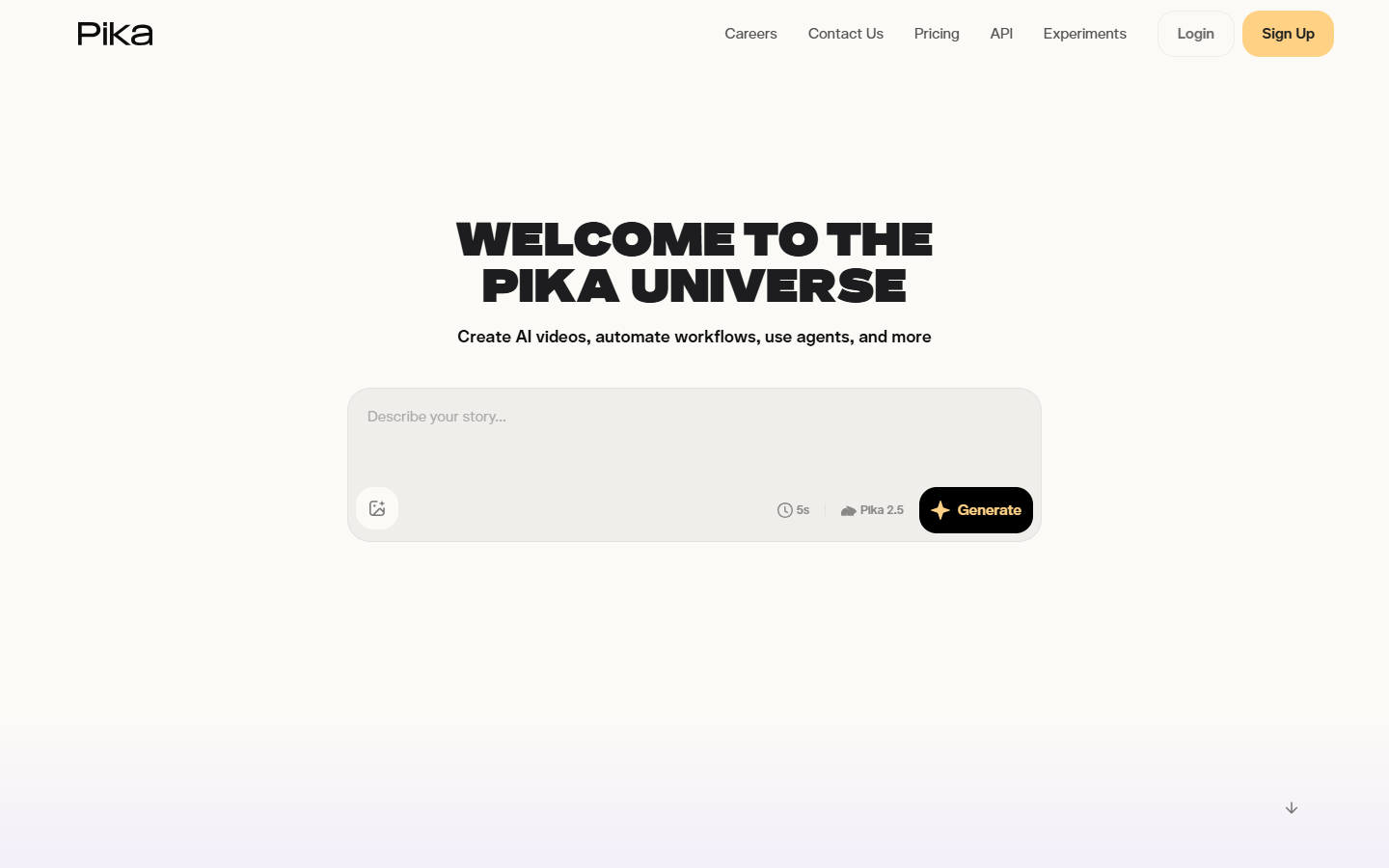
For motion and social creators who want fast, playful AI clips—not a full NLE and not a storyboard filmmaking suite. Pika turns prompts and images into short videos and layers creative edit tools (Pikascenes, additions, swaps, twists, effects, frames) on a monthly video-credit meter. Prefer Runway for broader model/production depth, LTX Studio for narrative storyboards, or CapCut when timeline editing is the job.
Use it when
You need short, expressive AI video experiments for social or concepting—and you like Pika’s effect-style edits (scenes, swaps, twists) more than a heavy production console.
What it does well
- Text/image-to-video plus distinctive edit tools (Pikascenes, Pikadditions, Pikaswaps, Pikatwists, Pikaffects, Pikaframes)
- Free: ~80 video credits/mo to taste the workflow (Pika 2.5 at 480p)
- Standard: ~700 credits/mo, all resolutions, faster generations—still watermarked, non-commercial
- Pro/Fancy: watermark-free downloads, commercial use, and much larger monthly credit pools
- Optional purchased credits that can roll over on paid plans when you need bursts
Skip it when
- You need watermark-free or commercial delivery—Free and Standard do not qualify; use Pro or Fancy
- 480p free caps or 80 credits/mo will not cover real volume—budget Standard+ for credits, Pro+ for rights
- You need storyboard-led filmmaking—try LTX Studio
- You need a deeper multi-model production bench—compare Runway
- Timeline edit, captions, and finish are the job—use CapCut or a traditional NLE
Fits your workflow
Prompt or still → generate/edit in Pika → export. Stay on Free/Standard for personal experiments; move to Pro when client or brand work needs clean, commercial clips. Drop exports into CapCut or your NLE for final timing and sound.
Similar tools
See more