


Notion AI
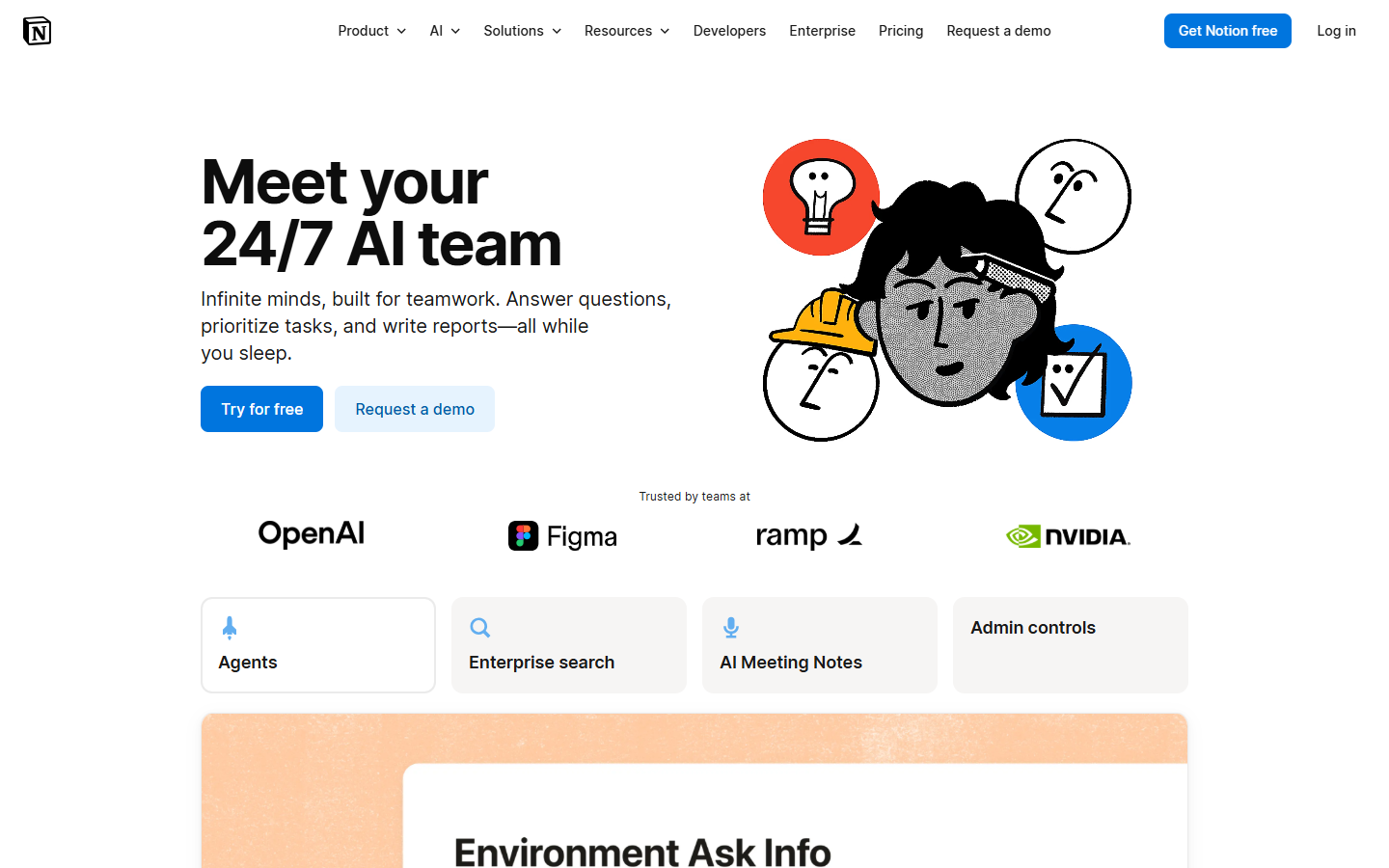
For designers who keep briefs, research, and project databases in Notion and want AI there—not a pixel tool like Figma AI. Free and Plus include a Limited Trial of Notion Agent (chat, generate, autofill, translate), Meeting notes, and Research mode. Business adds full Agent and AI Meeting Notes plus Enterprise Search across connected apps. Enterprise adds zero LLM data retention and admin controls. Custom Agents / Workers may need Notion credits—confirm before automating at scale.
Use it when
Your design work already lives in Notion pages and databases, and you want AI to draft briefs, fill properties, summarize meetings, or run recurring workspace tasks without leaving the doc.
What it does well
- Notion Agent: chat, generate, autofill, and translate inside pages and databases (Limited Trial on Free/Plus; included on Business/Enterprise per the live compare table)
- AI Meeting notes and Research mode: Limited Trial on Free/Plus; included on Business/Enterprise
- Business+: Enterprise Search across connected apps (Slack, Drive, GitHub, and others shown on pricing) plus SSO and granular database permissions
- Workspace stays useful without AI: Free covers personal docs/databases; Plus adds collaboration and larger uploads—AI is the upgrade hinge for daily agent use
Skip it when
- You need image/UI generation—this is workspace AI, not a design canvas
- You need unlimited Agent use on Free/Plus—the compare table labels Agent, Meeting notes, and Research as Limited Trial only
- You need Enterprise Search on Free/Plus—it starts at Business
- You need zero data retention with LLM providers—that row is Enterprise-only (Free/Plus/Business show 30-day retention on the AI section)
Fits your workflow
Keep design briefs and task DBs in Notion → try Agent/Meeting notes on Free or Plus → move to Business when Limited Trial isn’t enough or you need Enterprise Search. Check Workers/Custom Agents credit rules before scheduling always-on automation. Export HTML/Markdown/CSV from any plan when handing off notes.
Similar tools
See more