
Freemium

For designers and creative teams who need a place to collect references, briefs, and research before (and beside) Figma—not a workshop whiteboard and not a docs wiki. Milanote boards hold notes, images, links, and files you can rearrange visually, then share for edit, comment, or view-only feedback. Prefer Miro for live workshop whiteboarding, Excalidraw for diagram-first sketches, or Notion when the work is primarily structured docs.
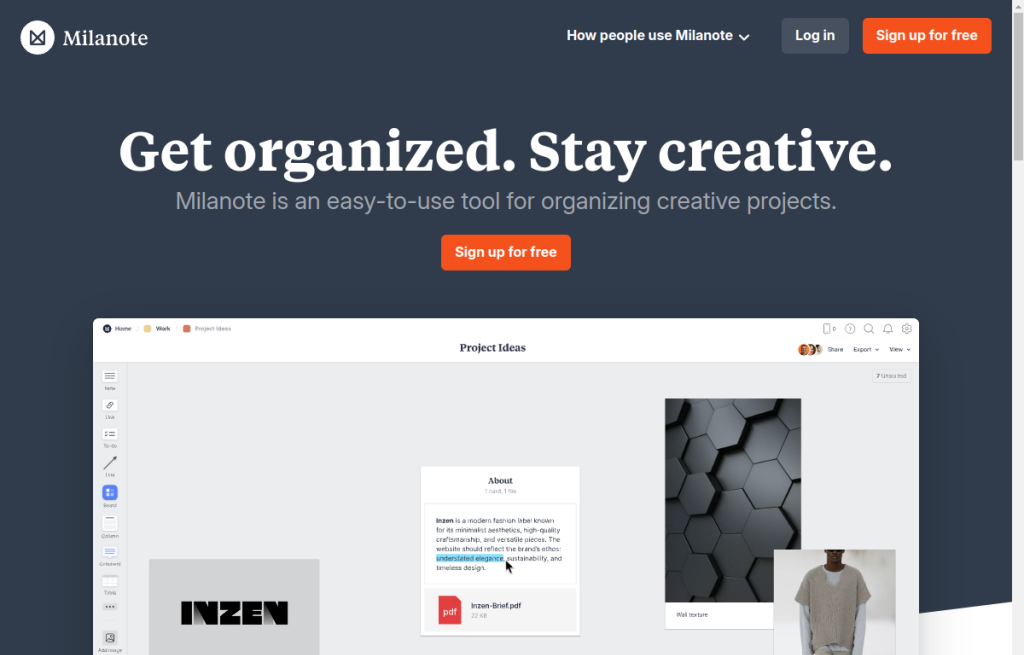
You are building moodboards, creative briefs, or research boards and want notes, images, and links laid out visually—then shared with a client or teammate without forcing them into your design file.
Clip references → arrange the board → share for feedback → hand decisions into Figma, Canva, or production. Keep Milanote as the context layer, not the UI canvas. Start on Free; move to paid when you need unlimited cards and file uploads.