

Skip to content

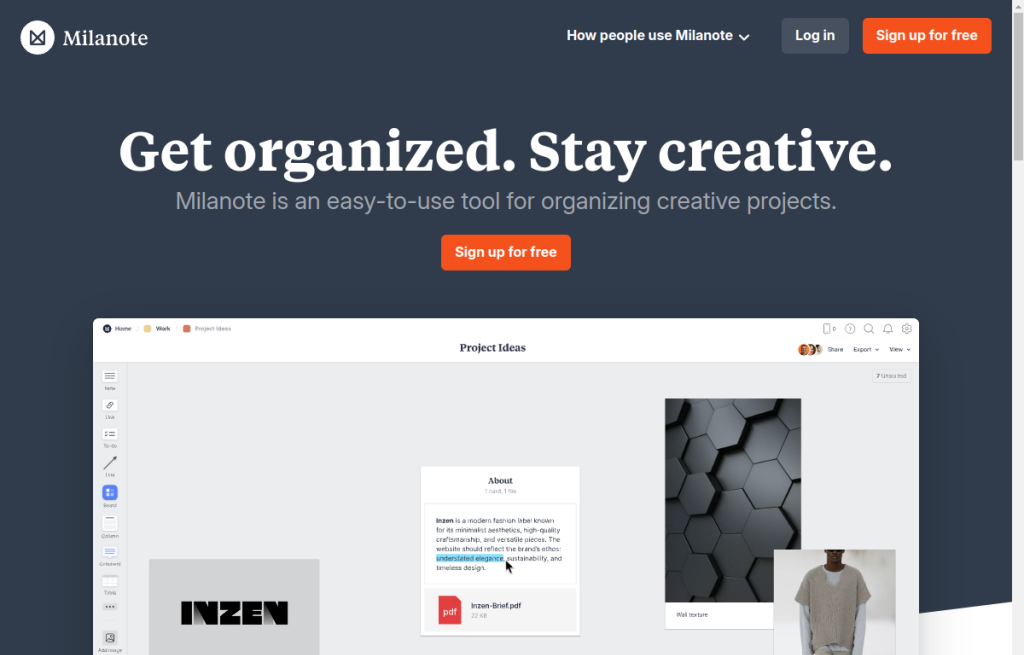
For designers and creative teams who need a place to collect references, briefs, and research before (and beside) Figma—not a workshop whiteboard and not a docs wiki. Milanote boards hold notes, images, links, and files you can rearrange visually, then share for edit, comment, or view-only feedback. Prefer Miro for live workshop whiteboarding, Excalidraw for diagram-first sketches, or Notion when the work is primarily structured docs.
Design Productivity & Workflow
$Freemium
Milanote homepage

Use it when

You are building moodboards, creative briefs, or research boards and want notes, images, and links laid out visually—then shared with a client or teammate without forcing them into your design file.

What it does well

  • Freeform visual boards that mix notes, images, links, and files in one place
  • Web clipping and mobile capture so references land on the board quickly
  • Share boards for edit, comment, or view—unlimited shared boards even on Free
  • Templates and board structure suited to moodboards, briefs, and project plans
  • Clear Free ceiling (100 cards + 10 uploads) so you know when a paid seat becomes necessary

Skip it when

  • You need a real-time workshop whiteboard with sticky-note facilitation—use Miro
  • You mainly draw diagrams or wireflow sketches—use Excalidraw (or Figma)
  • You want structured docs, databases, and wikis as the source of truth—use Notion
  • You only browse inspiration and never organize project context—Pinterest may be enough
  • You already hit Free limits and refuse paid seats for ongoing multi-project boards

Fits your workflow

Clip references → arrange the board → share for feedback → hand decisions into Figma, Canva, or production. Keep Milanote as the context layer, not the UI canvas. Start on Free; move to paid when you need unlimited cards and file uploads.

Similar tools

See more