

Skip to content

For motion and brand designers who need AI video (and related image/spatial workflows) without living in a traditional NLE. Luma AI centers on credit-metered generation—Luma models such as Ray/Dream Machine paths plus third-party image and video models on paid plans. Prefer Runway or Kling for alternate model benches, Pika for playful short effects, or Meshy/Tripo when the job is pure 3D asset generation.
Video & Motion Design3D & Spatial Design
$Freemium
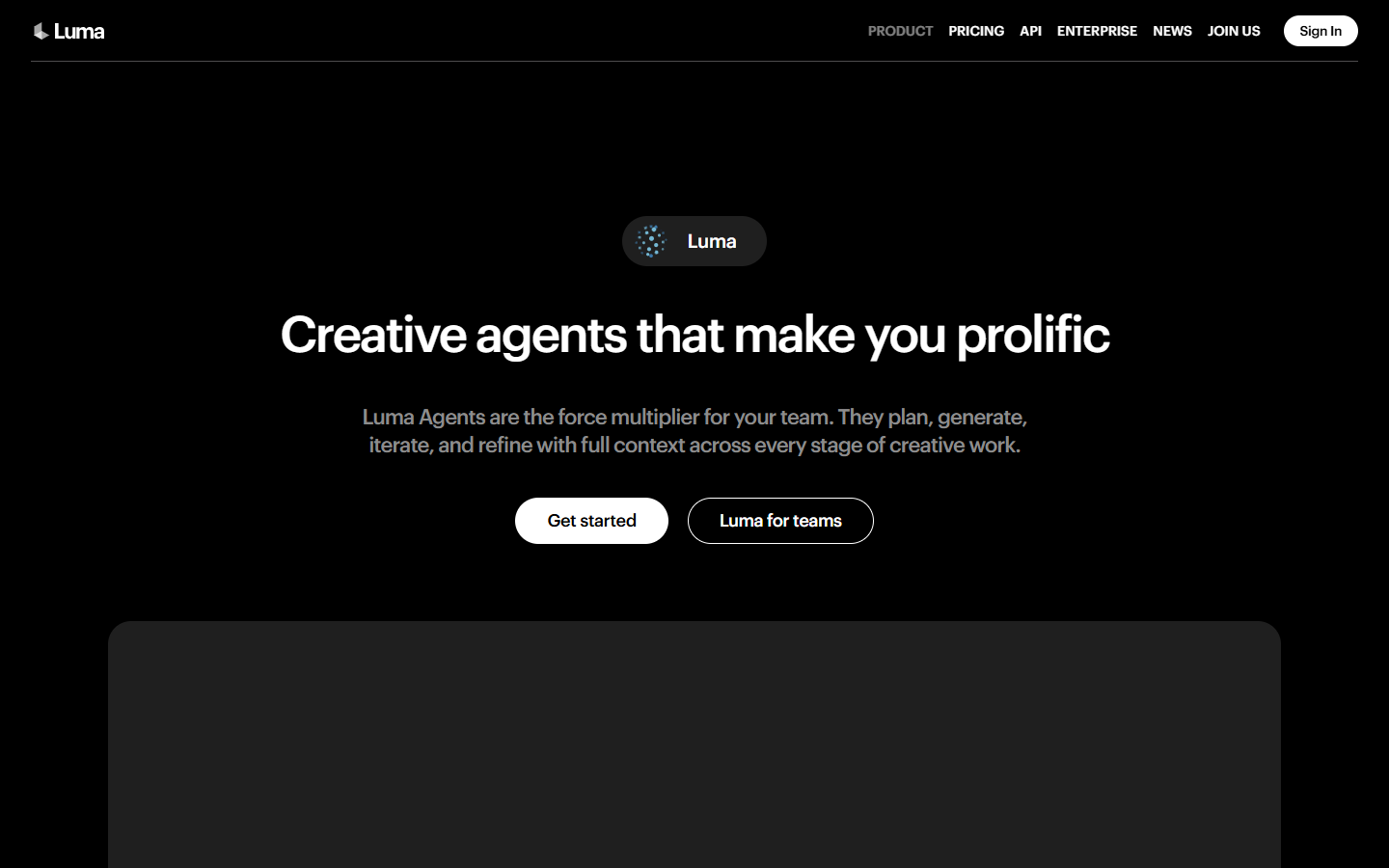
Luma AI homepage

Use it when

You need AI video clips for campaign or motion concepts—and optionally Luma’s broader image/model bench—before finishing in CapCut or an NLE.

What it does well

  • Credit-metered text/image-to-video and related creative tools, including Luma video models and partner models on paid plans
  • About 3,000 free trial credits after card verification (no charge) to evaluate quality and credit burn
  • Plus: ~10,000 credits, commercial use, and guest collaborator edit access
  • Pro/Ultra: much larger monthly credit pools and higher Agents usage multipliers for heavy production
  • Useful when one brand spans motion video and dimensional/spatial exploration under the same Luma account

Skip it when

  • Trial credits will not cover ongoing volume—budget Plus or above and watch per-second model costs
  • You need a storyboard-first filmmaking workspace—try LTX Studio
  • You only want playful short effects—Pika may fit better
  • Pure mesh/3D asset generation is the job—use Meshy, Tripo, or similar
  • Timeline edit and delivery are the job—finish in CapCut, Premiere, or After Effects

Fits your workflow

Verify the account → spend trial credits on test clips → subscribe when commercial volume matters → export → cut in your NLE. Treat credits as the capacity unit; higher resolutions and HDR burn faster than draft modes.
Similar tools

See more