

Skip to content

LTX Studio

For motion designers, marketers, and filmmakers who need storyboard-to-shot previz—not a full Premiere/After Effects replacement. LTX Studio combines blank/AI storyboards, camera controls, audio-to-video, flows, and credit-metered image/video generation. Prefer Runway, Kling, or Luma when you want clip-first generation without a story workspace; finish timeline polish in a traditional NLE.
Video & Motion Design
$Freemium
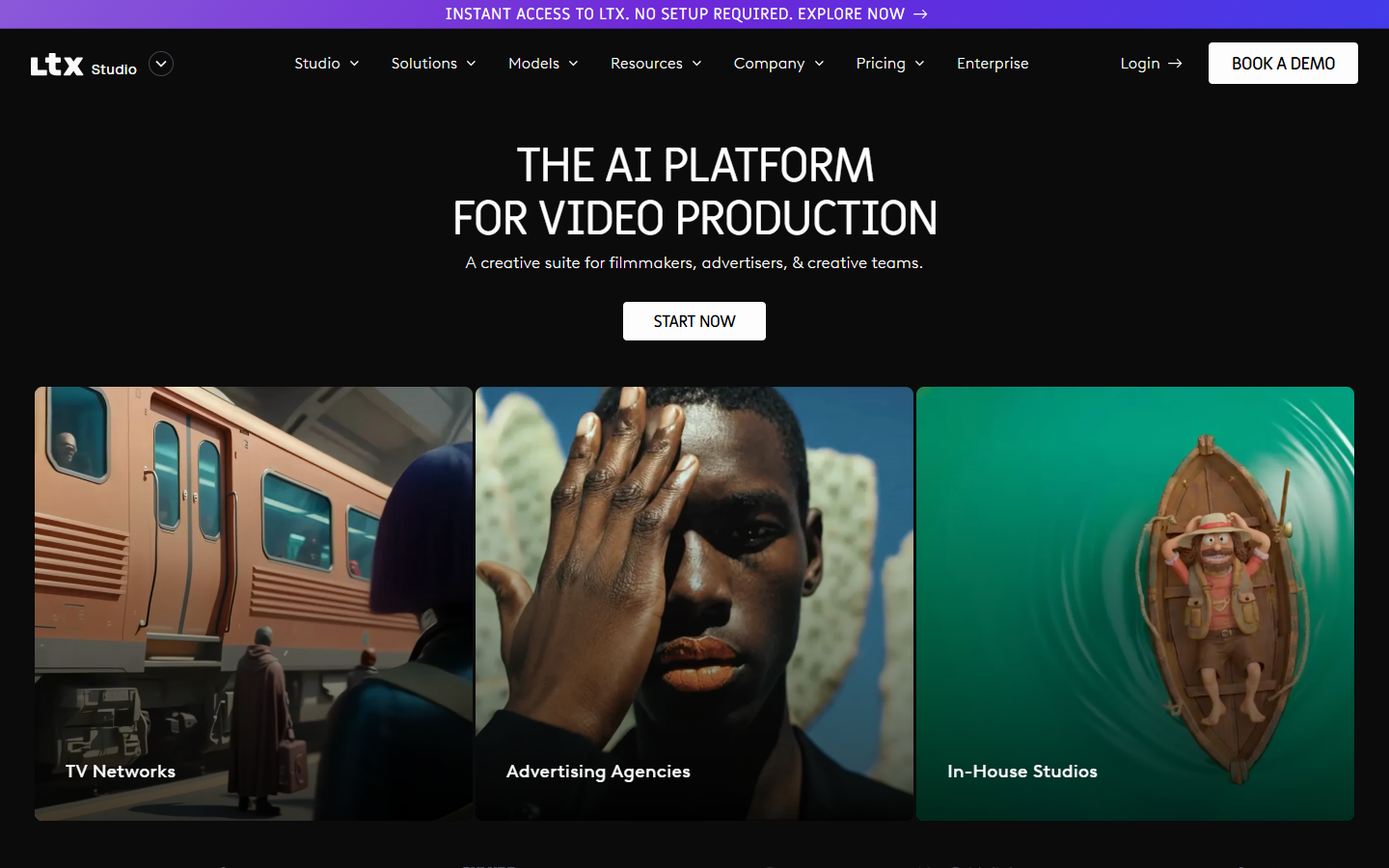
LTX Studio homepage

Use it when

You need to plan a short narrative or campaign story visually—storyboards, camera language, and AI-generated shots—before committing to a full live shoot or heavy NLE edit.

What it does well

  • Story-oriented workspace: storyboards, advanced camera controls, audio-to-video, flows, and video-to-video paths
  • Free: 800 one-time credits to explore generation under a personal-use license
  • Lite: ~8,000 credits/mo with editing/upscale extras—still personal license only
  • Standard+: commercial use license, higher monthly credits, partner models, storyboard/pitch-deck extras
  • Pro: much larger credit pool, higher-end model access, project collaborators, and credit top-ups

Skip it when

  • You need commercial or client work—Free and Lite lack commercial license; use Standard or above
  • 800 free credits will not cover ongoing production—budget a monthly paid pool (credits do not roll over on paid plans)
  • You only want single-clip generators without storyboarding—Runway, Pika, Kling, or Luma may be enough
  • You need a full traditional edit suite as the source of truth—finish in Premiere, After Effects, or CapCut
  • Enterprise privacy, SSO, and custom model training are required—talk Enterprise, not self-serve Free

Fits your workflow

Outline the story → build storyboards in LTX → generate shots against your credit balance → export → cut and grade in your NLE. Stay on Free/Lite for personal experiments; move to Standard when marketing or paid work needs a commercial license.
Similar tools

See more