


Kling AI
For motion and social creators who want competitive AI video (and related image tools) without a traditional NLE—not a storyboard filmmaking suite like LTX Studio. Kling generates clips from prompts and images on a credit system, with higher tiers unlocking faster queues, higher resolutions, extension, and watermark removal. Prefer Runway or Luma for alternate benches, Pika for playful effects, or CapCut when editing is the job.
Use it when
You need AI video generation with strong motion quality for social or campaign concepts—and you are ready to budget credits against resolution, length, and iteration.
What it does well
- Credit-metered AI video and image generation with Kling model families (including newer 3.0-era tools on the platform)
- Free Basic: login credits that expire plus limited 1080p/4K and extend trials for personal testing
- Standard: ~660 credits/mo with commercial use, watermark removal, 1080p/4K, extension, and faster queues
- Pro/Premier/Ultra: larger monthly credit pools (~3,000 / ~8,000 / ~26,000) for heavier production
- Subscriber extras such as daily free credits and higher element-creation limits on paid plans
Skip it when
- You need commercial or watermark-free delivery—Free Basic does not allow commercial use; start at Standard
- Expiring free credits will not cover ongoing volume—budget a monthly paid pool
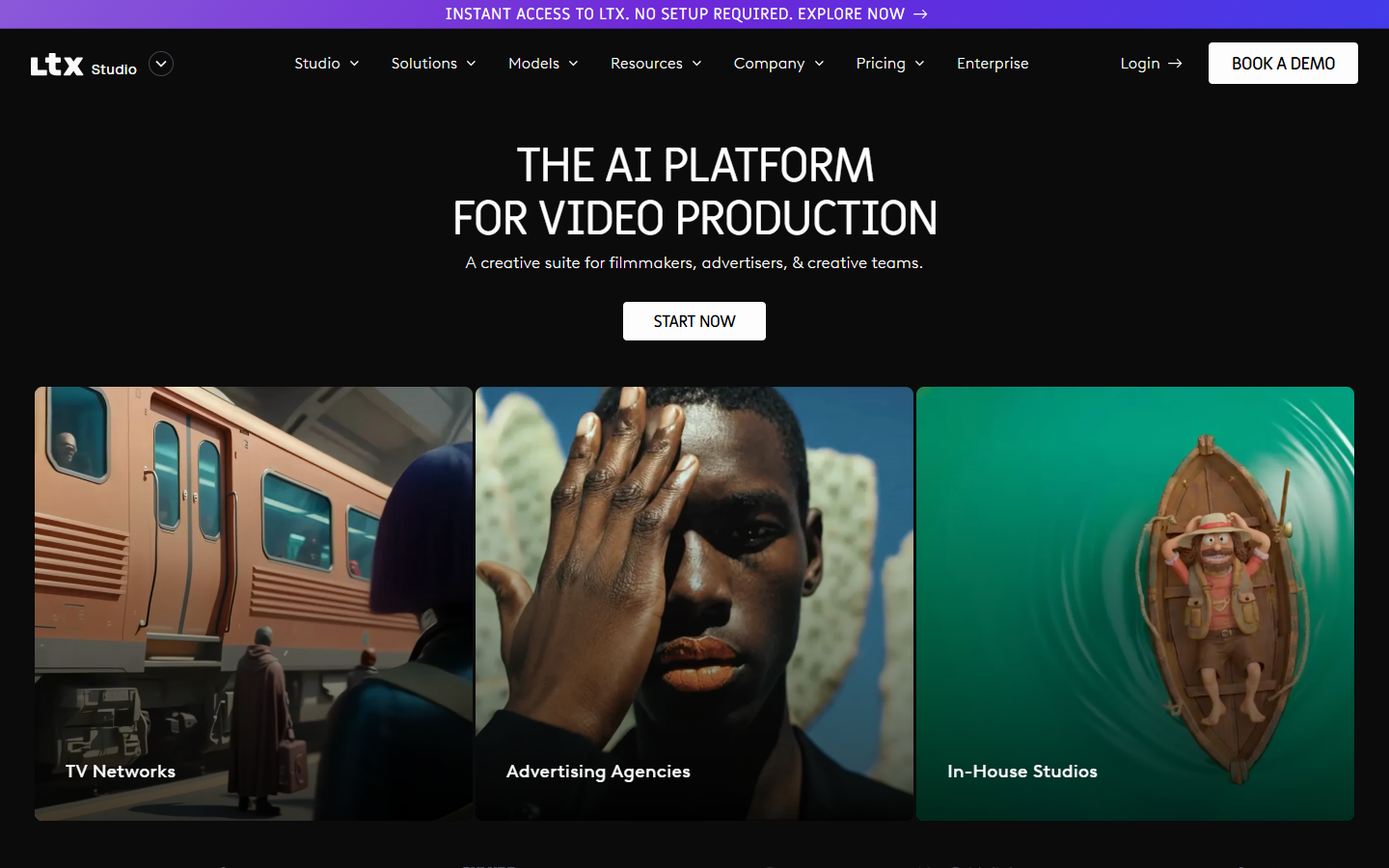
- You want storyboard-led narrative filmmaking—try LTX Studio
- You want playful effect-first shorts—compare Pika
- Timeline edit and delivery are the job—finish in CapCut or a traditional NLE
Fits your workflow
Generate on Kling → export → cut in CapCut or your NLE. Use Free only for personal tests; move to Standard when client or brand work needs commercial rights and clean exports. Watch credit burn on longer, higher-res clips.
Similar tools
See more