

Skip to content

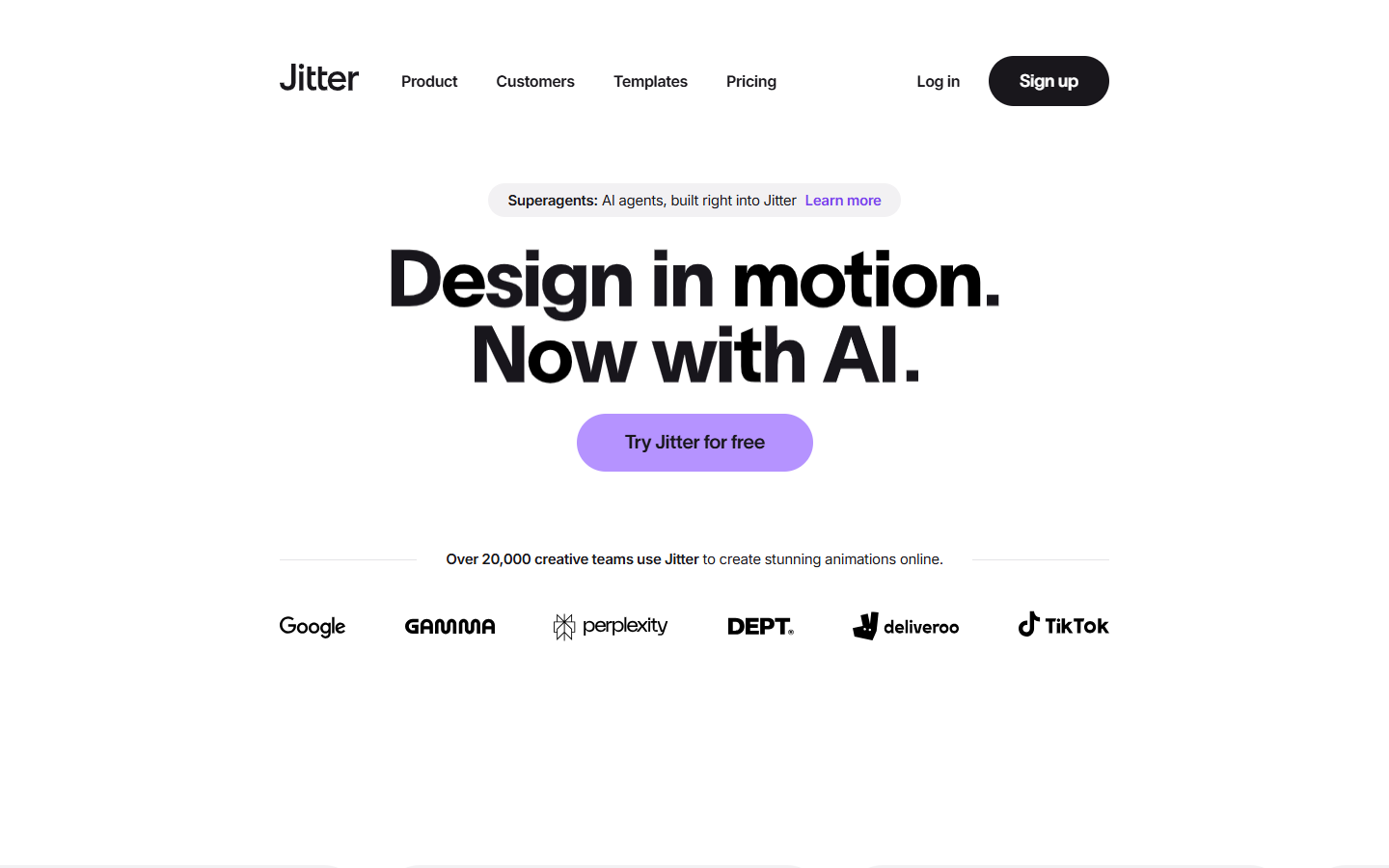
For designers who already have a frame and need motion on it: interface demos, brand spots, and social loops. Jitter is a browser timeline where you paste a Figma design, start from a preset or an AI-generated effect, and tune the timing yourself. You leave with video, GIF, or Lottie. Skip it for a clickable prototype or a clip that never had a design file. Free exports stay at 720p and carry a watermark.
Video & Motion Design
$Freemium
Jitter homepage

Use it when

You have a Figma frame, poster, or layout and need a motion file for a product demo, a site, or a social post. Use it when a prompt or preset should get you a first pass, and you still want a timeline you can edit before export.

What it does well

  • Paste a Figma frame in through the plugin, then swap updated layers later without rebuilding the animation
  • Describe an idea and get an editable animation, effect, or variation, then change timing and parameters yourself
  • Build motion with presets, pen paths, shape morphs, blur, gradients, blend modes, type, and imported audio or video
  • Export video, GIF, or Lottie, including from the free plan
  • Reuse one motion through animated components, which the free plan includes

Skip it when

  • You need interactive states that run inside the product, not a delivered animation file
  • You want a finished video from a text prompt and have no design to animate
  • You need desktop compositing in the style of After Effects
  • The free plan is too tight: 3 workspace files, 720p at 30fps, a watermark, and a 20MB upload cap
  • Image to Video, 1080p/60fps, ProRes, WebM, and watermark-free export start on Pro (up to 10 editors)
  • Transparent export, 4K, 120fps, frame-by-frame, and batch export start on Max (up to 50 editors)
  • The artboard is extreme: the export must fit inside 2160×4320, 4320×2160, 2800×2800, or 5760×1080

Fits your workflow

Copy a frame with the Figma plugin, paste it into Jitter, animate on the timeline, then export video, GIF, or Lottie. Magic Import, auto-resize, and auto-translate make many versions of one scene; confirm the plan if volume matters. Students and educators can request Pro free. Paid plans bill per editor.
Similar tools

See more