
Skip to content

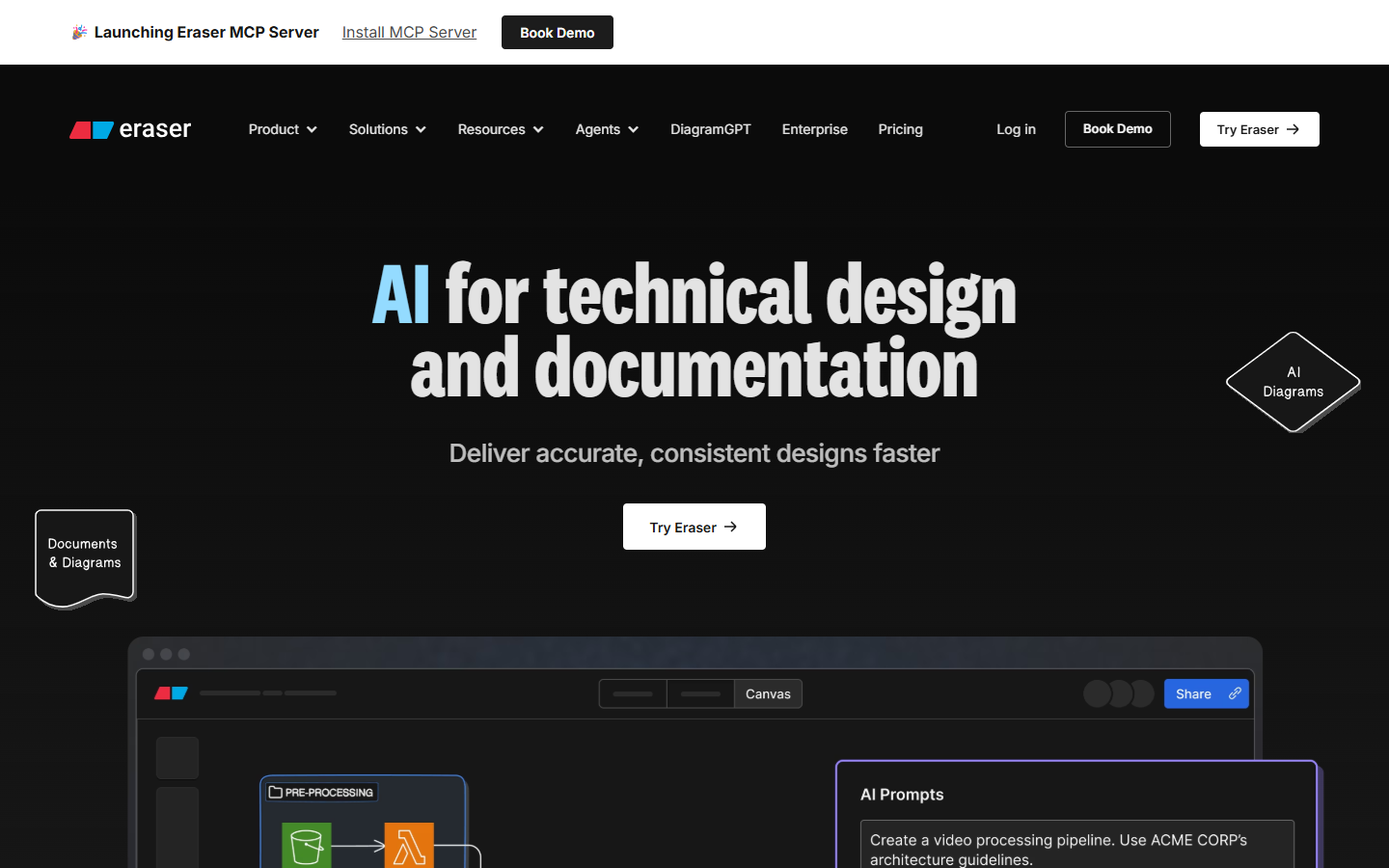
For engineers, technical PMs, and design-adjacent teammates who need architecture and flow diagrams—not Miro workshop boards and not Figma UI files. Eraser combines an infinite canvas, diagram-as-code, Markdown notes, and AI diagram generation, with hooks into GitHub, Notion, Confluence, and VS Code. Prefer Lucid for broad business diagramming suites, or Excalidraw/tldraw for lightweight free sketching without Eraser’s technical-doc focus.
Design Productivity & Workflow
$Freemium
Eraser homepage

Use it when

You need AI-assisted technical diagrams and architecture docs that stay editable as code—and you can upgrade when three files and a handful of AI credits aren’t enough.

What it does well

  • Prompt-to-diagram plus diagram-as-code editing, Markdown notes, and export to PDF/PNG/SVG/MD
  • Free forever: 3 files, 3 AI diagram credits, 7-day history, unlimited guests, GitHub/Notion/Confluence/VS Code
  • Starter: unlimited files, ~40 AI diagrams, 90-day history, private files, custom icons, API calls
  • Business: ~250 AI diagrams, unlimited history, SAML SSO, reference diagrams, more custom icons
  • Unlimited free guests on every plan; Enterprise for unlimited AI and flexible deployments

Skip it when

  • You’ll outgrow 3 files / 3 AI credits quickly—budget Starter for ongoing architecture work
  • Private files or SSO are required—those start at Starter and Business respectively
  • You need workshop templates and facilitation kits—use Miro or FigJam
  • You’re mainly sketching casually—Excalidraw or tldraw may be lighter
  • UI design systems and product mockups belong in Figma, not a diagramming workspace

Fits your workflow

Paste a prompt, infra snippet, or design notes → generate in Eraser → refine with diagram-as-code or AI edits → embed in Notion/Confluence or export for reviews. Invite guests freely; upgrade when file and AI caps block the team.

Similar tools

See more