
Freemium

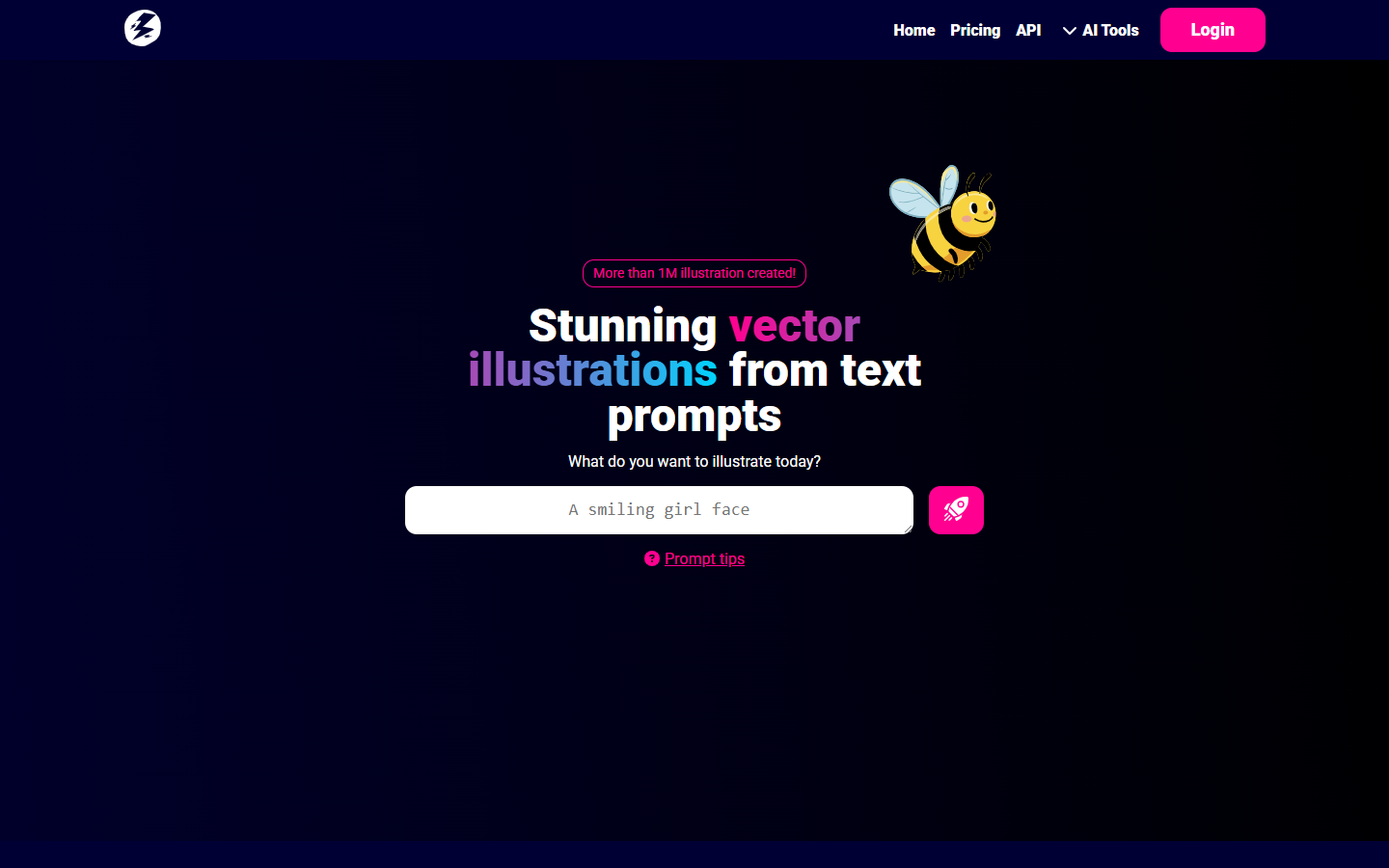
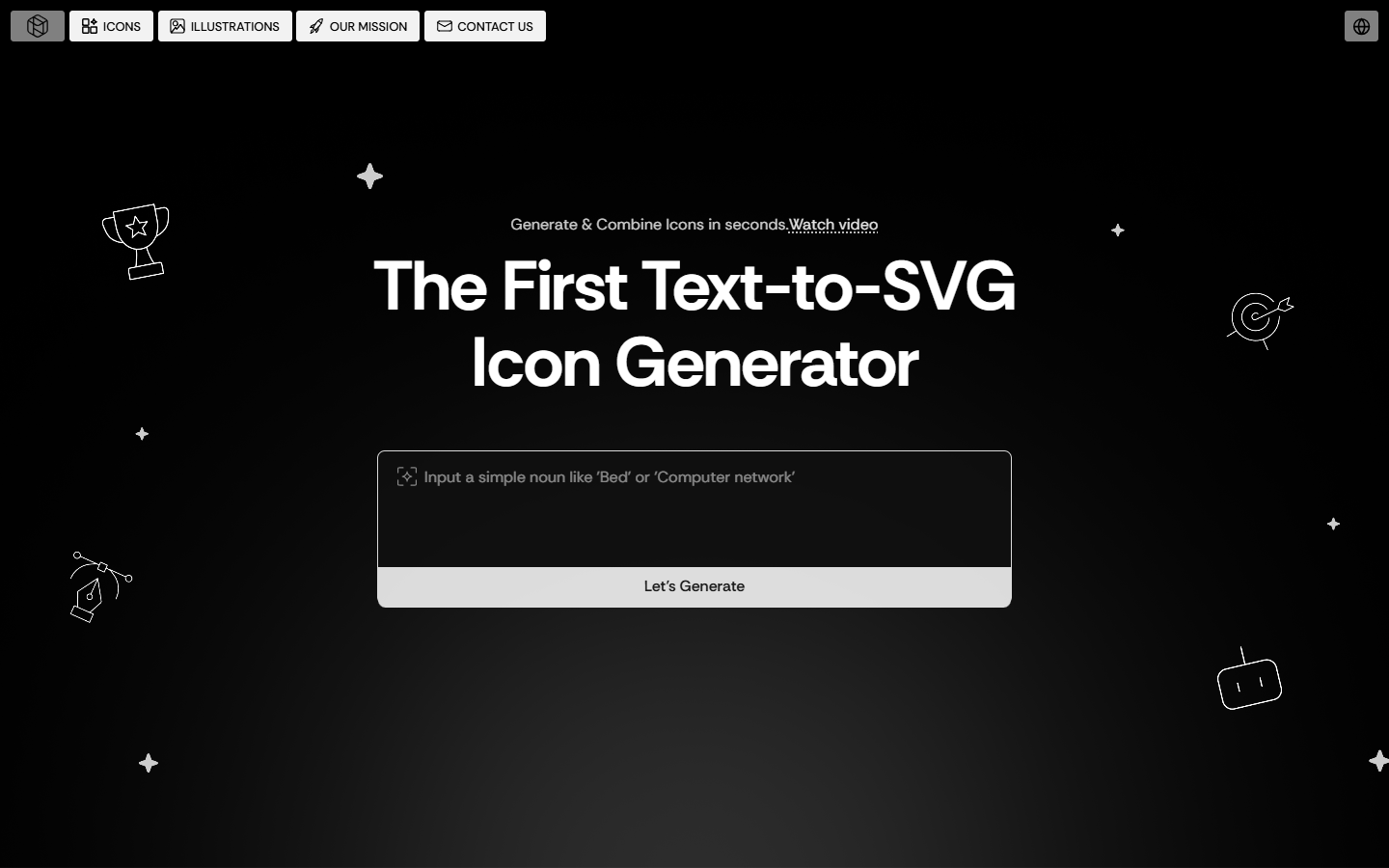
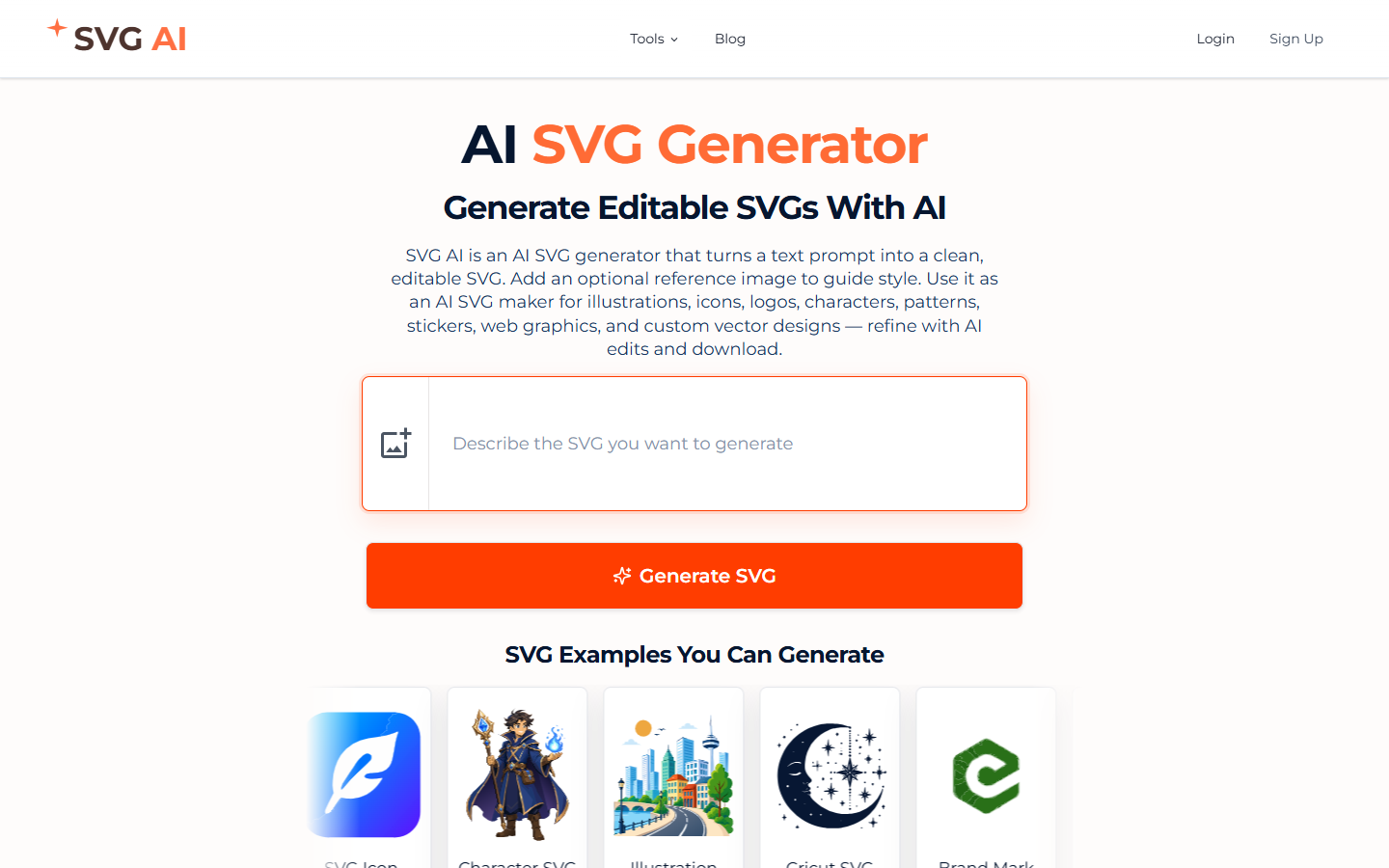
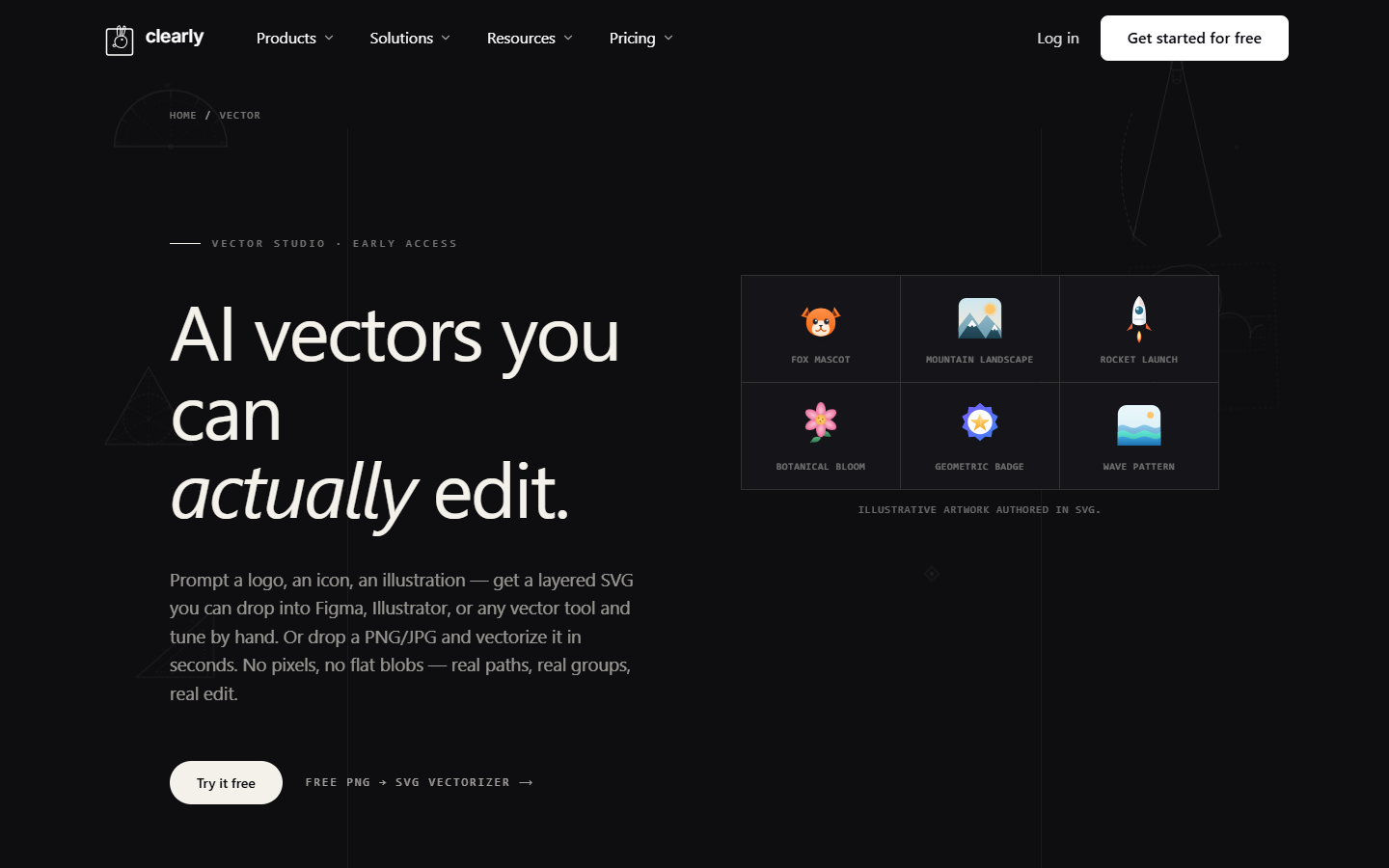
For illustrators and makers who need editable vectors, not a pixel mock. Clearly Vector turns a prompt or a PNG/JPG into paths and groups you can recolor in the browser, then open in Figma or Illustrator. The free workspace exports with a watermark. Clean files, text-to-SVG, and a commercial license start on Pro. Skip it for a logo kit or a raster-only generator.
You need an illustration, icon, or logo mark as editable SVG — from a prompt or from a PNG you already have — and you will tune the paths yourself or send a cut file onward.
Free is a workspace: 3 projects, 25 canvases, 1 GB, watermarked exports, and unlimited connected agents. Pro is one person — text-to-SVG, unlimited image-to-SVG tracing, unlimited projects and canvases, 25 GB, and 60 assistant credits a month. Team pools 80 assistant credits per editor and adds real-time multiplayer, 100 GB shared storage, a Shared Company Brain, client workspaces, and white-label share links. Hand the SVG to Illustrator or Figma. This is not a UI source file.