

Skip to content

For social and short-form creators who need a fast timeline editor—not Premiere/After Effects as the daily driver, and not a pure generation lab like Runway or Kling. CapCut covers multi-track editing, captions, effects, and templates across mobile, desktop, and web. Prefer VEED or Kapwing for browser-first collaboration, InVideo for script-to-marketing pipelines, or Runway/Kling when generation—not editing—is the job.
Video & Motion Design
$Freemium
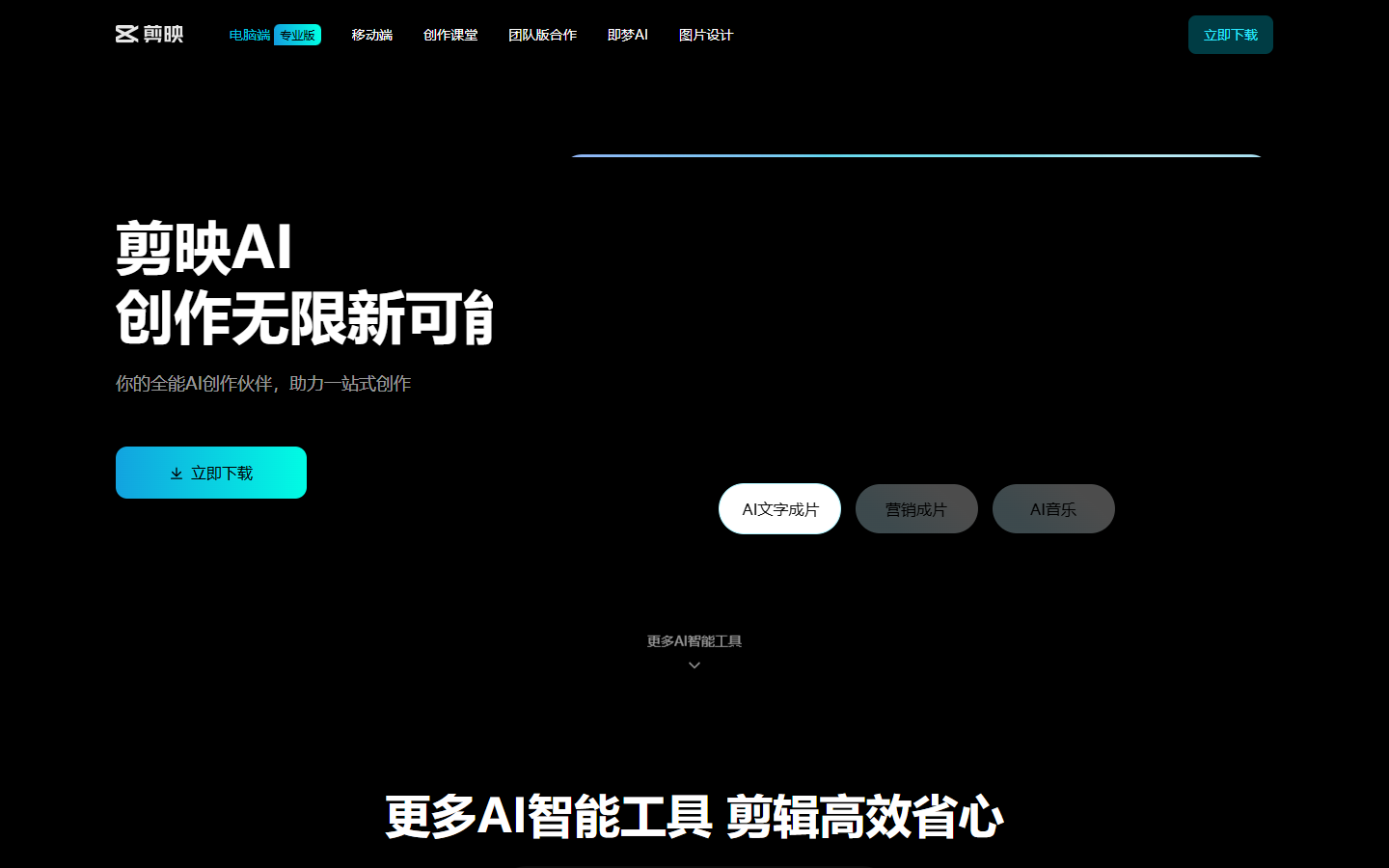
CapCut homepage

Use it when

You edit short-form or social video on a multi-track timeline and want templates plus optional AI assists—without committing to a full desktop NLE.

What it does well

  • Free plan: basic editing tools and free templates to start social cuts quickly
  • Pro: ~550 monthly AI credits, premium templates/Pro features, buyable top-ups, and 1 TB cloud storage
  • Ultra: ~8,645 monthly AI credits plus exclusive AI features on top of Pro—for heavier generative use
  • Teams: ~1,200 monthly AI credits per seat, brand kit, and Pro features across seats
  • Cross-platform editing (mobile/desktop/web) with auto-captions, effects, and social-ready export paths

Skip it when

  • Heavy AI generation will burn through ~550 Pro credits/mo—budget Ultra or buy top-ups
  • You need browser-first team editing with strong collaboration UX—VEED or Kapwing may fit better
  • Grade-heavy or complex compositing belongs in Premiere, After Effects, or DaVinci
  • You mainly want a generation-first bench without CapCut’s timeline—use Runway, Kling, or Luma
  • Region/account offers differ—confirm credits and premium gates in your signed-in plan modal

Fits your workflow

Shoot or import clips → edit/captions/templates in CapCut → use AI features against your credit pool → export for social. Pull generative masters from Runway/Kling when needed, then finish in CapCut. Move complex grade to a desktop NLE.
Similar tools

See more