

Skip to content

Stockimg AI

For designers who want prompt-to-post stills in social, stock-photo, or poster formats—not a Midjourney studio, not Looka, and not an icon tool. Stockimg AI generates those categories, then lets you edit on a canvas before downloading into Figma. The live pricing page has no unpaid credit pool; Starter starts at 300 credits/month. Skip it when you need SVG source or a unique registered mark.
Social & Marketing GraphicsLogo & Brand IdentityImage Generation
$Paid
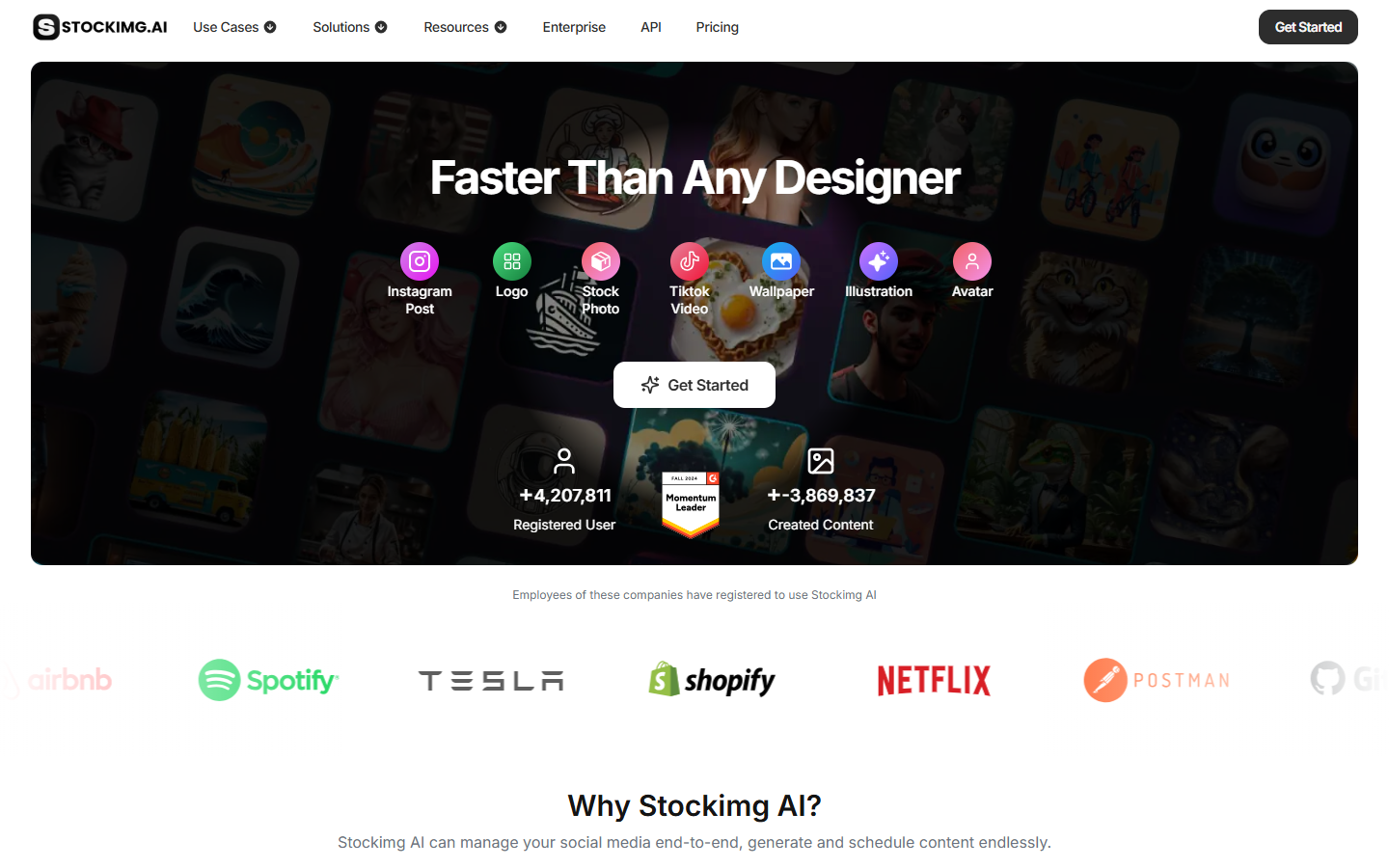
Stockimg AI homepage

Use it when

You need a social post, stock-style photo, or poster from a prompt—and you will download a raster into Figma rather than design the layout from scratch.

What it does well

  • Category generators for Instagram posts, stock photos, posters, illustrations, and logo sketches
  • Edit-canvas pass after generation before you export
  • Optional social-account scheduling if you want posts to go out from the same app
  • Starter and up include commercial usage, background remove, and 4× upscale

Skip it when

  • You need SVG, icons, or a Figma design system—this is not Recraft or an icon generator
  • You need a deliverable logo system—treat Stockimg logos as sketches, not Looka or Illustrator source
  • You only need a dedicated upscaler; 4× upscale is a plan perk, not the product
  • There is no free credit grant on login and no trial on the current pricing page—Starter is 300 credits/month without private generation
  • Premium is 1,500 credits/month with private generation; Ultra is unlimited credits. Terms still mention a free tier, but that pool is not on the live cards

Fits your workflow

Pick a category → generate → tweak on the canvas → download → rebuild in Figma if it has to become a system. Use Premium when generations must stay private. Check current terms before treating outputs as exclusive brand assets—the platform also licenses them for its own use.
Similar tools

See more