

Skip to content

Spacely AI

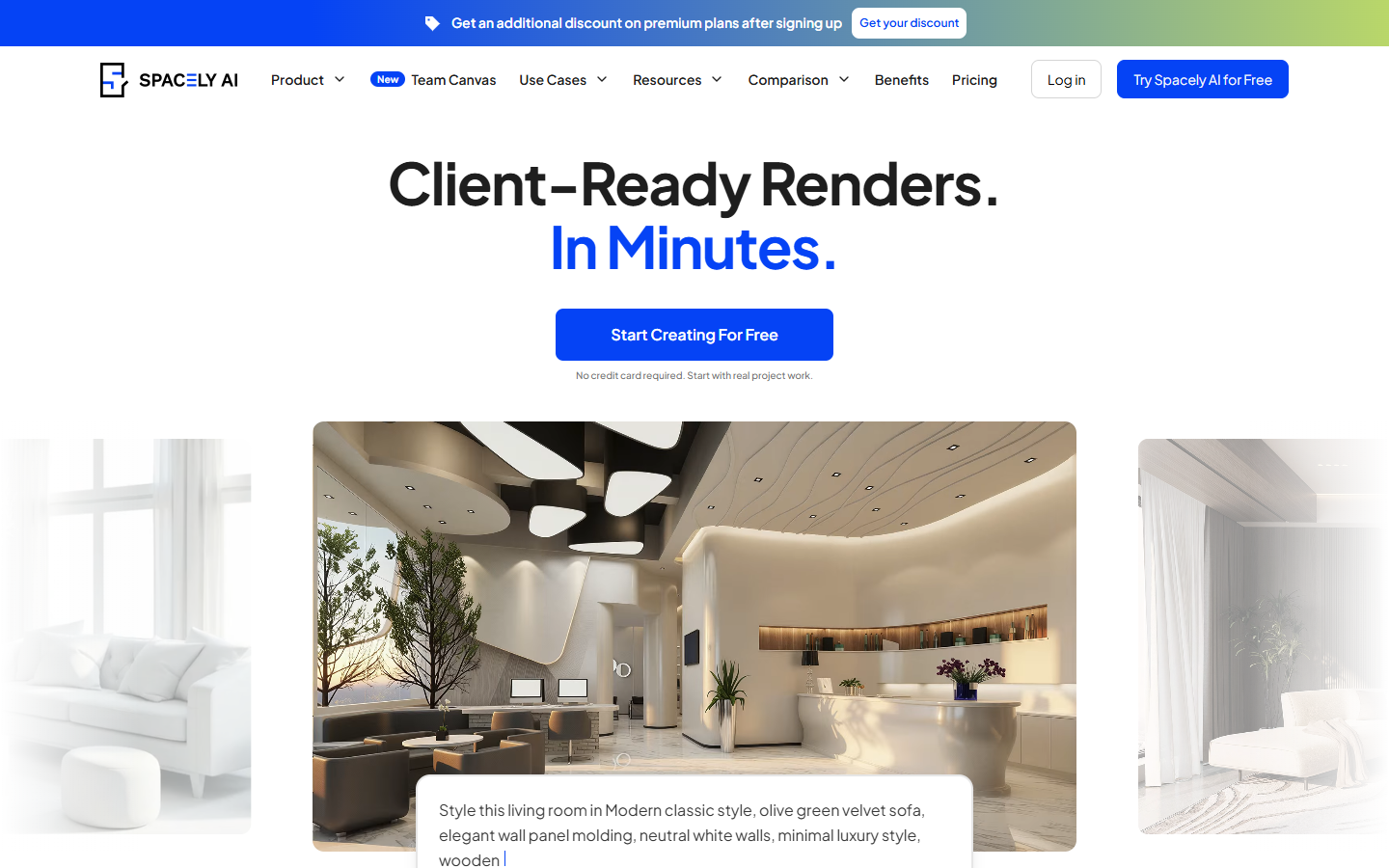
For interior designers and architects who need a realistic still before a full production render. Spacely takes a sketch, a snapshot of a model, or a room photo and lets you revise lighting and furniture on that image. You leave with a render, not a mesh or a floor plan. Skip it if the client needs an editable model. The trial allotment is 40 credits, and uploads are JPG, PNG, WebP, or AVIF.
Mockups & Product Visualization
$Freemium
Spacely AI homepage

Use it when

You already have a sketch, a view of a model, or a photo of a room, and you need a realistic still for a proposal. Use it when the layout should stay recognizable.

What it does well

  • Turn a sketch, a model snapshot, or a room photo into a photorealistic render
  • Revise lighting, furniture, and finishes on that image
  • The site says each mode keeps the original geometry and materials
  • Render from the SketchUp extension without exporting a mesh
  • The free card lists a high-resolution download and no watermark

Skip it when

  • You need an editable mesh, a floor plan, or a construction drawing
  • Uploads are JPG, PNG, WebP, or AVIF. The FAQ names SketchUp as the only extension
  • The free card is 40 trial credits, not a monthly pool
  • The pricing card lists a commercial license on the free plan, but the FAQ says free users do not have commercial rights
  • Personal is one seat, 500 credits a month, basic features, and a standard queue of about 5 minutes
  • Pro tools, 4K download, and faster queues are listed on Studio and Agency
  • Studio is up to 2 seats and 1,500 credits a month. Agency is up to 5 seats, 3,500 credits, and a private API
  • Credit use varies. The page estimates about 250 renders from 500 credits. Top-ups are for subscribers and do not expire

Fits your workflow

Upload a still, or render from the SketchUp extension, then adjust the image. Use the 40 trial credits to test a few stills, and read the FAQ before you send one to a client. Move to Personal for 500 credits a month on one seat. Use Studio or Agency when more than one person shares the work or you need the Pro tools.


Similar tools

See more