

Skip to content

Mockey AI

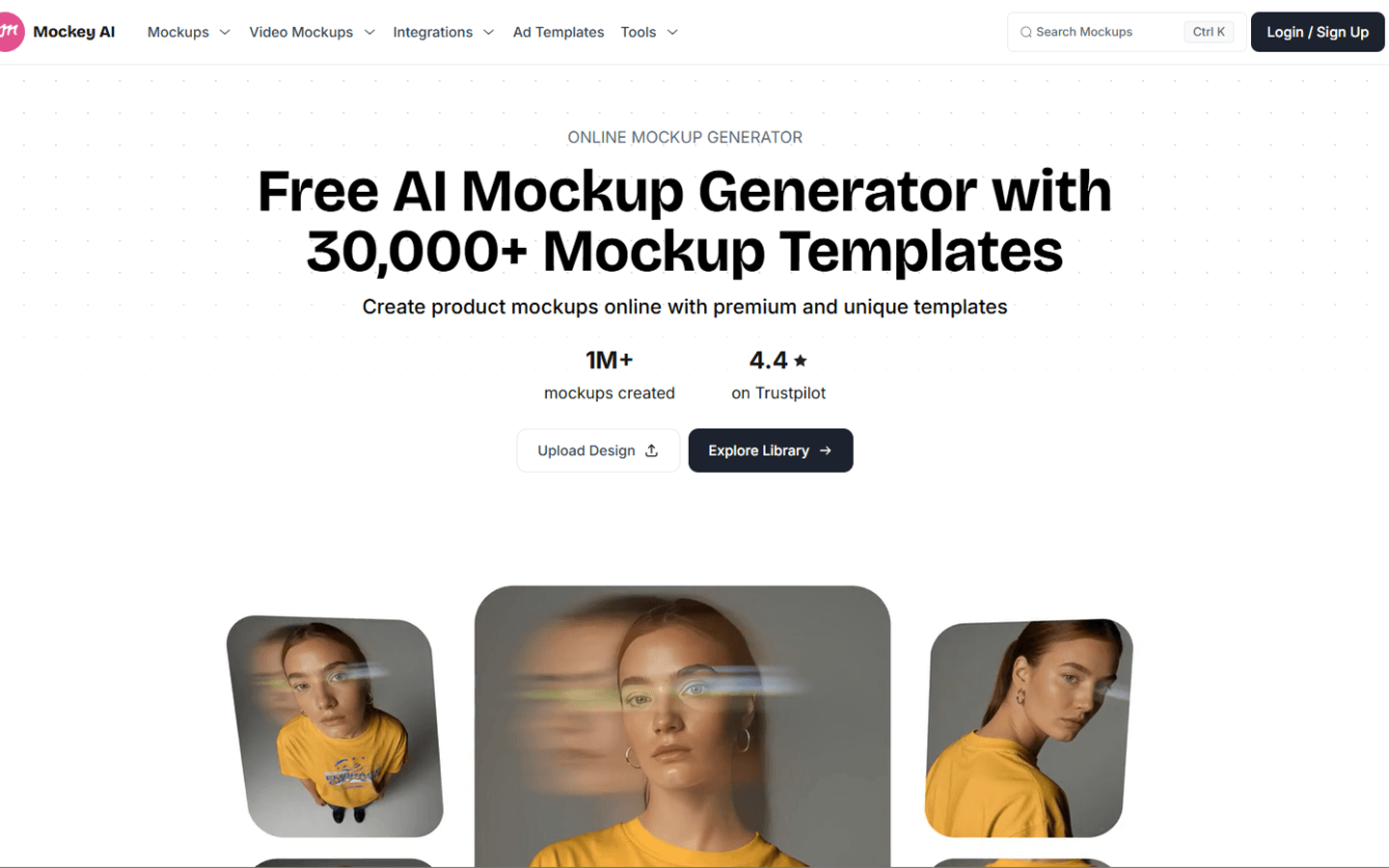
For POD sellers, merch designers, and marketers who need store-ready product mockups without Photoshop or a photoshoot—not a print fulfiller and not Flair-style AI on-model photography. Mockey AI is a browser template studio (apparel-heavy) with Free limited to personal JPG downloads; Starter unlocks commercial use, PNG, and PRO templates. Prefer Placeit or Artboard for rival catalogs; Creator adds video mockups and the AI Studio suite.
Mockups & Product Visualization
$Freemium
Mockey AI homepage

Use it when

You need apparel or product listing mockups for POD, Etsy, or Shopify—and want a browser template editor instead of Photoshop composites or a studio shoot.

What it does well

  • Apparel-heavy mockup catalog plus product templates, AD Templates, and an AI Studio path
  • Upload artwork, preview on templates, tweak placement/color/warp, then export; bulk download on paid plans
  • Watermark-free exports on paid commercial paths; JPG on Free, PNG and HQ on Starter+
  • Shopify app, Figma plugin, and Etsy app for creating or publishing mockups in those surfaces
  • Creator+ adds video mockups, Multi Shot, and AI Studio tools (Animate, Change Background, Photoshoot, etc.) on credits

Skip it when

  • You need commercial client or store assets on Free—commercial use, PNG, and unlimited downloads unlock on Starter+
  • Free is personal JPG only at 3 downloads/day on a 1000+ free-template pool—not full PRO/bundle access
  • You need video mockups or the full AI Studio suite on Starter—those unlock on Creator (yearly AI credits) or Forever (one-time credits)
  • You need print-and-ship fulfillment—Mockey makes visuals only; pair with Printful or another POD printer
  • You want AI product photography as the main job (Flair, Claid, Photoroom) rather than template mockups
  • You need a full brand or UI design system in Canva or Figma—this is a mockup/export tool

Fits your workflow

Pick a template → upload PNG/JPG/WebP artwork → adjust → download for listings or ads. Stay on Free only while evaluating; move to Starter before shipping commercial catalog shots. Use Creator when motion or AI scene tools matter. Keep a separate fulfiller when you manufacture goods.
Similar tools

See more