
Skip to content

For product and marketing designers who need a device or screenshot mockup for a landing page, social post, or case study—not Rotato’s 3D spin, not Placeit scenes. Drop a shot into Shots, pick a frame and background, and export. 1x FHD PNG or JPEG downloads with no watermark; resolution and format are capped until you upgrade. Plus is the stills bump (2x / 4K). Pro is the video bump (60 fps, 6K, WebP, GIF, transparent WebM).
Mockups & Product Visualization
$Freemium
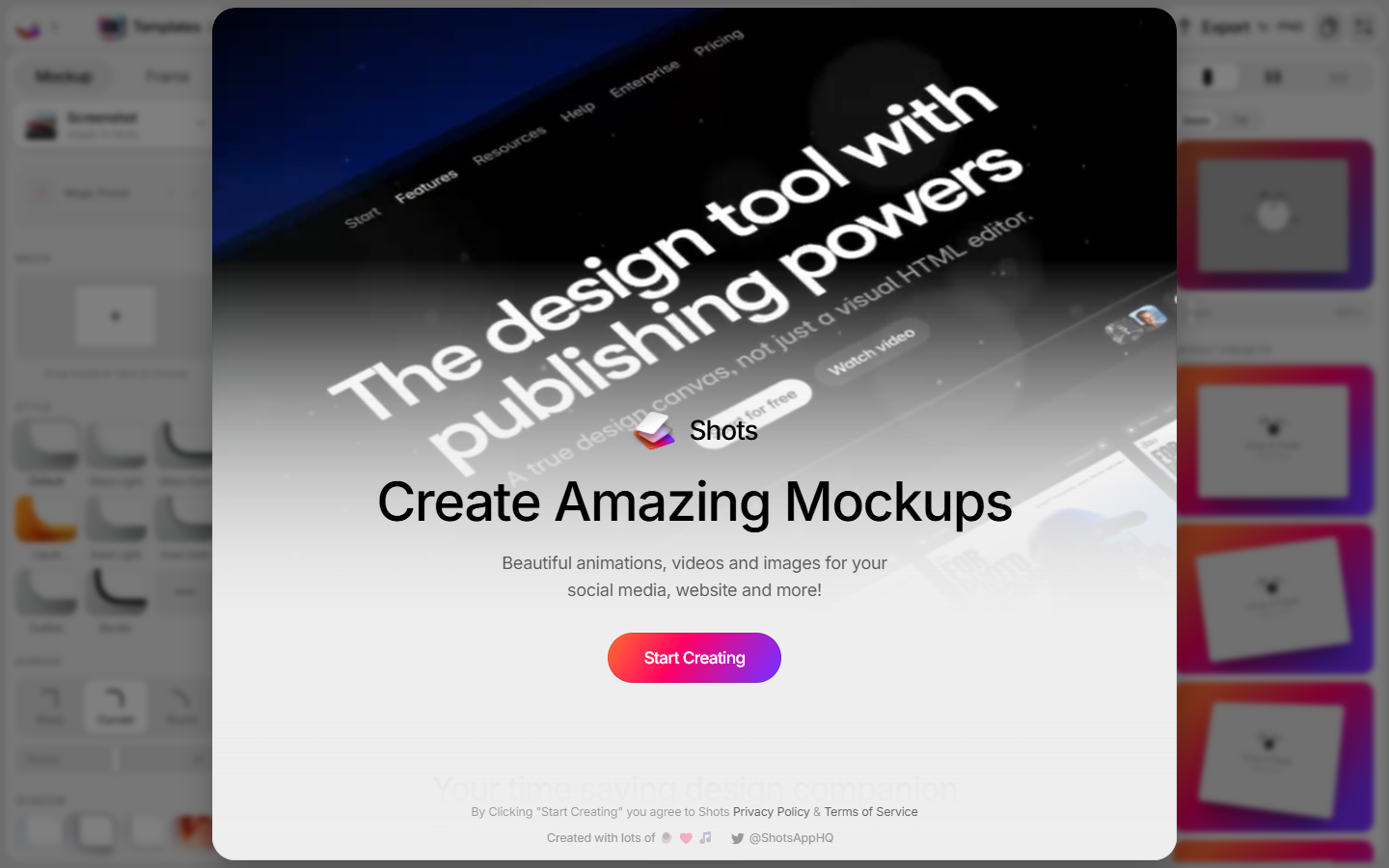
Shots homepage

Use it when

You have a UI screenshot or clip and need it in an iPhone, Android, iPad, desktop, or browser frame for a site, tweet, or portfolio—static first, motion only if the export table unlocks it.

What it does well

  • Browser mockups with device frames, Glass / Liquid Glass / Inset styles, Magic Backgrounds, 3D shapes, and Noise/VHS/Glitch
  • 1x FHD (1920×1080) PNG or JPEG export with no watermark
  • Plus: 2x / 4K stills, 30 fps animation and parallax, 720p video at 30 fps (10 exports, up to 1 minute each)
  • Pro: 3x / up to 6K, 60 fps, 2K video unlimited up to 3 minutes, transparent 1080p WebM (45 fps, 20s), WebP, GIF

Skip it when

  • You need Rotato for 3D product turns, or Placeit/Smartmockups for lifestyle photography scenes
  • You need Recraft/SVG AI icons or a logo file pack—this is a mockup compositor
  • WebP, GIF, 3x/6K, and transparent video are Pro. Plus stills stop at 2x/4K; Plus video is 10×720p clips, not unlimited
  • Drafts and folders are listed as coming soon on Plus and Pro. Not a Figma plugin

Fits your workflow

Drop or paste the screenshot → pick mockup, style, and background → export 1x PNG. Upgrade to Plus when 4K stills matter. Use Pro when you need 60 fps, longer/unlimited video, WebP, GIF, or a transparent WebM. Keep 1x FHD out of print and App Store hero crops that need 6K.
Similar tools

See more