
Freemium
For illustrators, brand designers, and icon/graphic work that needs art-directed raster and vector assets—not a logo download kit or a product-UI file. Recraft Studio generates and edits images, vectors, and mockups, with custom styles from reference images and tools like upscale, background remove, and vectorize. Prefer Looka/Brandmark for one-time logo packs, or Figma when the job is a product UI system.
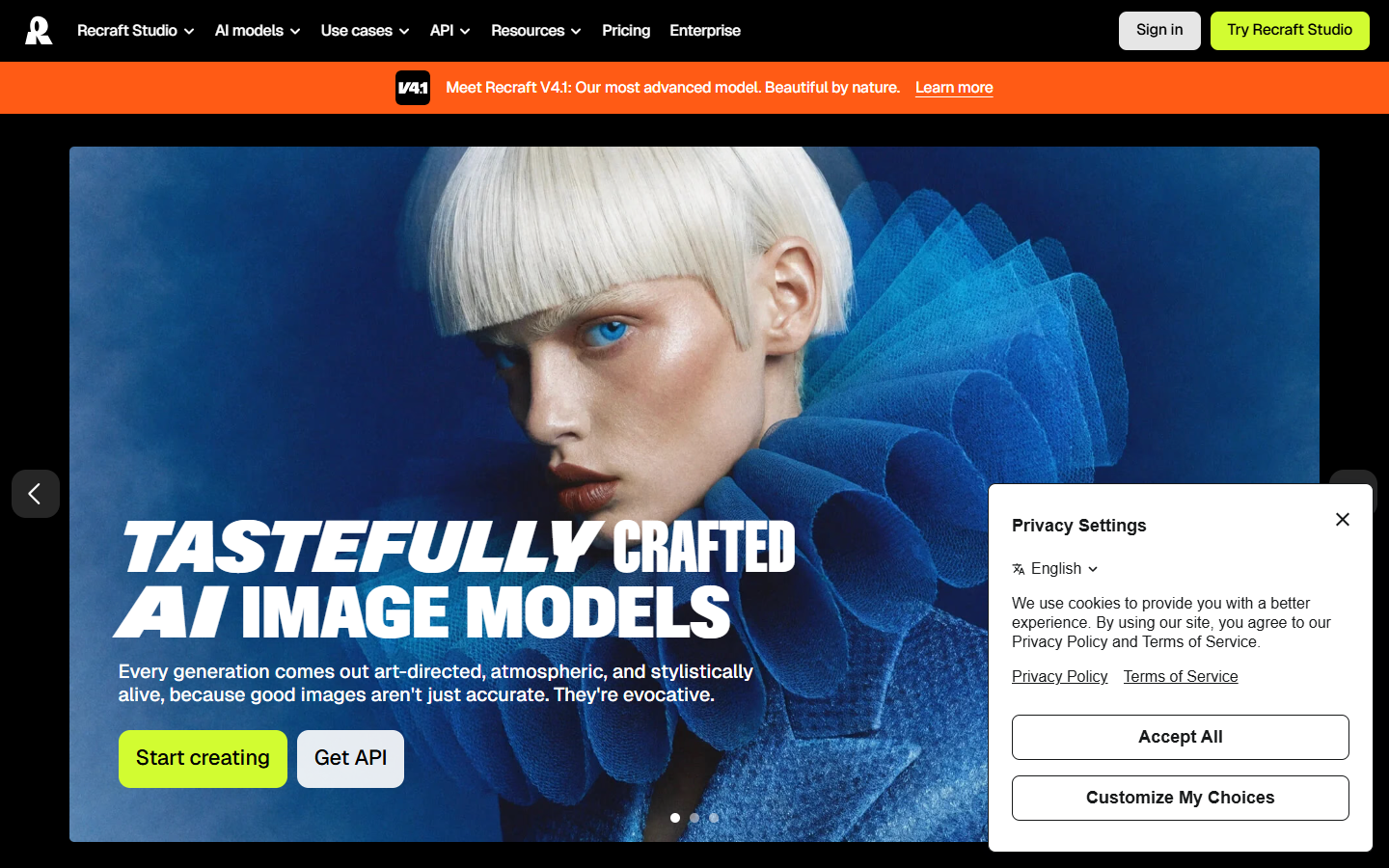
You need design-ready graphics—illustration sets, icons, brand-consistent visuals, or editable vectors—with style control inside one generative studio, not a founder logo package.
Primary loop is in Recraft Studio: style or prompt → generate raster or vector → edit → export into Figma, Illustrator, or your brand library. Use Free only to evaluate. For client-facing or commercial assets, generate while on Basic or higher so ownership and privacy apply at creation time. Pair with a logo maker when the mark is already decided and you need illustration or icon sets next.