
Freemium

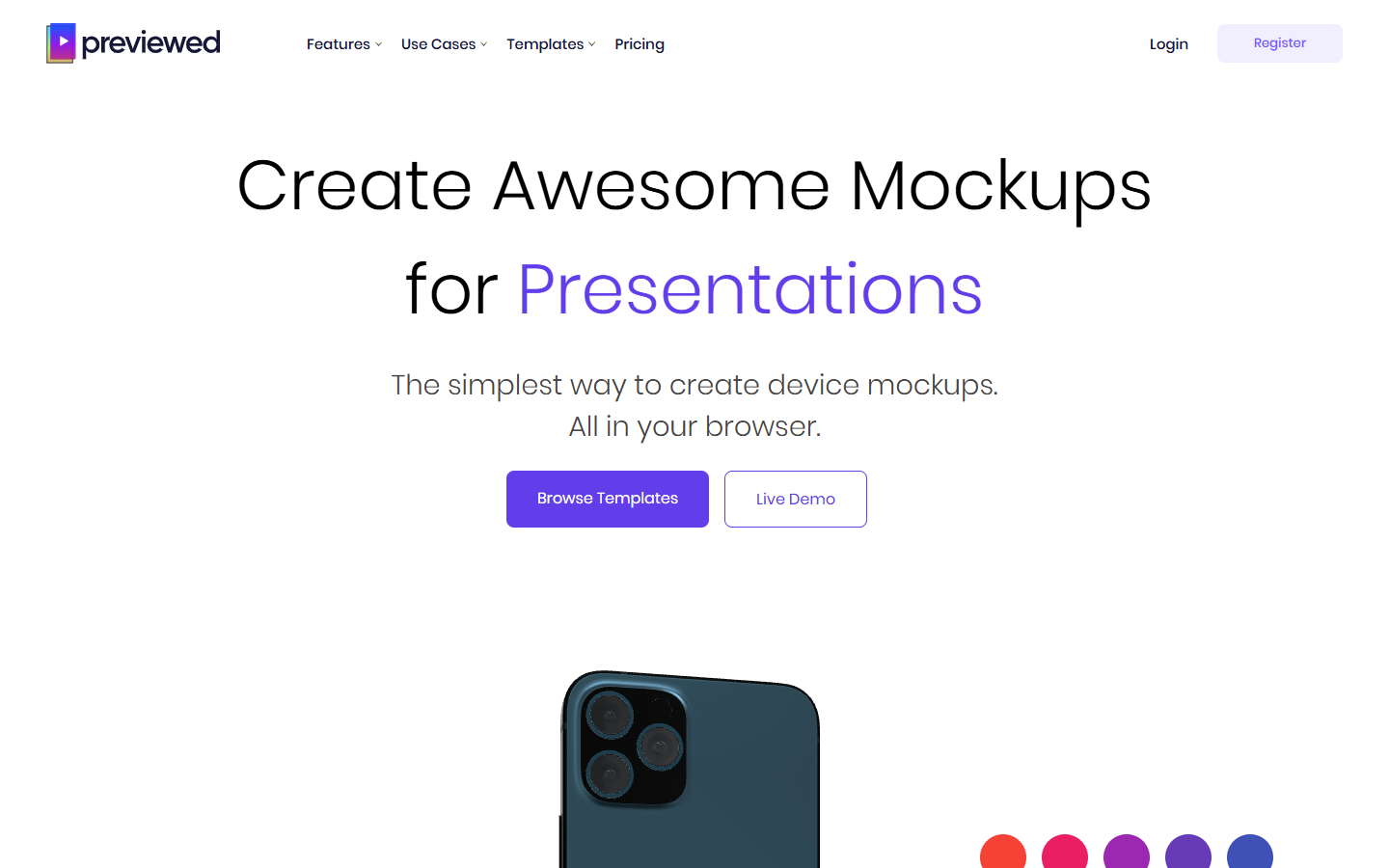
For app and brand designers who need device frames and promo scenes without a photoshoot—not a UI editor and not a general Canva-style design suite. Previewed runs in the browser: place screens on devices, style 2D or 3D scenes, and export PNG, JPG, or MP4 for store listings, portfolios, and marketing. Prefer Placeit for a broader mockup catalog, or Canva Mockups if you already live in Canva.
You need app-store or marketing mockups—phones, tablets, desktops in styled scenes—and want a browser workflow from Figma screenshots to exportable stills or short video.
Export screens from Figma → drop into Previewed → pick device/scene → export still or video. Stay on Lite for personal drafts; buy Plus once for a short commercial burst; move to Pro when mockups are continuous. Finish copy and layout in your store listing or marketing file.