
Freemium

For product and UI designers who need realistic device and print mockups for case studies, portfolios, and marketing—without hunting Photoshop templates. Mockuuups Studio (desktop, web, and Figma plugin) lets you drop screens into photo scenes, tweak the composition, and export high-res stills. Prefer Previewed for app-scene video loops, or Placeit/Canva Mockups if you already live in those catalogs.
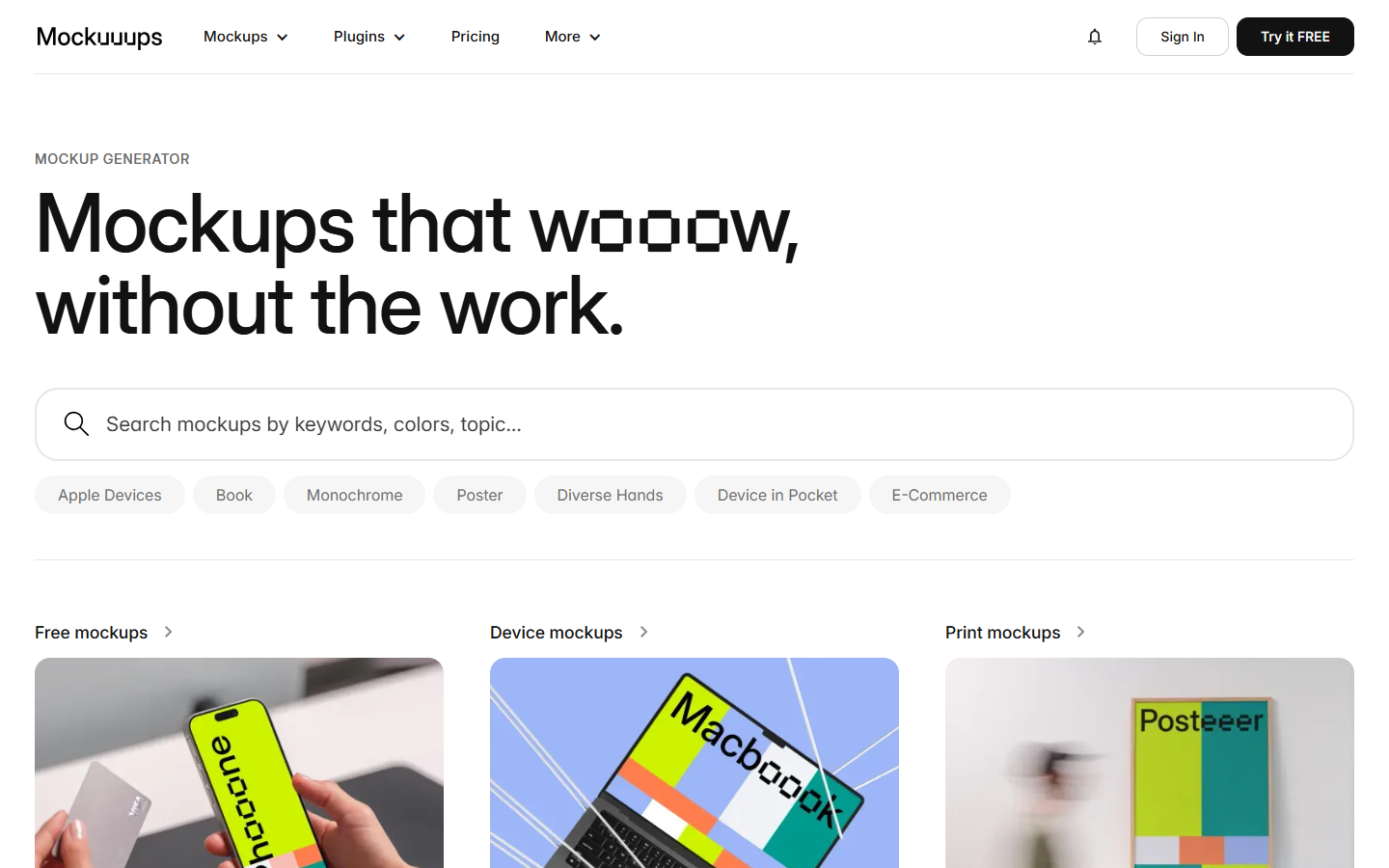
You need polished device or print mockups from Figma frames or screenshots for a case study, landing page, or client presentation—and want a dedicated library plus plugin instead of manual Photoshop composites.
Pick a Figma frame → open Mockuuups → choose a scene → export. Use the free set for personal drafts; subscribe for commercial unlimited use, or buy a single desktop export when you only need one shot. Drop the PNG into your case study, store listing, or marketing page.