Freemium
For illustrators, art directors, and brand designers who need high-quality generative exploration for moodboards, concept art, and visual direction—not product UI or editable vector icon systems. Midjourney runs on midjourney.com (and Discord) with prompt-based stills, style/image references, and image-to-video animation. Prefer Ideogram for readable in-image text, or Recraft/Figma when you need SVG or UI systems.
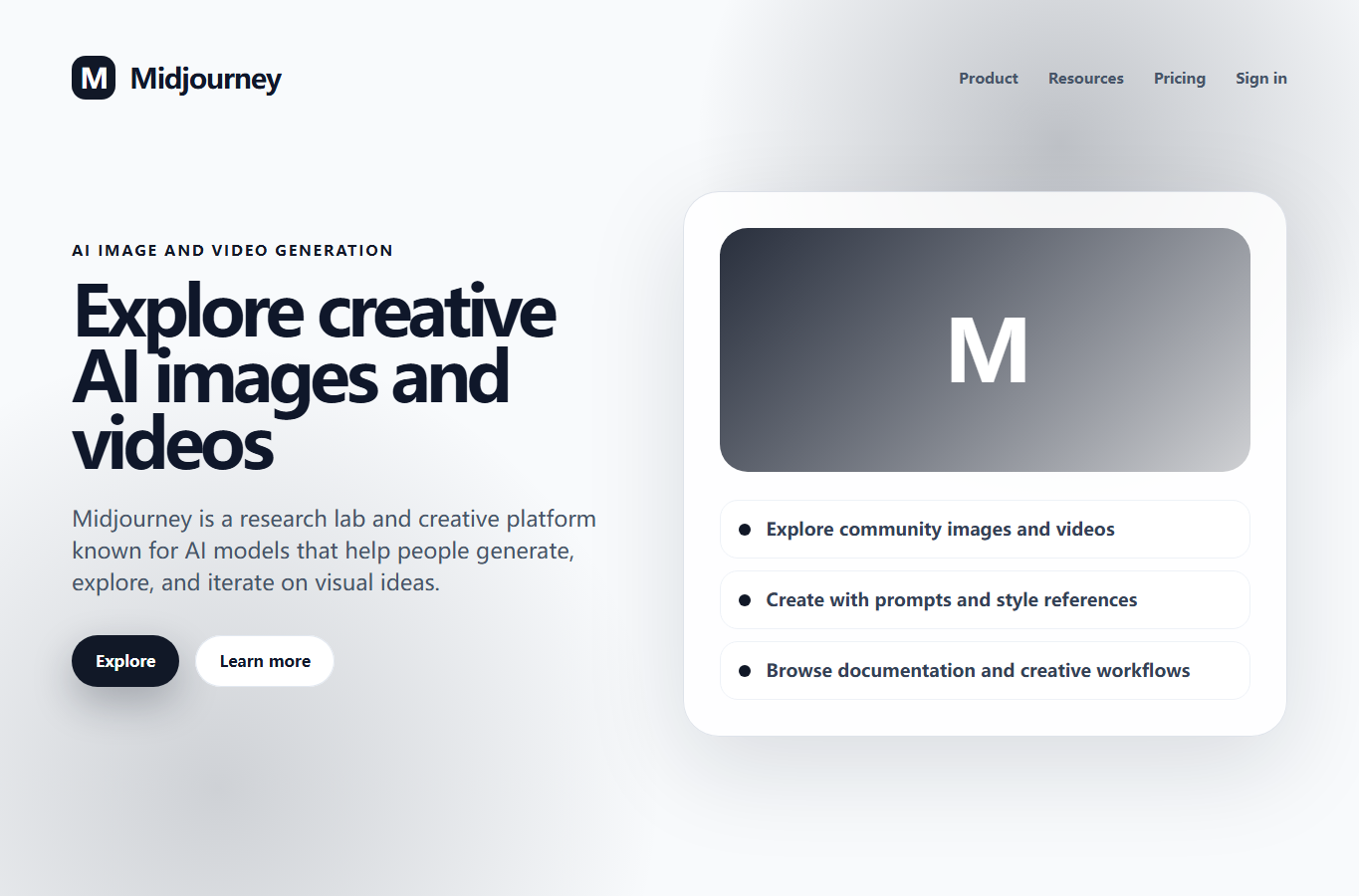
You need a strong ideation engine for moodboards, concept art, and art direction—exploring looks and atmospheres before you commit craft time in Figma, Illustrator, or production pipelines.
Primary loop is on midjourney.com Create: prompt and references → generate → vary or animate → pull stills into a moodboard or Figma frame for team review. Use Standard when you want unlimited Relax image volume; use Pro when privacy or company commercial thresholds matter. Treat outputs as direction-finding—rebuild finals with human craft and rights checks.