

ChatGPT Images
For designers who need concept stills and in-image lettering from a conversation—not a Midjourney studio and not an icon or design-system tool. ChatGPT Images generates and edits pictures inside ChatGPT (on-image text, transparent backgrounds, aspect ratios), then you download into Figma or Photoshop. Image generation exists on every plan, but Free is limited and slower. Skip it when you need SVG source or a dedicated batch studio.
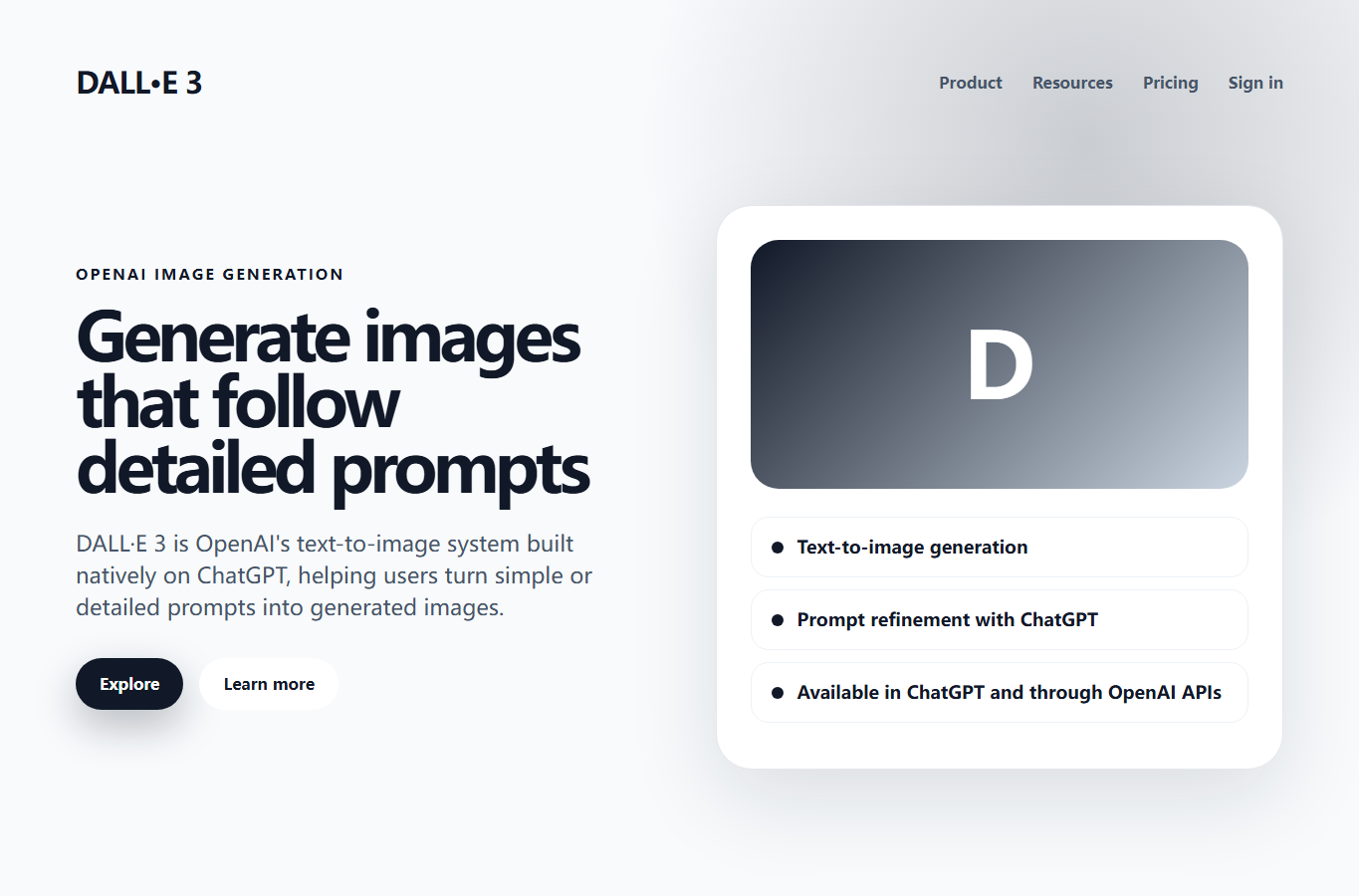
Image Generation
$Freemium
Use it when
You need concept stills, campaign directions, or in-image lettering from a chat—and you will download the raster and finish in Figma or Photoshop.
What it does well
- Generate images from natural-language prompts inside ChatGPT
- Follow instructions for in-image text, extra detail, and transparent backgrounds
- Upload an image or select a region and describe the edit in conversation
- Choose aspect ratios and iterate without leaving chat
- Copy, share, or download from the Images library
Skip it when
- You need icons, SVG, or a design system—this is not Recraft, Figma, or an icon generator
- You want a dedicated image studio (Midjourney, Leonardo) rather than chat-based stills
- Heavy volume on Free will stall: Free is limited and slower; Go adds more image creation; Plus is more complex and accurate; Pro is unlimited and faster
- Images with thinking (plan-then-generate) needs Plus, Pro, or Business
- Don’t rely on the official DALL·E GPT—it retires 30 Aug 2026; use ChatGPT Images
Fits your workflow
Describe or upload in ChatGPT Images → download a PNG → composite or redraw in Figma or Photoshop. Treat outputs as concepts, not brand source files.
Similar tools
See more
Freemium

Freemium

Freemium

Freemium

Paid

Freemium

Freemium

Freemium