
Skip to content

LS Graphics

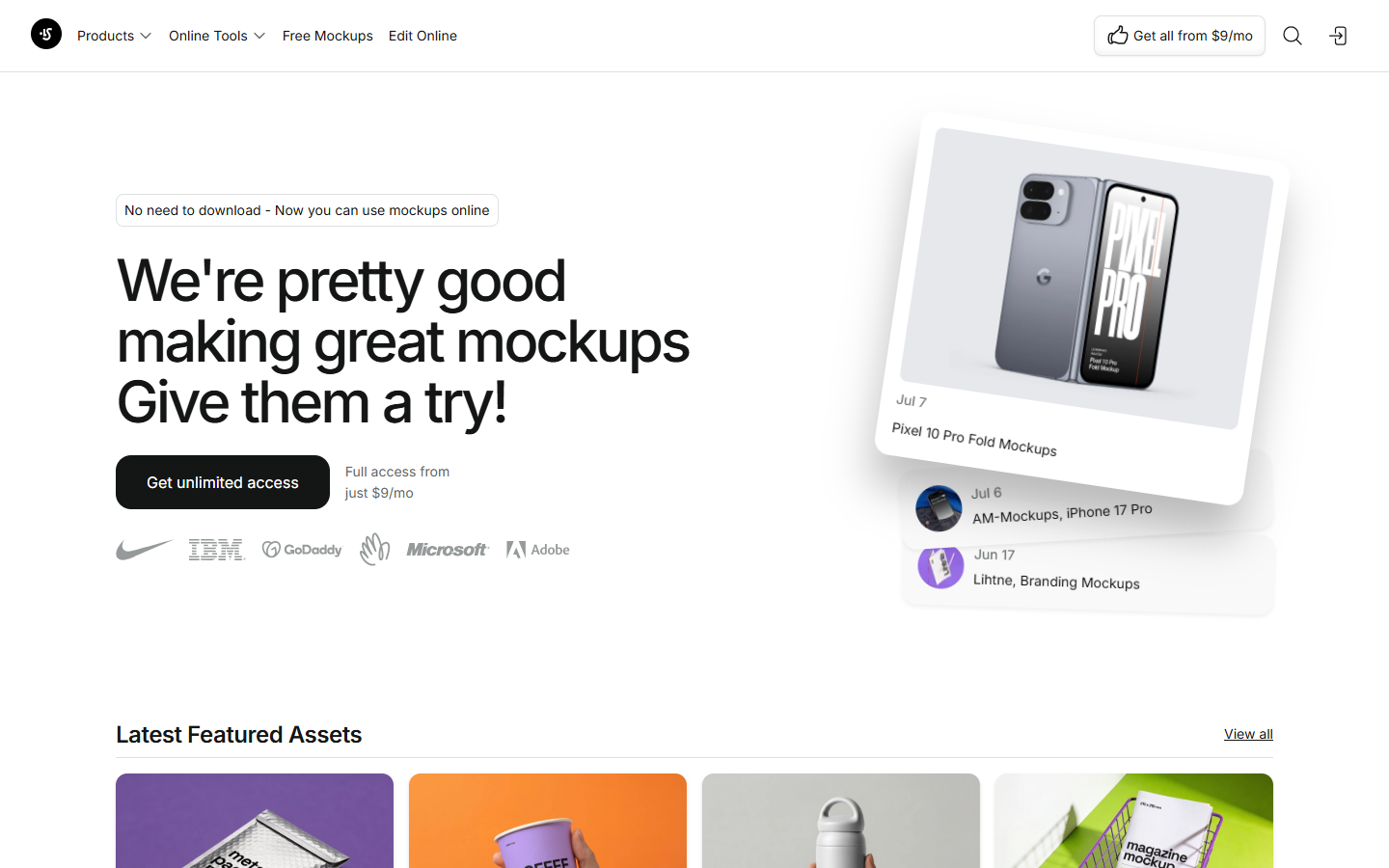
For UI, brand, and marketing designers who need high-end device and branding mockups—not an AI UI generator and not a design system tool. LS Graphics is an asset library plus browser editor: place screens into polished scenes, export stills, and optionally pull layered sources into Photoshop, Sketch, or Figma. Prefer Mockuuups or Placeit for a different mockup stack; use Figma alone when you don’t need photoreal device scenes.
Mockups & Product Visualization
$Freemium
LS Graphics homepage

Use it when

You need consistent, high-quality product and branding mockups for portfolios, app stores, or campaigns—and you’ll subscribe when free samples aren’t enough.

What it does well

  • Curated device, branding, print, apparel, and animated mockup scenes for professional presentation
  • Free mockups plus ColorFlow to try the quality bar without paying
  • Start: online mockup editor, PNG/JPG export, commercial license, weekly new resources
  • Pro: PSD/Sketch/Figma downloads, Figma Mockup Plugin, mckp.live, and full library access on top of Start
  • One-off pack purchases remain available when you only need a specific scene

Skip it when

  • You need layered source files or the Figma plugin on day one—those sit on Pro
  • Free mockups are only a sample set—ongoing unlimited library access is paid
  • You’re looking for AI prompt-to-UI generation—use Banani, Superdesign, or similar
  • Simple flat frames in Figma are enough and you don’t need photoreal mockup scenes
  • Interactive embed/video mockups via mckp.live require Pro, not Start alone

Fits your workflow

Pick a free or catalog mockup → edit online or in the Figma plugin (Pro) → export PNG/JPG for delivery → download PSD/Sketch/Figma sources on Pro when you need deep edits. Keep UI design in Figma; use LS for presentation polish.
Similar tools

See more