
Logo Diffusion
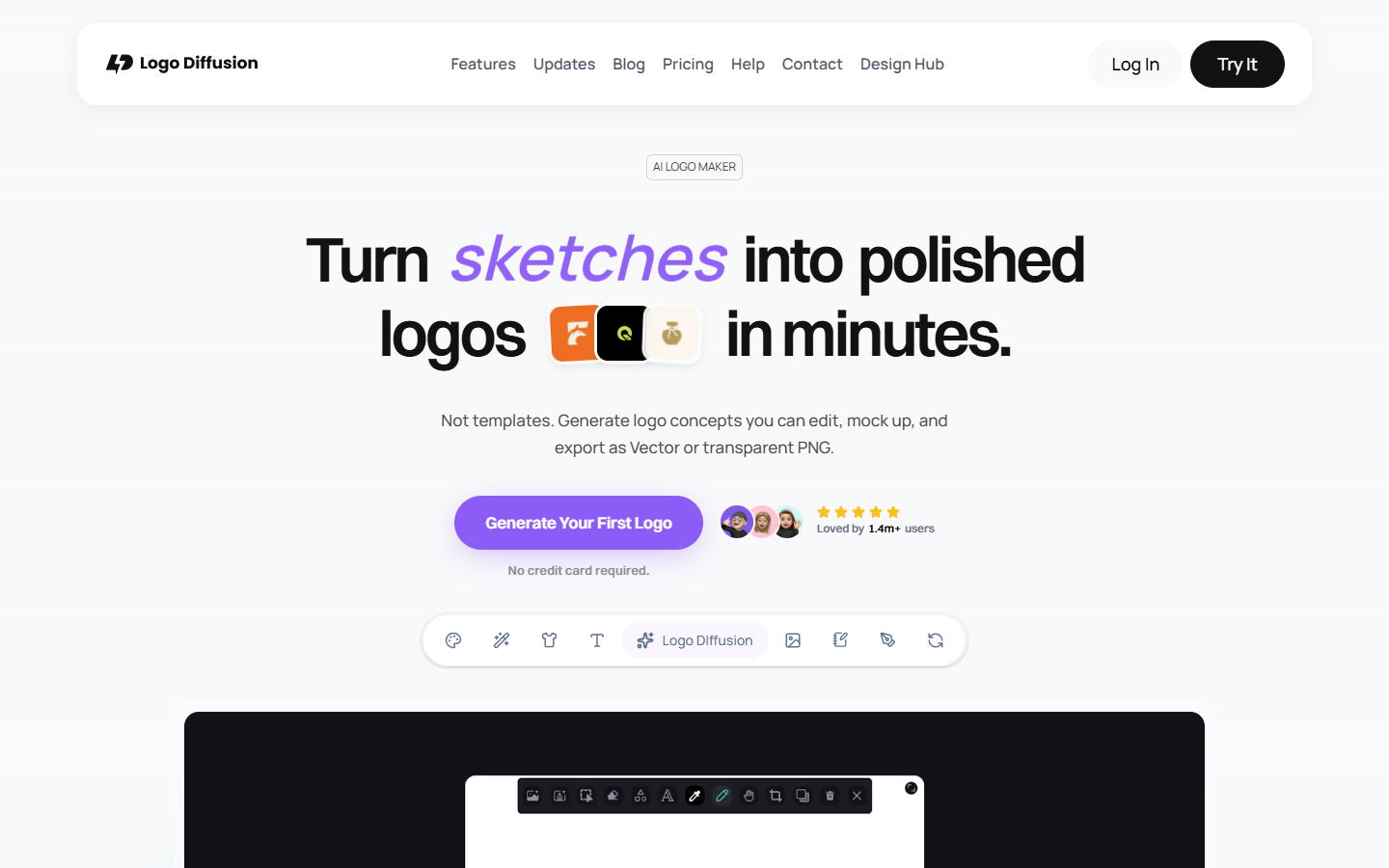
For designers, freelancers, and agencies who need high-iteration logo concepts—not stock templates or a separate vectorizer. Logo Diffusion generates from text, sketches, or images, then refines in Magic Editor with vector export, background removal, upscales, and AI mockups in one app. Free explores styles with about 12 text-to-logo runs per month but no downloads or commercial rights. Skip strategy-first brand studios or Figma UI handoff.
Use it when
You want many logo directions fast from a brief, sketch, or reference image, then polish, vectorize, and mock up inside one toolkit—especially for client concept rounds or freelance identity work.
What it does well
- Three starting points: Text-to-Logo, Sketch-to-Logo, and Image-to-Logo with multiple style families to compare without reprompting
- Logo-trained model output aimed at mark quality—not generic stock clip art pasted as a logo
- Magic Editor for smart text swap, on-brand variations, logo systems, and matching icon sets
- Vectorizer exports layered SVG files with gradient support; background remover and creative upscaler included on paid tiers
- AI mockups generated from prompts—not your logo pasted on stock photos—up to presentation-ready resolution
- Canvas sketch tools so you can guide AI instead of prompt roulette alone
Skip it when
- Free tier is explore-only: about 24 credits per month (~12 text-to-logo generations), public generations, and no downloads, vector export, or commercial license
- Client deliverables need Basic, Pro, Elite, or the one-time Starter Pack—Free is not a shippable commercial route
- Capacity snapshot: Basic ~1,000 credits/mo with unlimited downloads and vectorizer exports up to ~200; Pro ~2,500 with 3 concurrent jobs and vectorizer up to ~500 plus 2x/4x upscales; Elite ~6,000 with 4 concurrent jobs and higher export limits. Starter Pack is a one-time credit pack with limited PNG+SVG exports if you want one project without subscribing
- Heavy rerolling burns credits across generate, vectorize, upscale, and mockup tools—budget credits like studio time
- You need a guided strategy-to-kit studio (Branda-style dials) or Figma hi-fi / design-to-code as the main job
Fits your workflow
Start free to test Text, Sketch, or Image flows → pick a direction → refine in Magic Editor → upgrade to Basic or Pro for SVG downloads, private generation, and commercial rights → vectorize, remove backgrounds, upscale, and mock up for client review → export final files to Illustrator or Figma.
Similar tools
See more