

Skip to content

getimg.ai

For designers who want several image models in one browser workspace—not a local ComfyUI stack, not a dedicated upscaler, and not an icon tool. getimg.ai generates stills under a monthly credit pool, then you download into Figma or Photoshop. There is no free plan; Entry is 3,000 credits/month with 11 image models and 4K upscale. Skip it when you only need Magnific-class enlarge or a Midjourney-style studio.
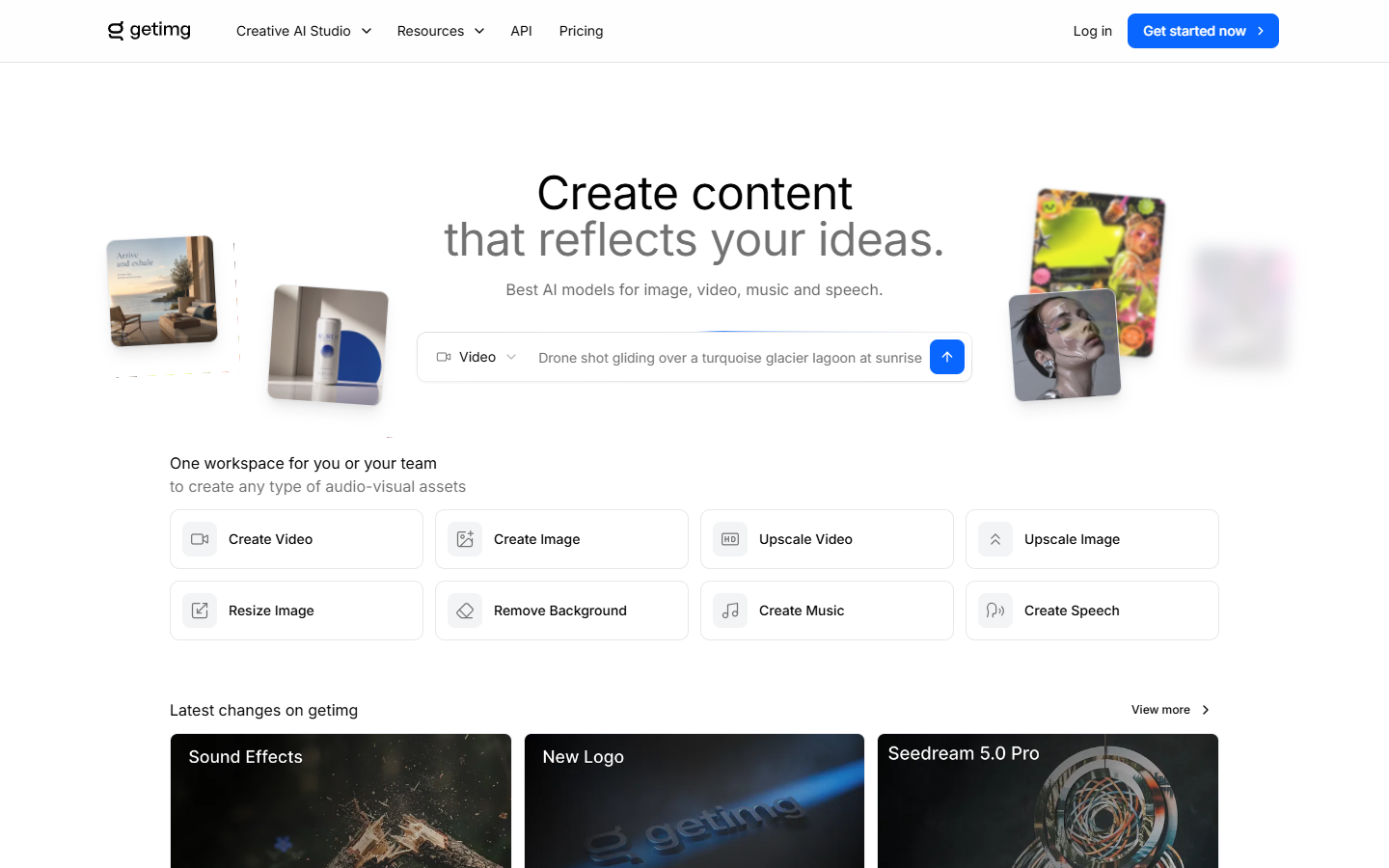
Image Generation
$Paid
getimg.ai homepage

Use it when

You want to try multiple hosted image models in one account—concept stills, campaign directions, then a download into Figma or Photoshop—without installing diffusion locally.

What it does well

  • One browser workspace spanning several image models instead of a single-generator login
  • Resize, background removal, and upscale in the same subscription
  • Commercial rights on Entry through Ultra; lossless download on those plans
  • Team seats from Core up; concurrent jobs scale from 2 to 10

Skip it when

  • You need a free trial or unpaid credits—there is no unpaid pool, and monthly credits do not roll over
  • You only need a dedicated 4×–8× upscaler—Remini, Magnific, or Topaz fit that job better
  • You need icons, SVG, or a design system
  • Entry is 3,000 credits/month (~60 Auto-mode stills), 11 image models, 4K upscale, 2 jobs at a time, no credit top-ups, and no Google Veo
  • All models, 8K upscale, and teams start at Core; 16K upscale and top-ups start at Plus (35,000 credits) / Ultra (100,000)

Fits your workflow

Generate in getimg.ai → optional resize or upscale in-app → download → finish in Figma or Photoshop. Treat upscale as a finishing pass, not the reason to subscribe. Use Core or higher when you need the full model list or team seats.
Similar tools

See more