
Fontself
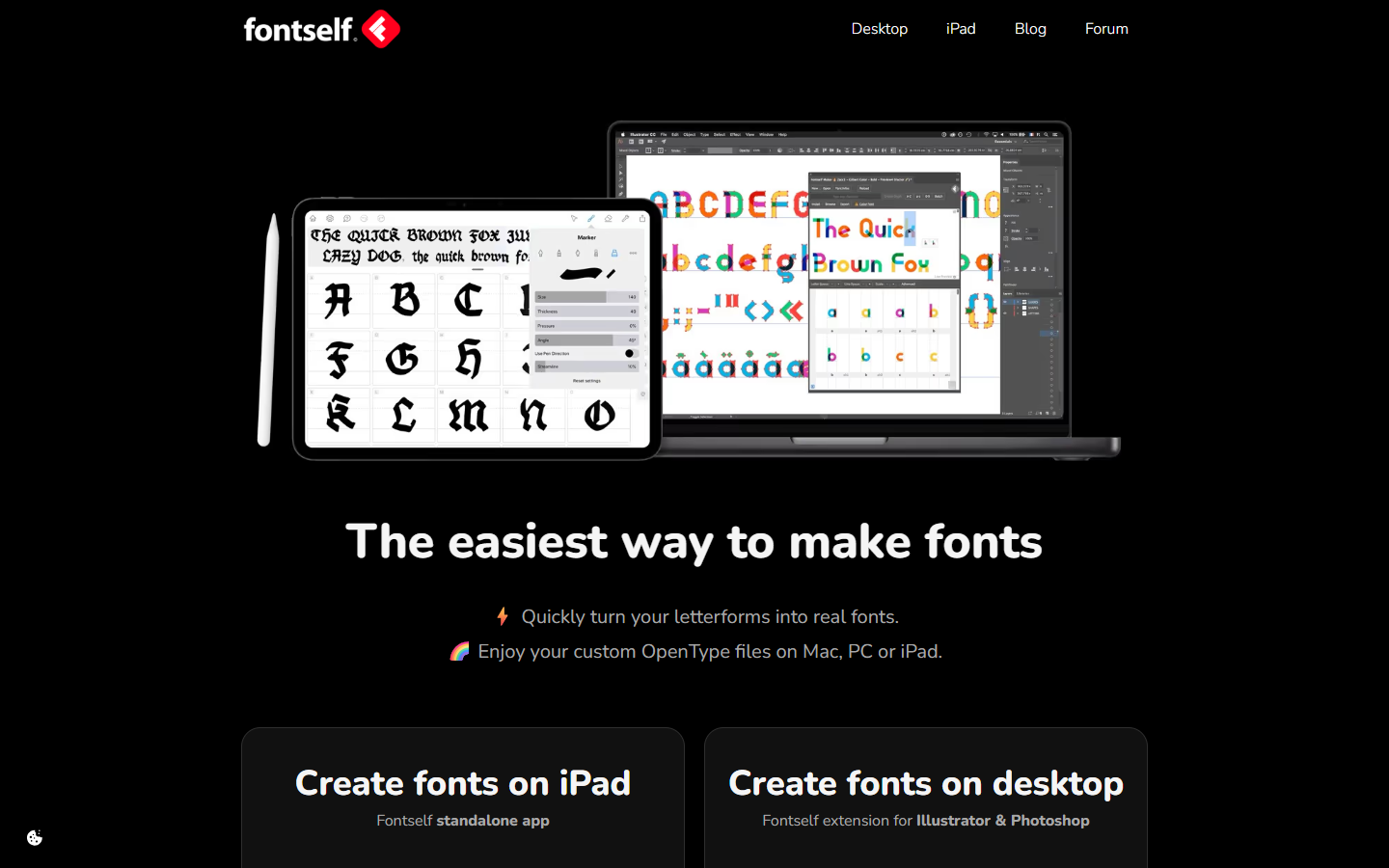
For lettering and brand designers who already draw in Adobe apps and want installable fonts—not Calligraphr’s browser templates, and not a full Glyphs/FontLab studio. Fontself Maker is a one-time desktop add-on (live store: CC 2025–2026). Illustrator builds standard and color vector fonts with auto spacing, kerning, alternates, and ligatures; the AI+Photoshop bundle adds color bitmap fonts in PS. No free trial—demo videos only. Personal license covers two devices you alone use.
Use it when
You have drawn alphabets in Illustrator or Photoshop and need a real OpenType file for typing, client brand systems, or selling a simple display face—without learning a dedicated font editor.
What it does well
- Illustrator Maker: standard vector fonts, color vector fonts, auto spacing & kerning, alternates & ligatures, in-app chat support, free updates
- AI + Photoshop bundle: same vector toolkit plus color bitmap fonts in Photoshop (color vector remains Illustrator-only)
- One-time purchase model with free updates—no monthly seat; personal license installs on up to 2 devices you solely use (Mac and Windows allowed within that cap)
- Targets current Creative Cloud desktops (store cards: CC 2025–2026); Apple Silicon supported for AI and PS (PS not on Windows ARM)
Skip it when
- You need a free web handwriting-to-font path (Calligraphr) or a production type studio (Glyphs/FontLab)
- You want a free trial before buying—the store FAQ says there isn’t one yet (watch demos instead)
- You’re on CS6 or pre-2025 CC—the live Maker cards require recent CC versions
- You only need the iPad app story and haven’t confirmed that SKU separately—this listing centers the Illustrator/Photoshop Maker store
Fits your workflow
Draw glyphs in AI or PS → open Fontself Maker → set spacing/kerning/ligatures → export OpenType → install or deliver. Buy Illustrator-only or the bundle if you need Photoshop bitmap color fonts. Confirm education discounts separately if you’re a student or school.
Similar tools