

Tripo AI
For 3D, game, and product-spatial creators who need fast AI assets from prompts, images, or sketches—not a full Blender modeling suite. Tripo Studio generates meshes (with Smart Mesh, multi-view, parts, and batch on paid plans) and meters work in monthly credits; a separate Tripo API line exists for pipeline volume. Prefer Meshy or Kaedim for a different gen stack, or stay in a DCC when topology craft is the job.

Use it when
You need AI-generated 3D from text or images for games, previz, or product concepts—and you can match monthly credits to how many assets you actually ship.
What it does well
- Text/image/sketch-to-3D with paid unlocks for multi-view, generate-in-parts, Smart Mesh, and batch/bulk export
- Free: ~200 credits/mo, 1 concurrent task, public CC BY 4.0 models, ~10 stored, limited v2.5 downloads (~15/mo)
- Pro: ~3,000 credits/mo, private + commercial use, unlimited downloads/storage, 10 concurrent tasks, 3 free retries per model
- Max: ~25,000 credits/mo, 100 concurrent tasks, unlimited retries, dedicated processing, permanent edit history
- Team: ~45,000 credits/mo with shared workspace and centralized billing; API available separately for pipelines
Skip it when
- Client delivery needs private commercial assets—Free stays public under CC BY with download and storage caps
- You need multi-view, full Smart Mesh, or batch export as defaults—those sit on Pro and above
- Hand-authored topology, hard-surface CAD, or film lookdev still belong in Blender, Maya, or ZBrush
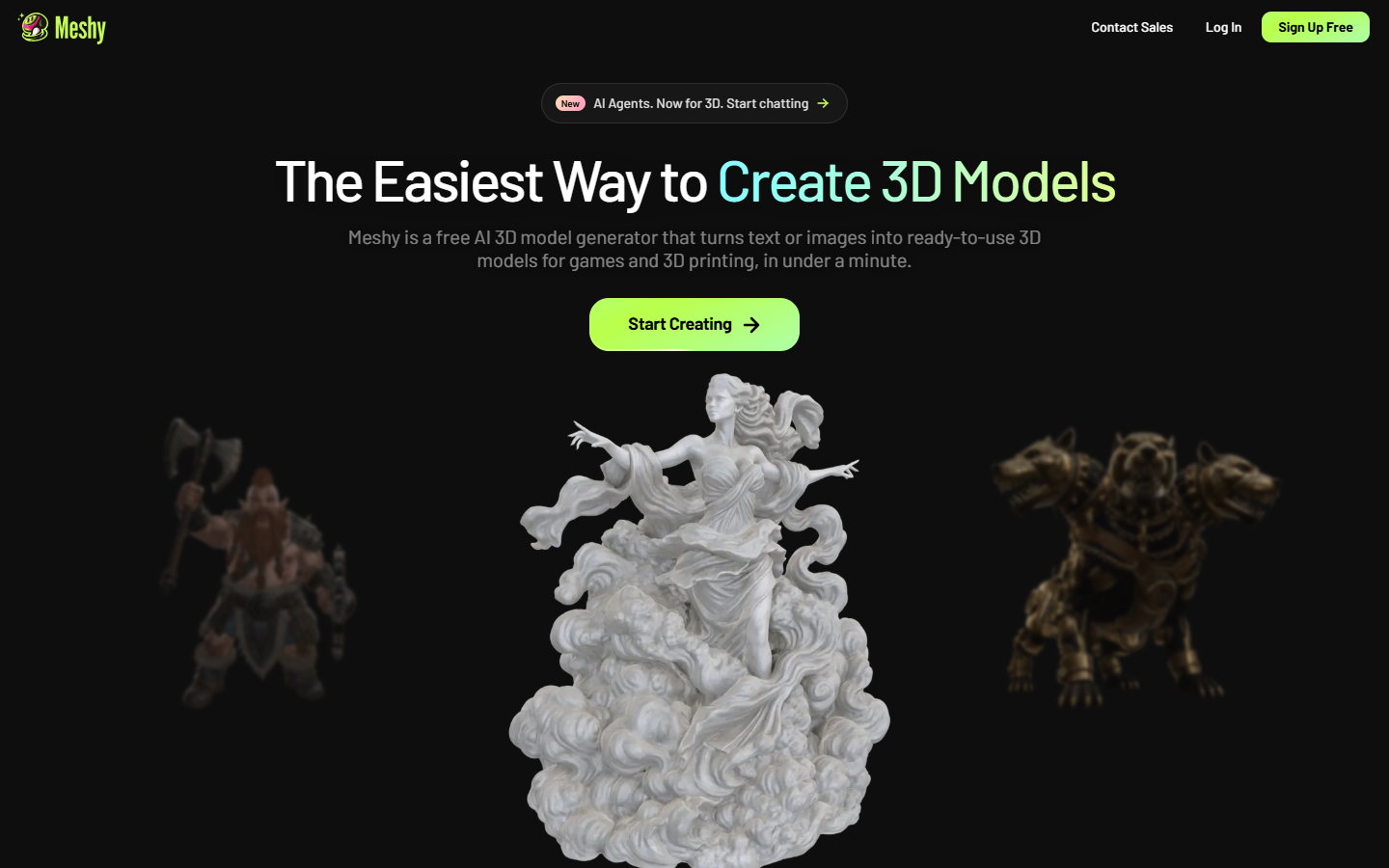
- You mainly want Meshy’s Creative Lab / print-oriented extras rather than Tripo’s Studio credit ladder
- Heavy API automation needs the separate API billing path—don’t assume Studio credits cover it 1:1
Fits your workflow
Prompt or drop images in Tripo Studio → generate (and refine with Smart Mesh/parts on paid plans) → download on Pro+ into Blender, Unity, or Unreal. Use Team for shared assets; use the API when generation is automated in a pipeline.
Similar tools
See more