

Sloyd
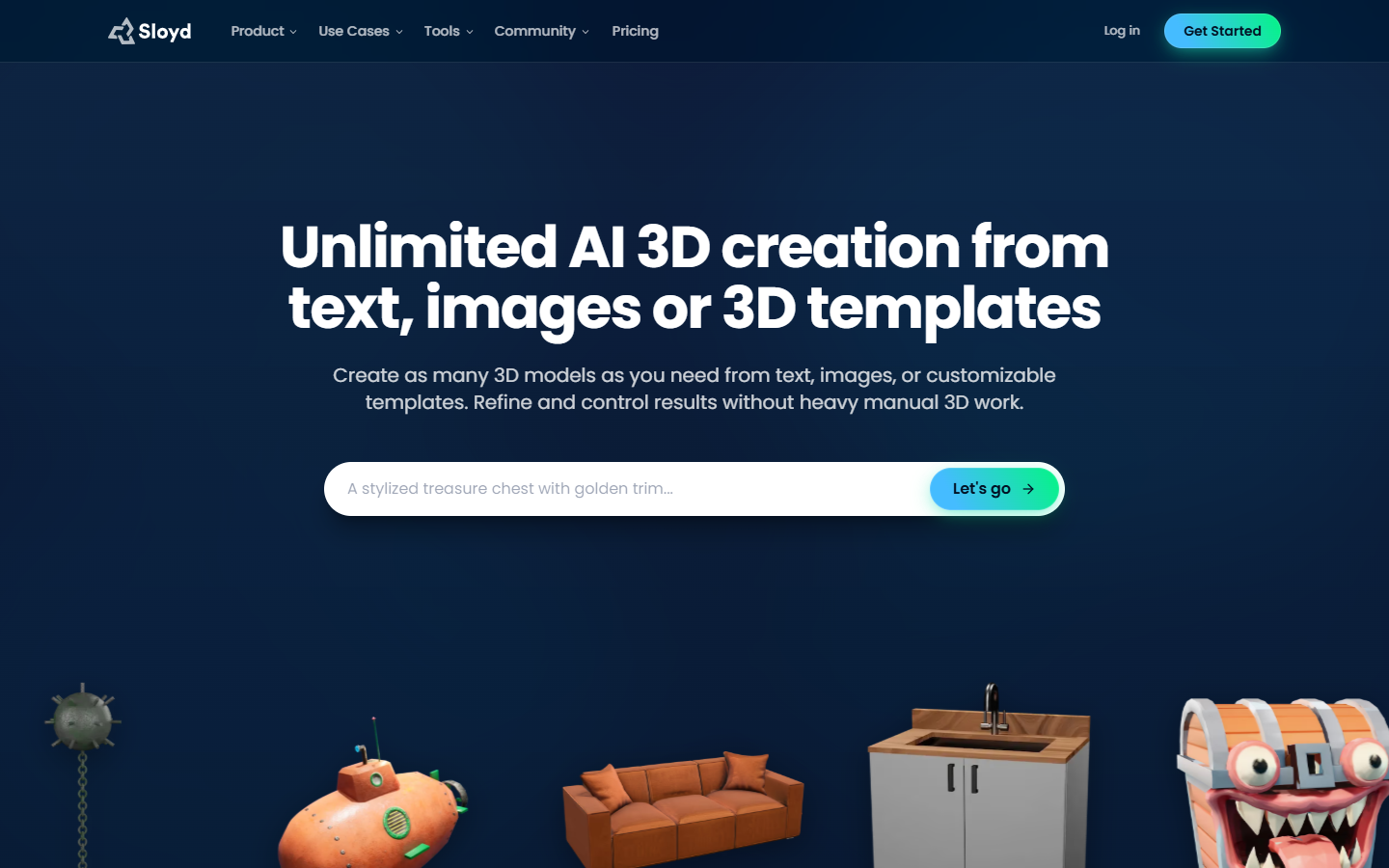
For game and concept designers who want browser text- or image-to-3D plus parametric templates—not Skybox panoramas or a full retopo suite like Alpha3D. Guest gives one AI generation per day and unlimited in-browser template editing, but model exports are community downloads only (GLB/OBJ) under a personal license. Plus and Pro unlock unlimited text/image-to-3D exports, engine plugins, and commercial use; Pro alone allows marketplace reselling.
Use it when
You need game-ready-ish props or simple objects fast in the browser, will finish in Unity, Unreal, or Blender, and can live on one AI generation a day until you upgrade—or you mainly tweak Sloyd templates.
What it does well
- Text-to-3D and image-to-3D in the browser, with parametric template customization on every plan
- Guest: 1 AI 3D generation per day, community model downloads (GLB/OBJ listed), personal-use license, unlimited in-browser template editing
- Plus/Pro: unlimited text and image to 3D (fair-use/queue still apply), plus AI retexturing, rigging/animation paths, and skybox on paid tiers
- Plus: 50 monthly AI credits; Pro: 350—for multi-image, ultra ~500K tris, text/video to animation, split to parts. Plugins (engines, DCC, print) on Plus/Pro
Skip it when
- You need to export your own AI generations on Guest—compare table: Guest exports = community models only; Plus/Pro = unlimited exports
- You need commercial use or reselling: Guest is personal-only; Plus is commercial but no reselling; only Pro allows marketplace reselling
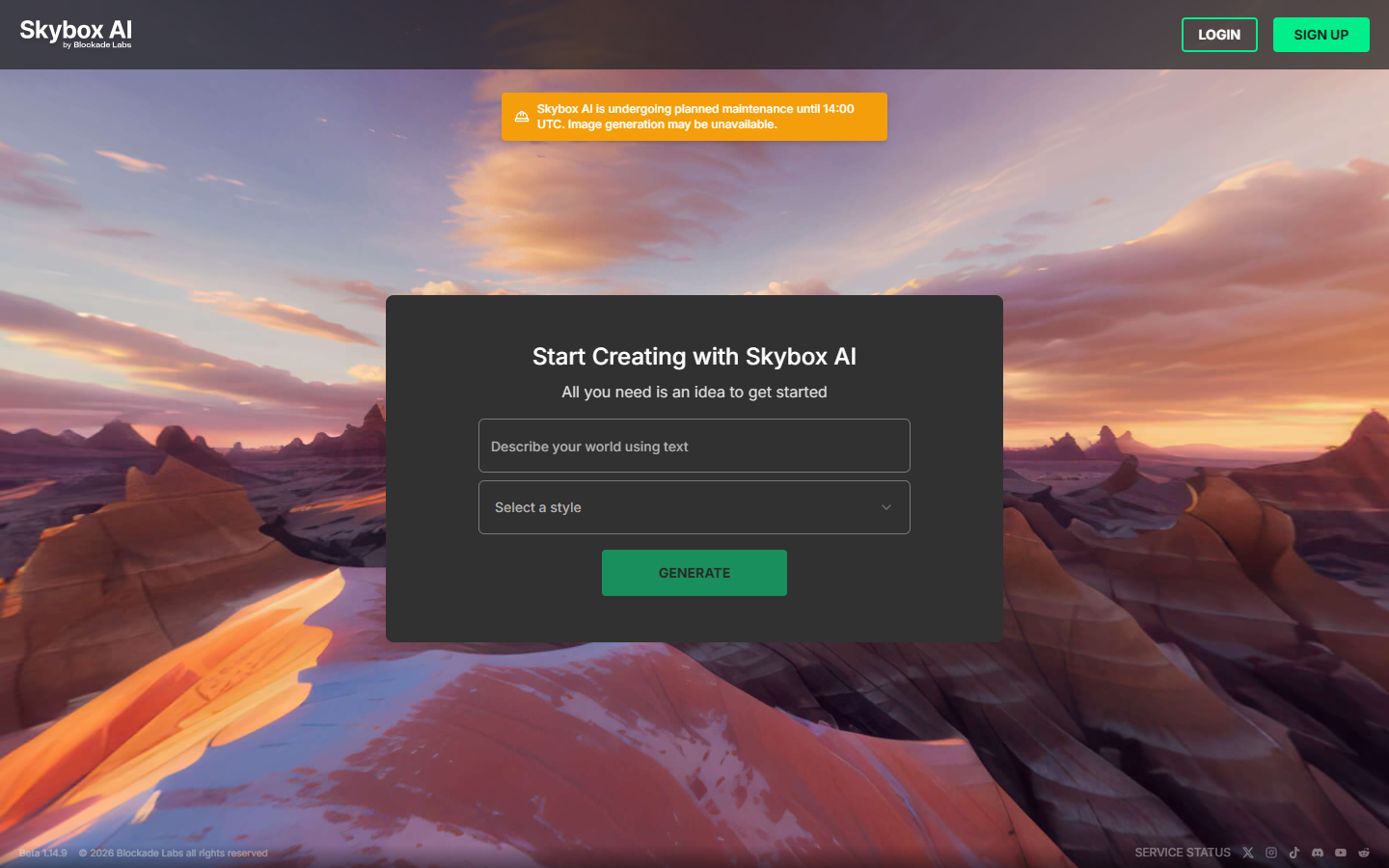
- You need Skybox-style 360 environments as the primary product, or Alpha3D-style generate-then-retopo/UV/rig in one studio pipeline
- You treat “unlimited” as zero fair-use or queue limits—paid tiers still apply capacity and priority rules
Fits your workflow
Start on Guest for daily AI tries and template edits; stay free only if community downloads suffice. Upgrade to Plus to export your own meshes, get commercial license, and use Unity/Unreal/Blender plugins. Pro adds credit pool, priority queue, and reselling. Confirm FBX and other formats in-app at export.
Similar tools
See more